WhatsApp message templates: how to get them approved the first time
Outside the 24-hour window, an approved template is the only way to reach a customer. The three categories, the rejection reasons that cost the most time, and the formats that pass review.
On this page
- Why templates exist at all
- The three categories, and why the choice matters
- The rejection reasons that cost the most time
- Headers, buttons and the richer formats
- Named values: let the record fill the blanks
- After approval: quality, edits and pauses
- Where templates do their best work
- A pre-submission checklist
On the WhatsApp Business API, a business may only start a conversation — or reply after the customer has been quiet for 24 hours — with an approved template. That makes WhatsApp message templates the most important thing you will write for the channel, and the thing most often written badly: submitted in a hurry, rejected, rewritten, rejected again, while a campaign or a follow-up waits.
This guide is about getting a template approved the first time, and about writing one that still works after it is approved.
Why templates exist at all
WhatsApp protects its users from unsolicited messages with one simple rule. Inside the 24-hour window that opens when a customer writes to you, you may reply in free text. Outside it, you may only send a message Meta has reviewed in advance. Your own messages never reopen the window — only the customer’s do.
So a template is not a formality. It is the only way to send a reminder, a confirmation, an offer or a follow-up to someone who has not written to you today.
The three categories, and why the choice matters
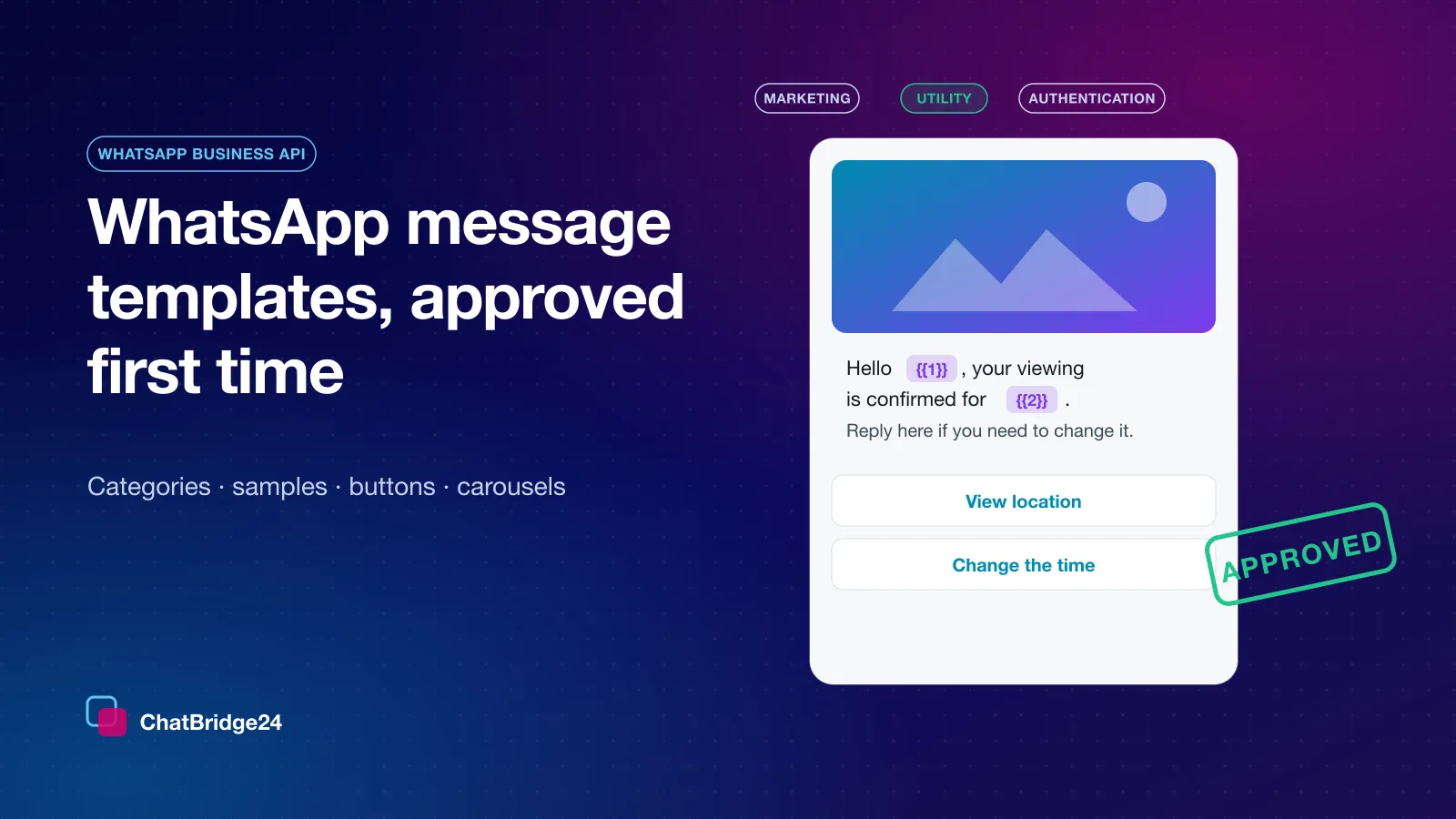
Every template is submitted in one of three categories:
| Category | What it is for | Typical example |
|---|---|---|
| Marketing | Promotion, offers, re-engagement, anything you would not send if they had not opted in to hear from you | “Our spring launch opens on Friday — reply YES for the brochure” |
| Utility | A specific transaction or account the customer is already part of | “Your viewing is confirmed for Tuesday at 4 pm” |
| Authentication | One-time passcodes, and nothing else | “Your verification code is 482193” |
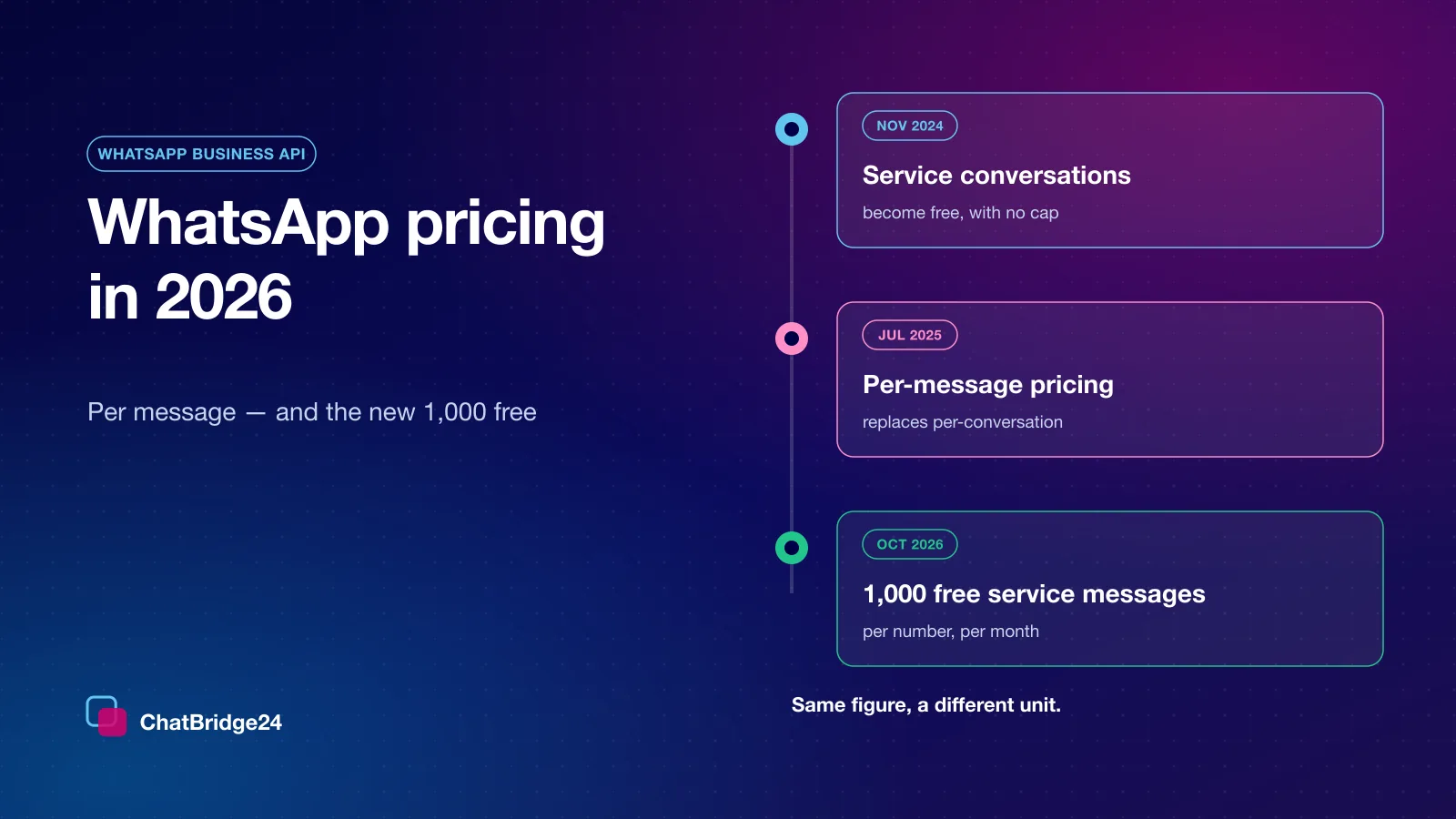
The category decides how Meta prices the message and how strictly it is reviewed. Do not try to pass a promotion as utility: Meta reviews the content, not the label, and can re-classify a template it judges to be promotional — which changes what every send of it costs. Read the current WhatsApp Business API pricing before you decide which messages are worth sending as templates at all.
The rejection reasons that cost the most time
Most rejections come from a handful of patterns. Avoid these and most templates pass on the first submission.
A value at the very start or end of the text. “{{1}}, your order is ready” and “Your code is {{1}}” are classic rejections. Put words on both sides of every value.
Values with too little text around them. A message that is mostly blanks reads like a template for anything, which is exactly what review is meant to stop. Each value should sit inside a sentence that would make sense to a reviewer with only the sample filled in.
Missing or meaningless samples. Every value needs an example when you submit. “test” or “xxx” tells the reviewer nothing; “Tuesday 14 October” and “Layla” tell them everything.
A promotion in a utility template. “Your appointment is confirmed — and enjoy 20% off your next visit!” is a marketing message wearing a utility label.
A vague or misleading button. A URL button should go where its label says. A shortened link that hides its destination invites rejection.
Headers, buttons and the richer formats
A template can carry more than text:
- A media header — an image, a video or a document. The example you submit is part of the review, so use a real one. Keep your own copy of the file: the example uploaded for review cannot be reused as the media for an actual send.
- Buttons — quick replies for one-tap answers, a URL, a phone number, or a copy-code button for a coupon or a booking reference.
- Carousels — several cards, each with its own image and buttons, for a set of properties or products. Once a carousel is approved, its cards’ positions are fixed; you cannot reorder or remove a card on an edit.
- Limited-time offers — a countdown and a code for a genuine deadline.
Each of these is a shape Meta validates at submission, which is why an editor that lets you build it correctly the first time saves days.
Named values: let the record fill the blanks
A template’s values are only useful if they are filled correctly at send time. Decide, for each blank, whether it is the same for everybody (“our Dubai Hills office”) or taken from each recipient’s own data (their first name, the property they enquired about). Filling values in place, on the message itself, makes it obvious what the customer will read — and catches the empty first name before it becomes “Hello , your viewing is confirmed”.
After approval: quality, edits and pauses
Approval is not the end of a template’s life. Meta watches how recipients react: a template that many people block or report gets a lower quality rating, can be paused, and drags down the number that sends it. The cure is the same as the prevention — send it only to people who expect it, at a sensible frequency.
You can edit an approved template within the limits Meta sets, and an edit is reviewed again. Templates belong to your WhatsApp Business Account rather than to any provider, so if you change provider they travel with you.
Where templates do their best work
- Follow-ups after the window closes — the gentle “are you still interested?” that a sales team needs every day.
- Confirmations and reminders — utility messages that customers genuinely want.
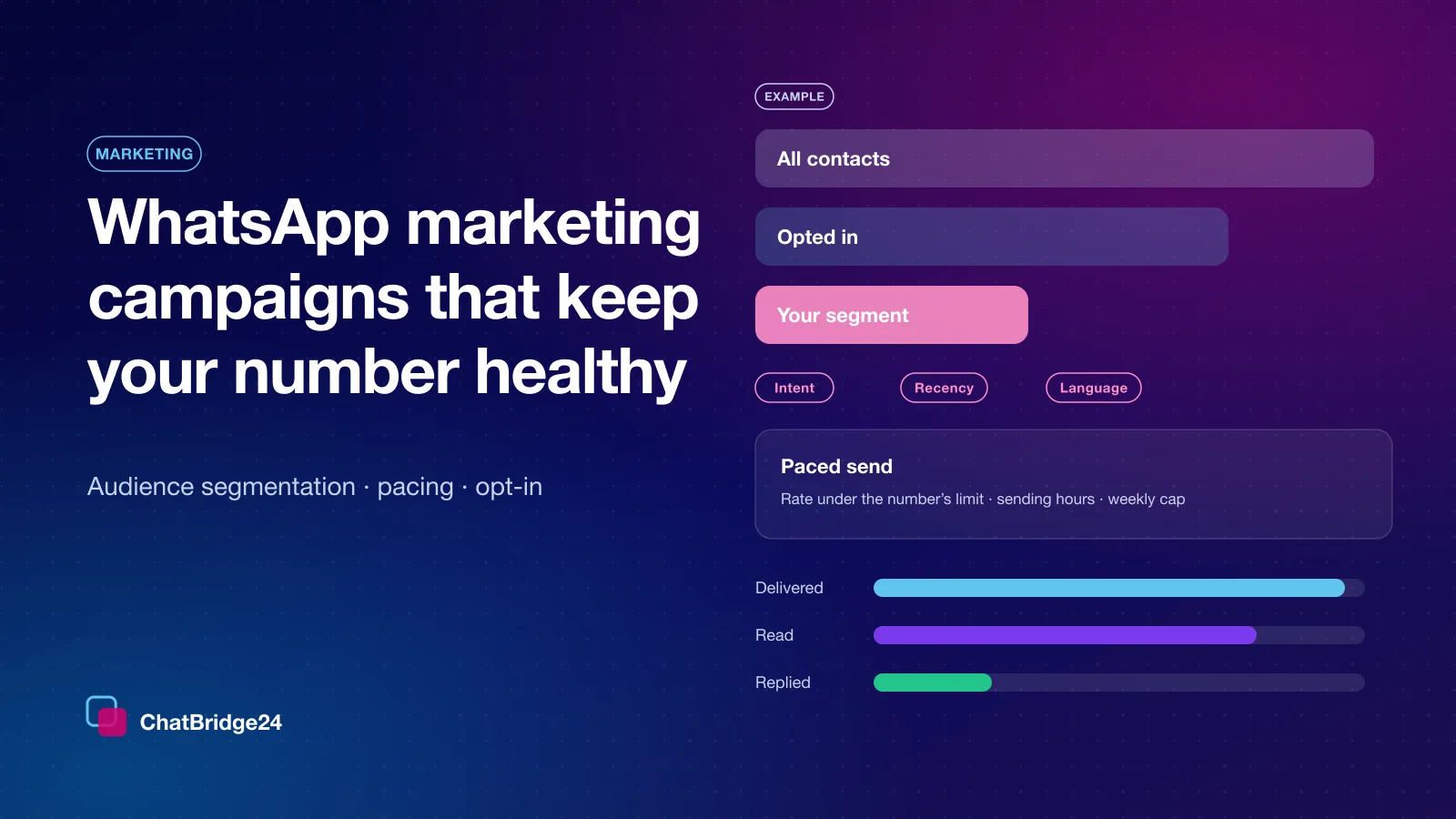
- Campaigns — WhatsApp marketing campaigns to an audience you built and can defend, paced so the replies can actually be answered.
A pre-submission checklist
- The category matches the content, not the cost you hoped for.
- No value at the start or end; every value inside a real sentence.
- Real, specific sample values for every blank.
- Media headers use a real example, and you keep the original file.
- Buttons say exactly what they do.
- The message reads naturally aloud with the samples filled in.
Templates are included on every plan, from the first connected number — see ChatBridge24 pricing for what each plan adds on top.
Common questions
Why was my WhatsApp template rejected?
Most often because a value sits at the very start or end of the text, the values have too little text around them, the sample values are missing or meaningless, or a promotion was submitted as utility.
Can I change a template after it is approved?
Within the limits Meta sets, and an edit is reviewed again. A carousel’s cards cannot be reordered or removed on an edit.
Do my templates move if I change provider?
Yes. Templates belong to your WhatsApp Business Account, not to the provider, so they travel with the account.