
How WhatsApp Business actually works
Meta's Cloud API, Bitrix24 Open Channels, message templates, automation and per-message pricing — written from the product, with the dates on the figures.
 Guides
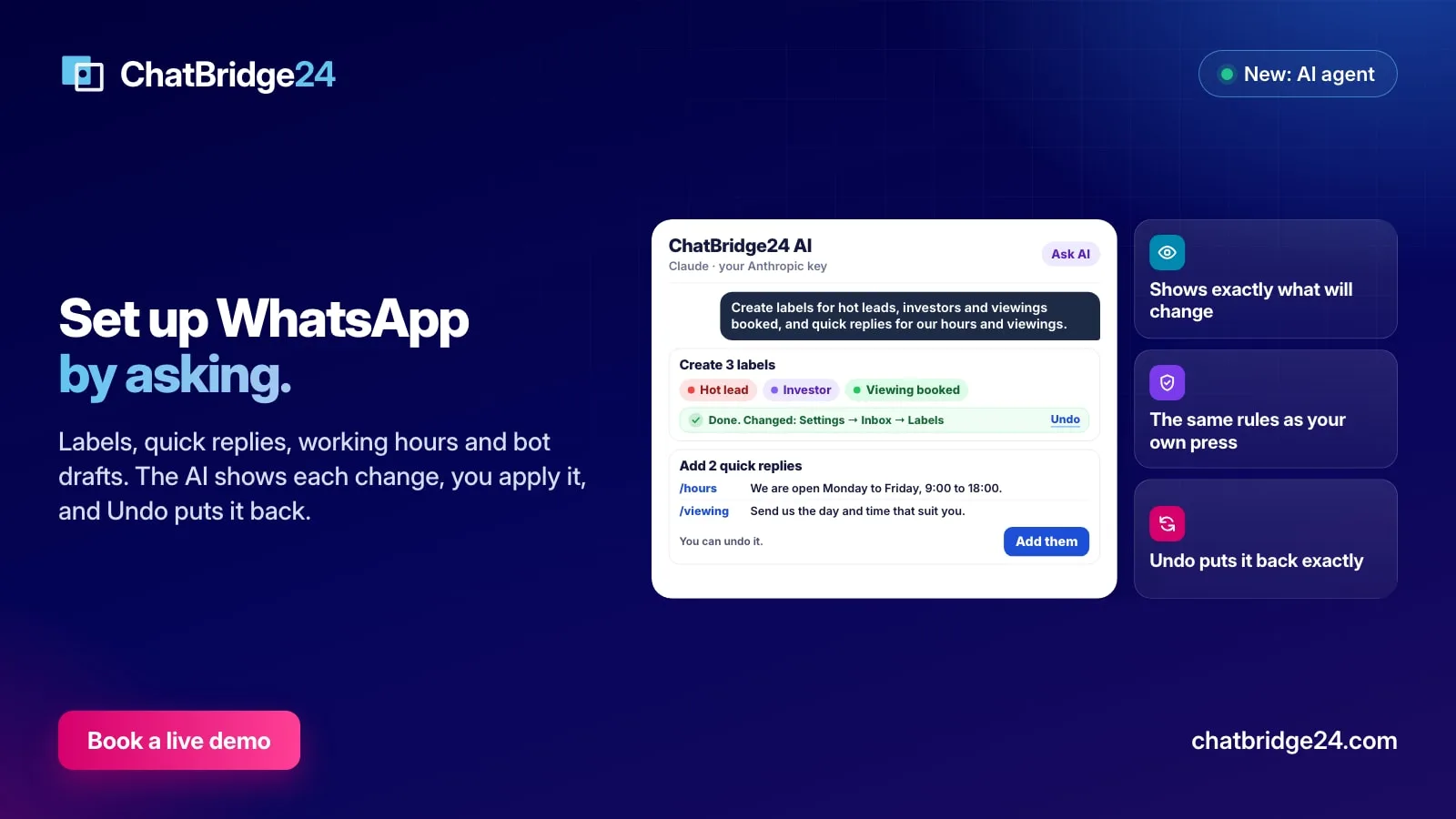
Ask AI to set up your WhatsApp: labels, quick replies, hours and more
Ask the AI to create labels and quick replies, set your working hours, add ready-made bot scenarios, update your WhatsApp business profile or change when it answers. It shows exactly what will change, you confirm, and you can undo.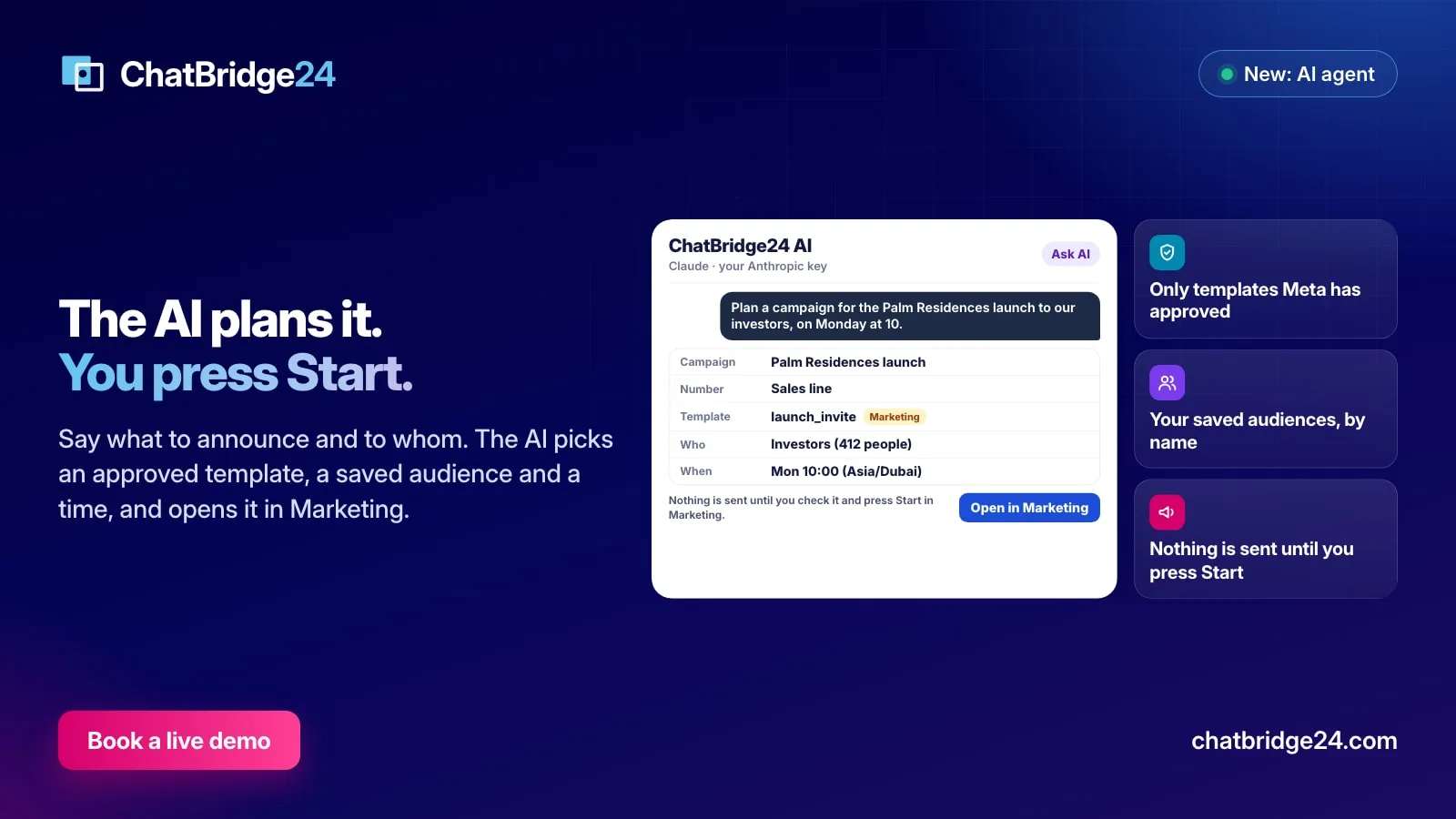 Marketing
Plan a WhatsApp campaign by asking for it
Tell the AI what you want to announce and to whom. It picks an approved template of the right number, your saved audience and a time, and opens the campaign in Marketing for you to check and start.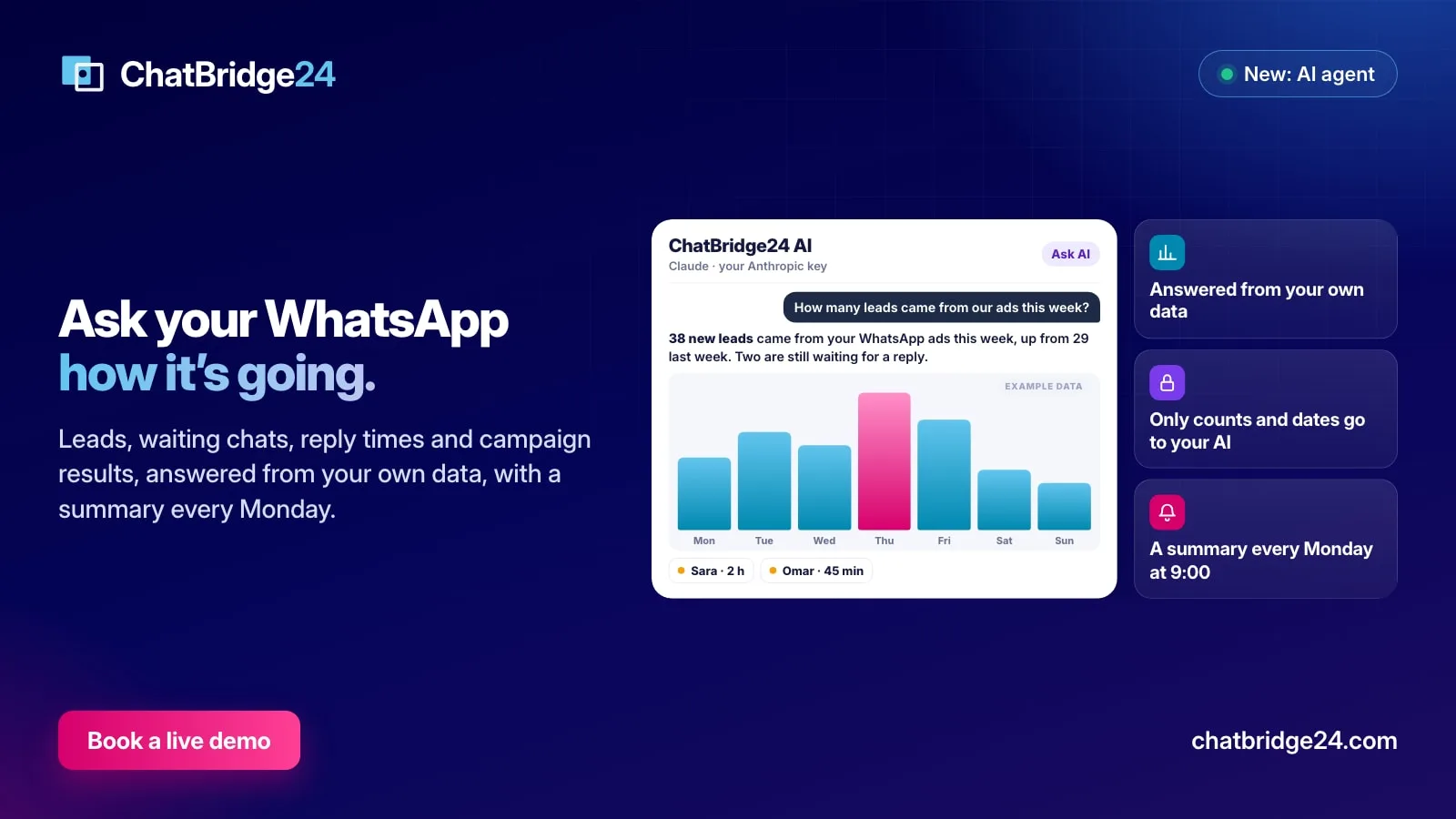 Product updates
Ask AI about your WhatsApp: leads, chats and reply times in plain words
Ask how many leads came from your ads, which chats are still waiting or how fast your team replies, and get the answer in plain words with a chart. Every Monday at 9:00, a summary of the week arrives by itself.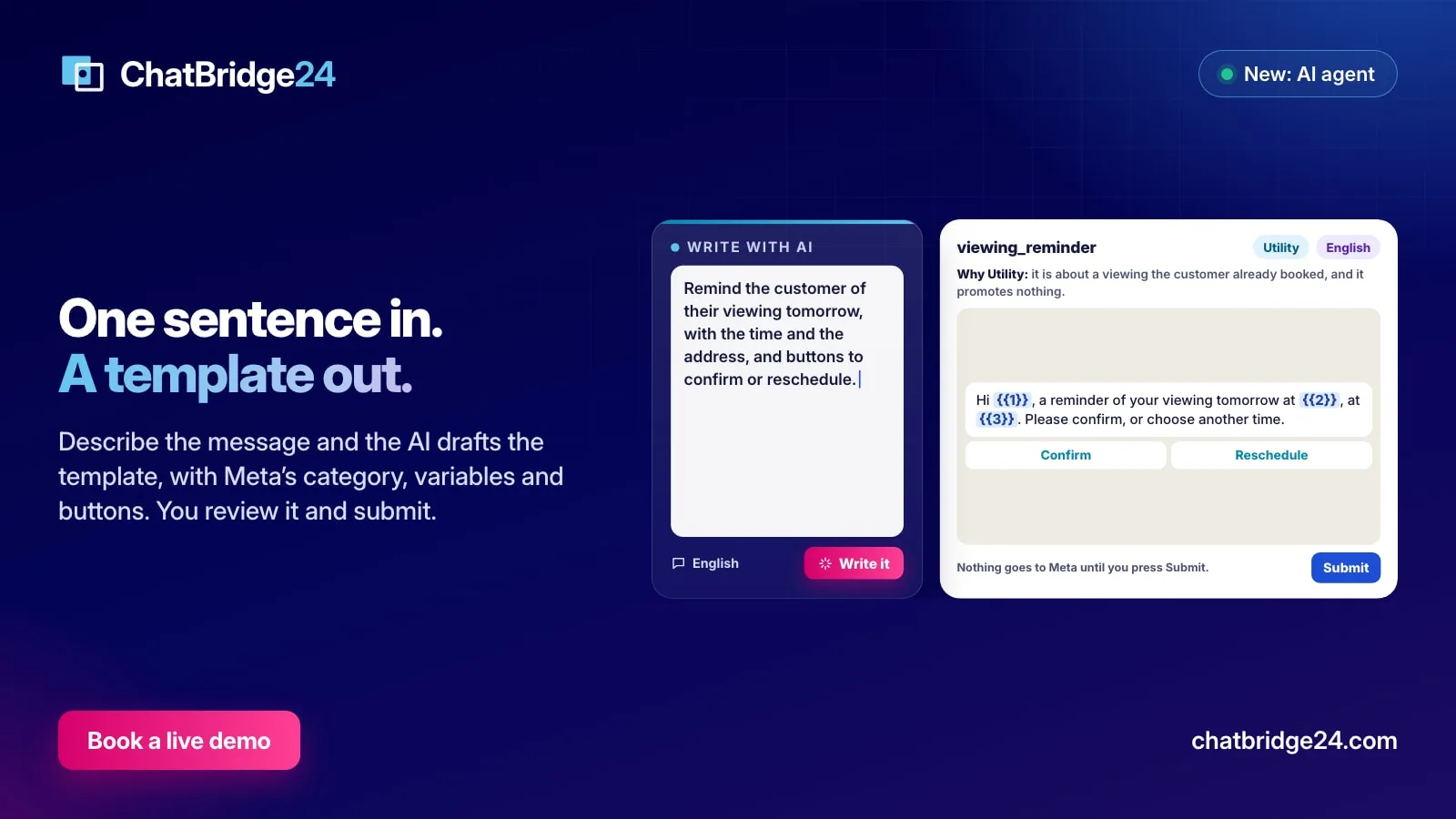 Guides
Write WhatsApp message templates with AI, and still approve every word
Describe the message in a sentence and the AI drafts the WhatsApp template for you, with Meta's category, numbered variables, example values and buttons. You review it in the editor and decide when it goes to Meta.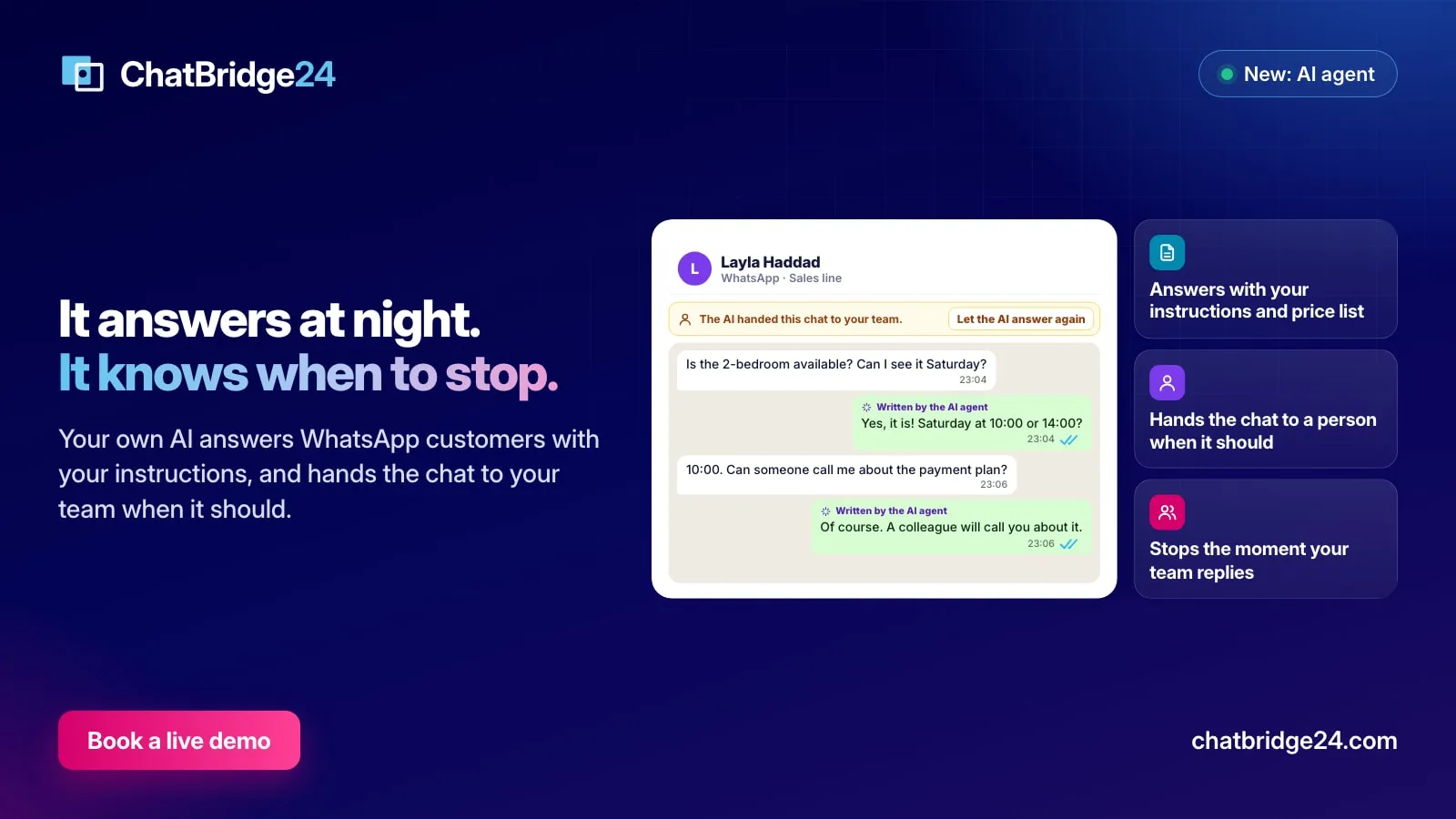 WhatsApp Business API
Let AI answer your WhatsApp customers, and hand the chat to your team
Your own AI can now answer WhatsApp customers with your instructions and price list, at night or when nobody replies in time, and hand the chat to a person the moment it should.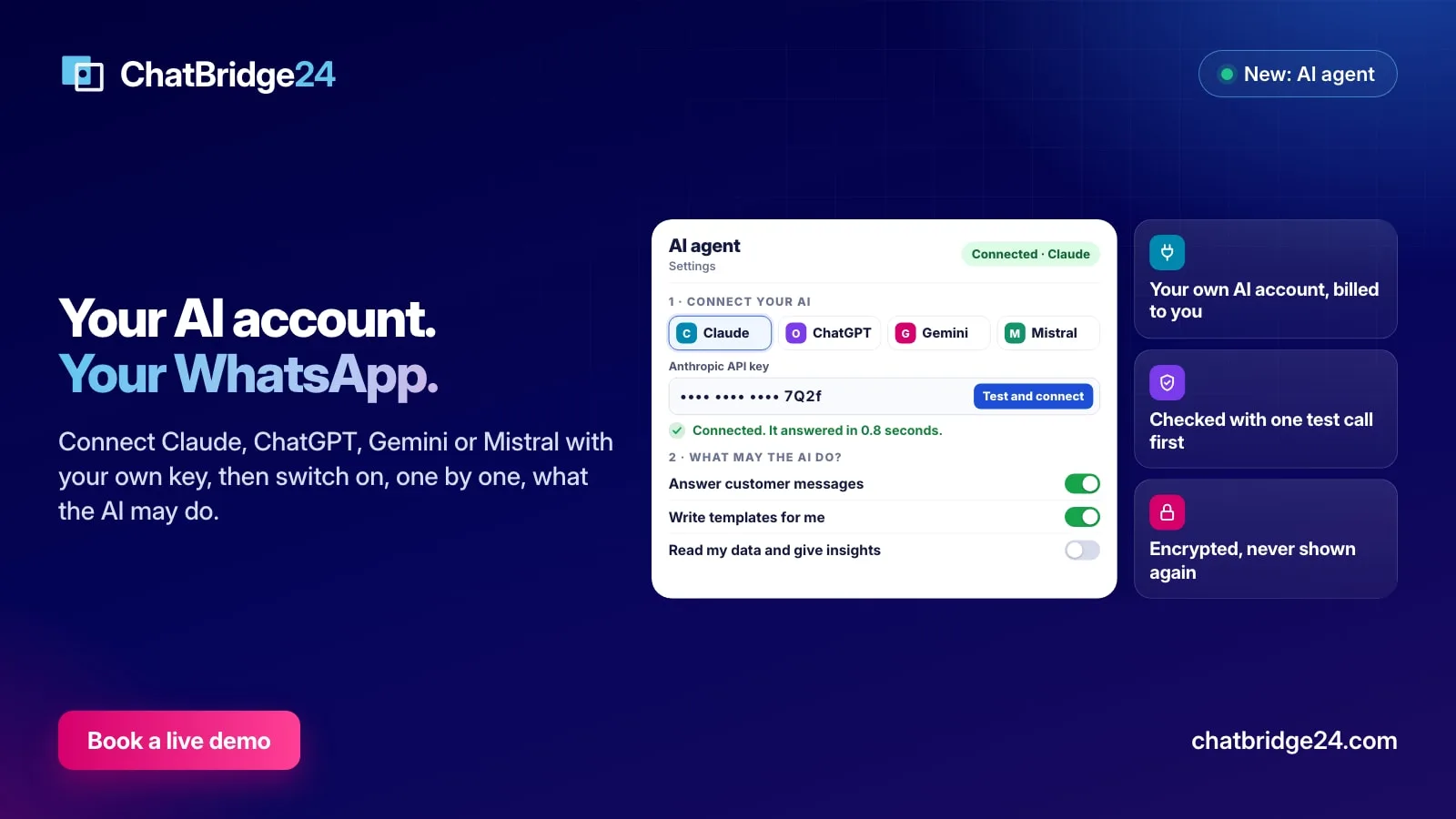 Product updates
Connect your own AI to WhatsApp: Claude, ChatGPT, Gemini or Mistral
ChatBridge24 now works with the AI account you already have. Connect Claude, ChatGPT, Gemini or Mistral with your own key, choose what the AI may do, and keep every decision in your hands.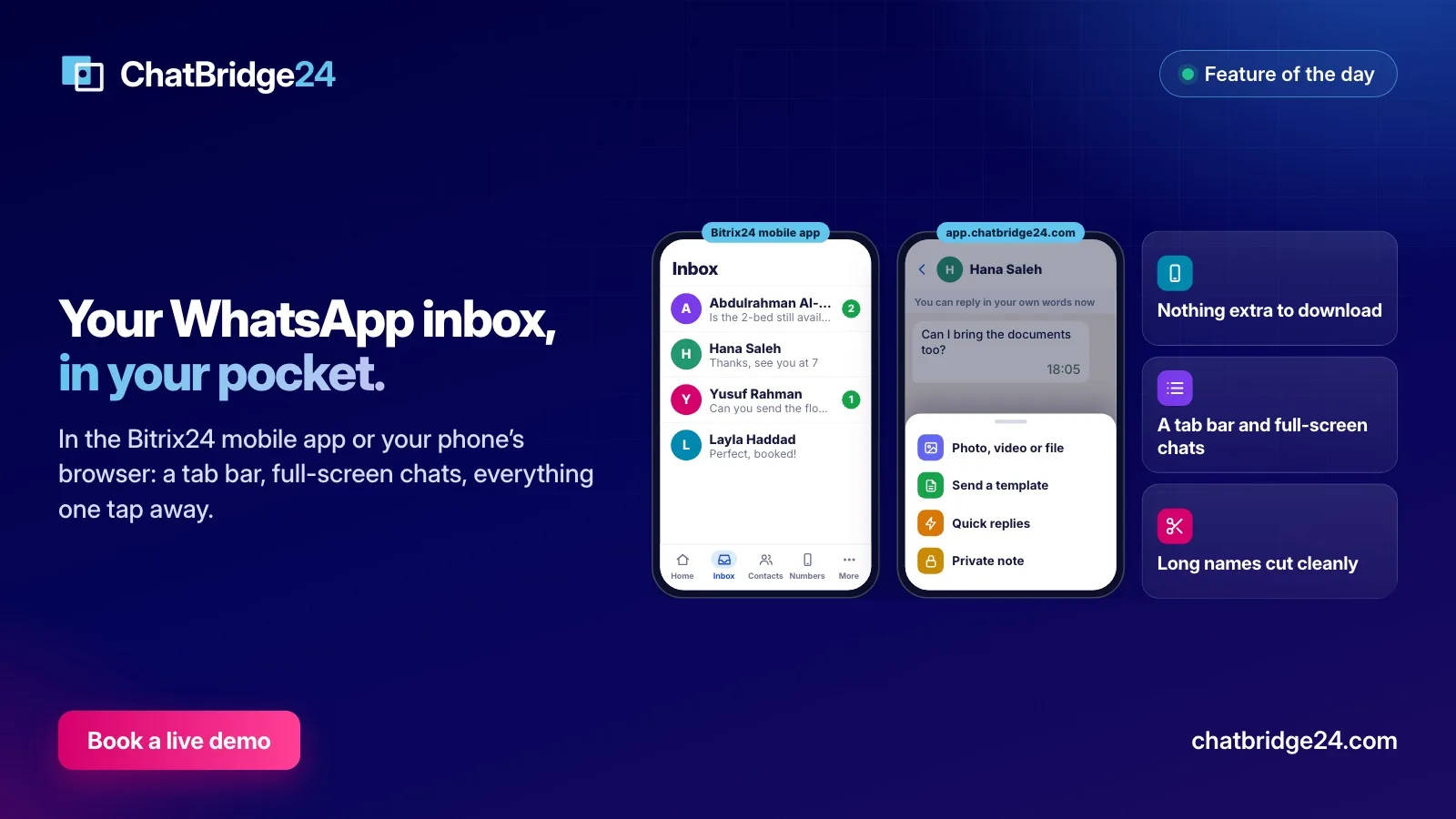 Product updates
Answer WhatsApp customers from your phone: the ChatBridge24 phone layout
Your team's WhatsApp inbox, laid out for a phone: a tab bar at the bottom, chats that open full screen, and everything the computer can do one tap away. Where it works and how to use it.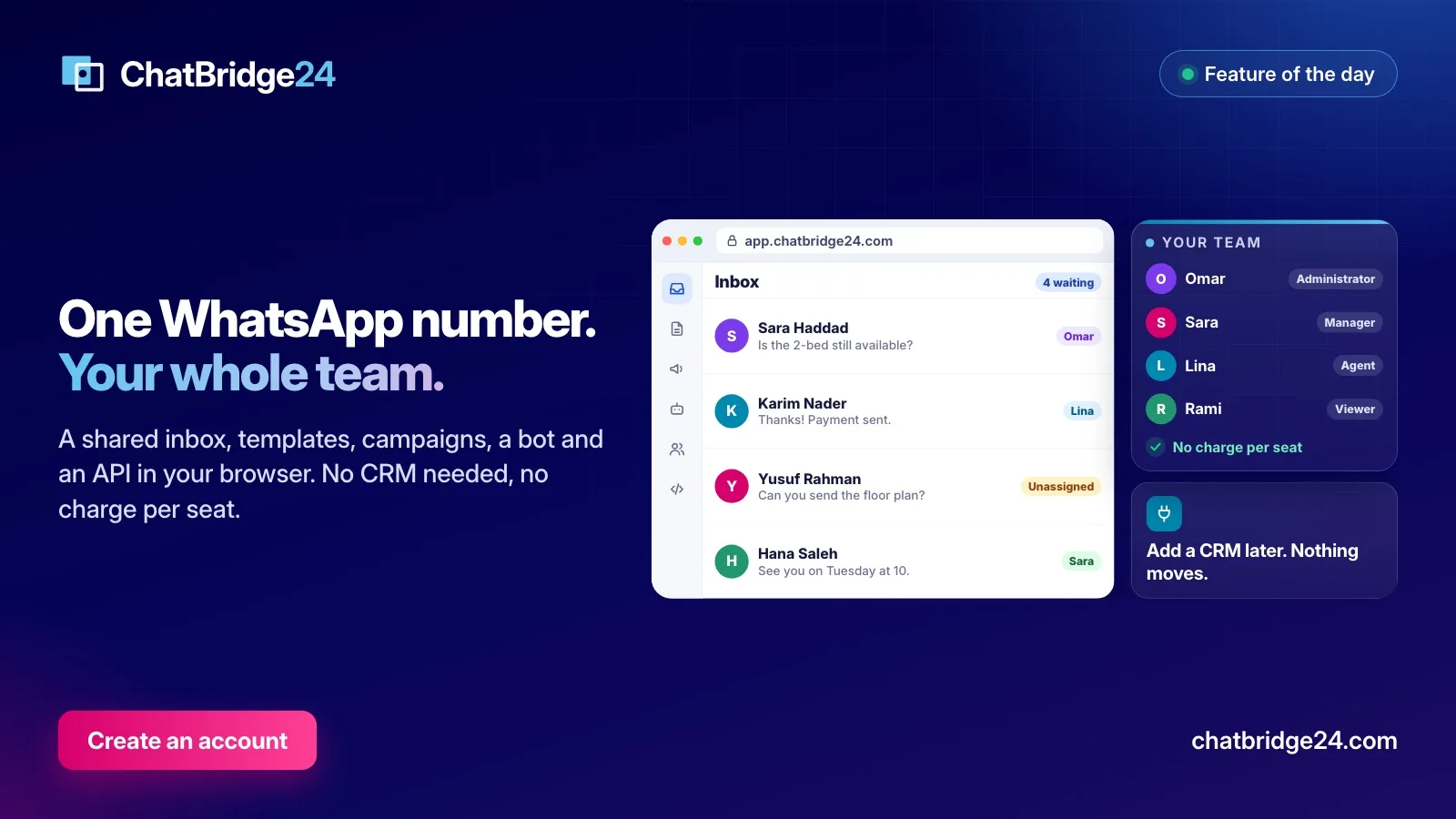 Guides
One WhatsApp number for your whole team, without a CRM
Plenty of businesses run on WhatsApp long before they need a CRM. What the ChatBridge24 workspace gives a team on day one, how signing up works, and what happens if you add a CRM later.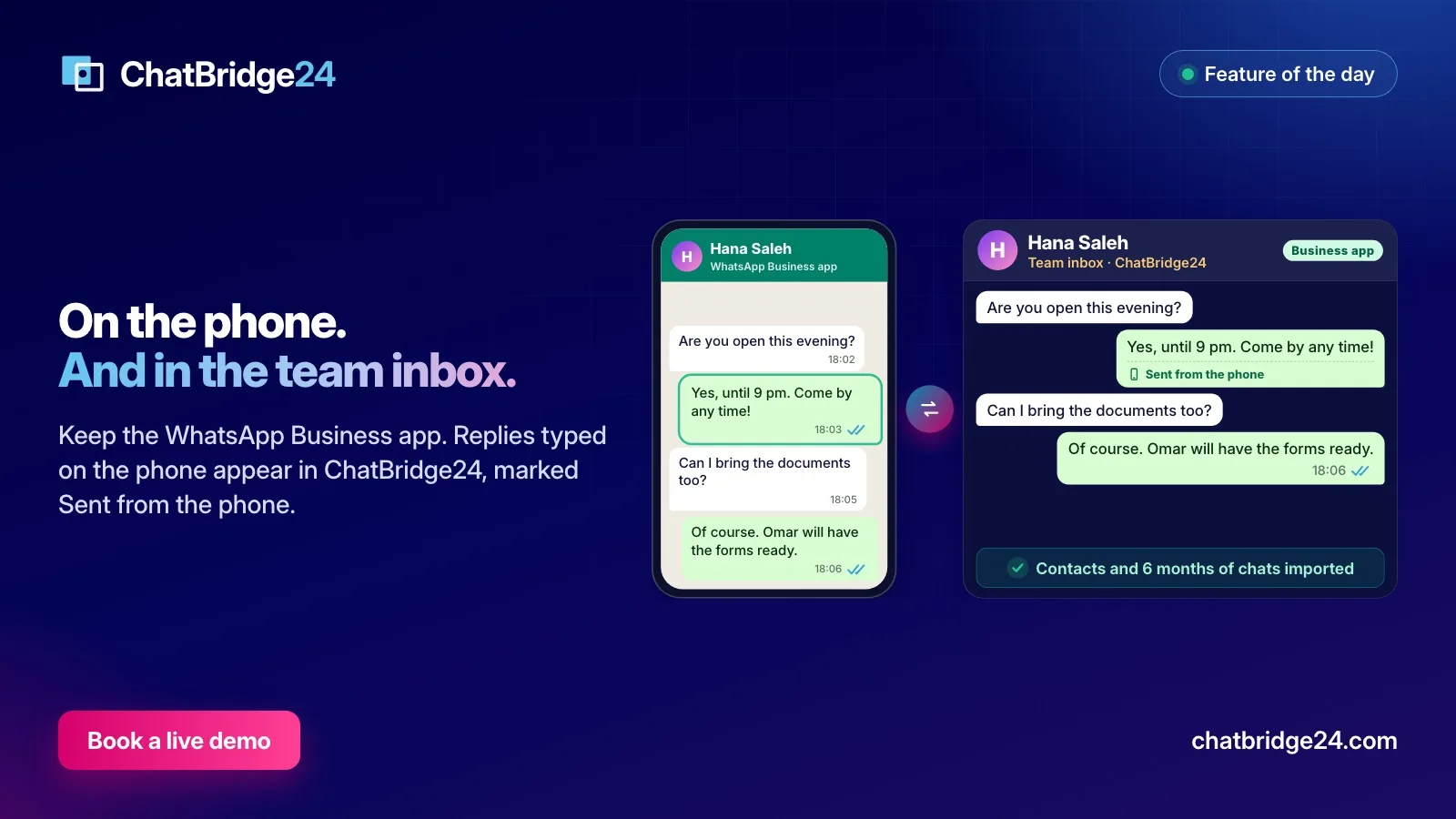 WhatsApp Business API
WhatsApp coexistence, the day after: what your team sees in the inbox
Your WhatsApp Business app number is now in the team inbox as well as on the phone. What the import shows, how replies typed on the phone appear, what stays on the phone, and the house rules that keep one number tidy.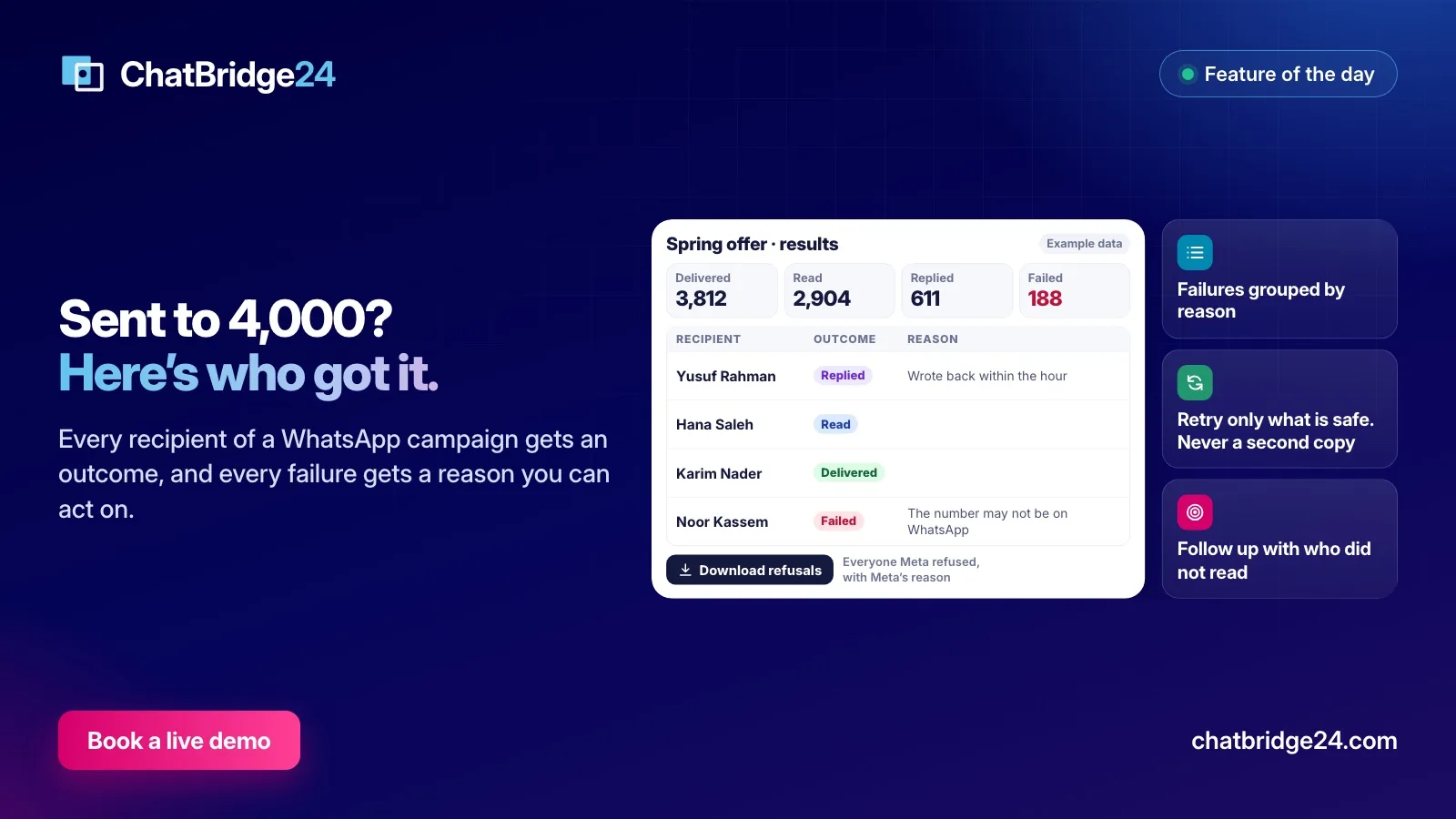 Marketing
Did everyone get your WhatsApp campaign? A result for every recipient
A campaign total tells you little. How ChatBridge24 records what happened to each person, groups the failures by reason, retries only what is safe, and turns the results into your next audience.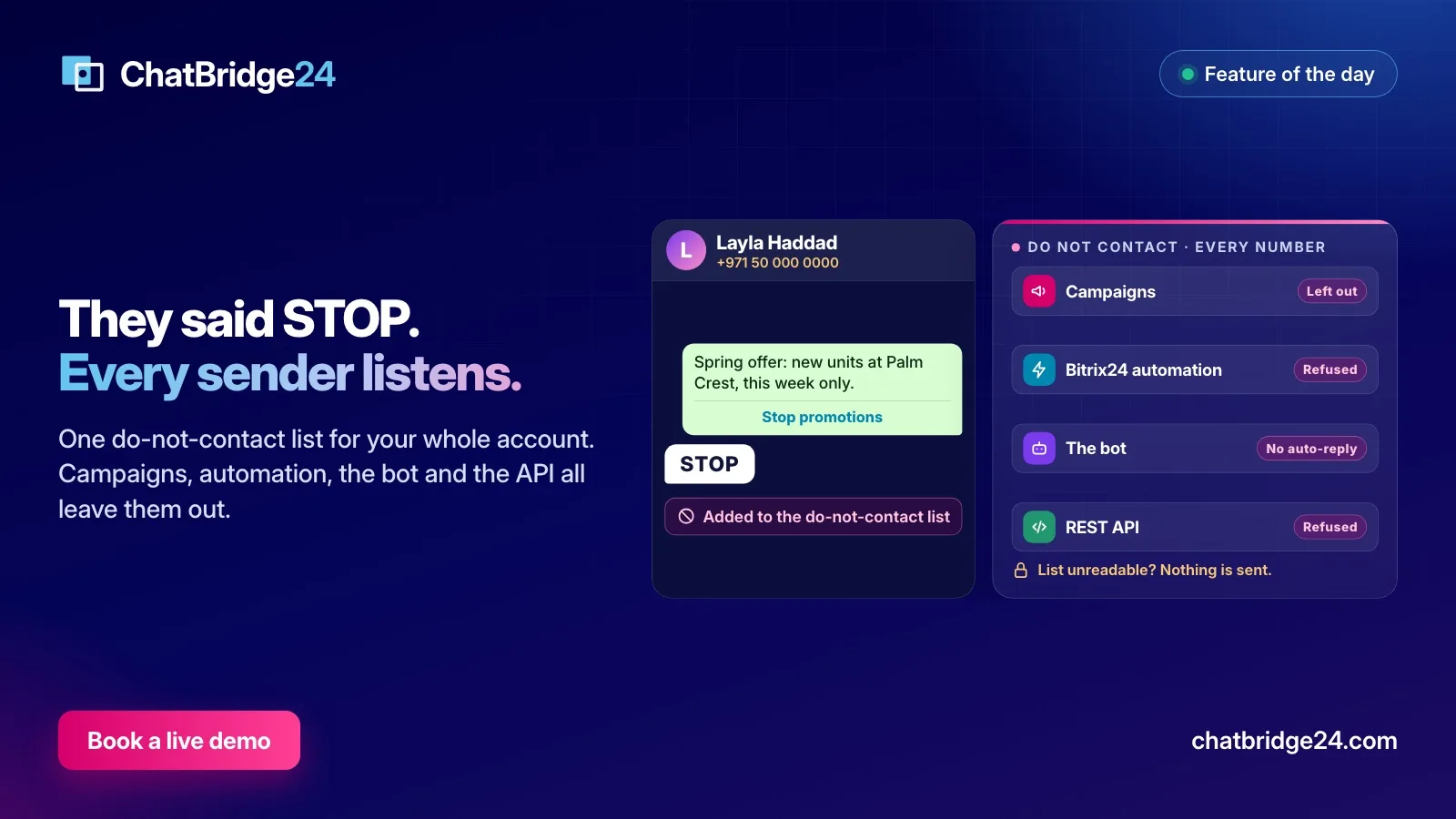 Marketing
When a customer replies STOP: the WhatsApp do-not-contact list, from the reply to every send
A STOP reply only protects your number if every sender honours it. What ChatBridge24 counts as an opt-out, where the do-not-contact list applies, and how your team manages it. Bitrix24