Ask AI about your WhatsApp: leads, chats and reply times in plain words
Ask how many leads came from your ads, which chats are still waiting or how fast your team replies, and get the answer in plain words with a chart. Every Monday at 9:00, a summary of the week arrives by itself.
On this page
Every manager has the same three questions on a Monday morning. How many new leads came in? Did anyone wait too long for an answer? Did last week’s campaign do anything? The answers are all in the account, spread over the inbox, the contacts and the campaign reports. Finding them takes twenty minutes and a spreadsheet.
Now you ask, and ChatBridge24 answers.
Ask in your own words
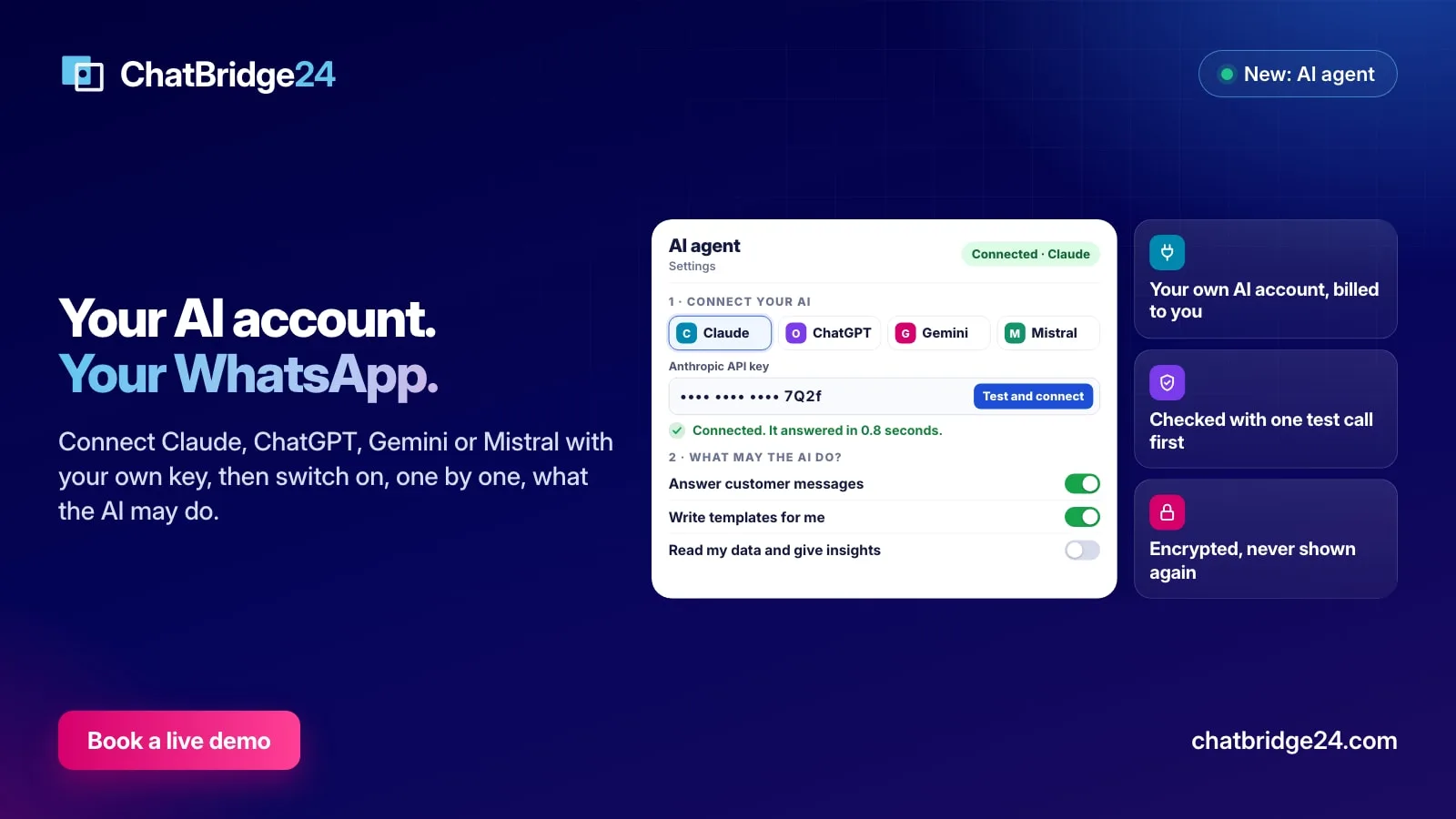
When Read my data and give insights is switched on under Settings, AI agent, an administrator sees an Ask AI button at the top of every page. It opens a panel where you type the question the way you would ask a colleague, in any language:
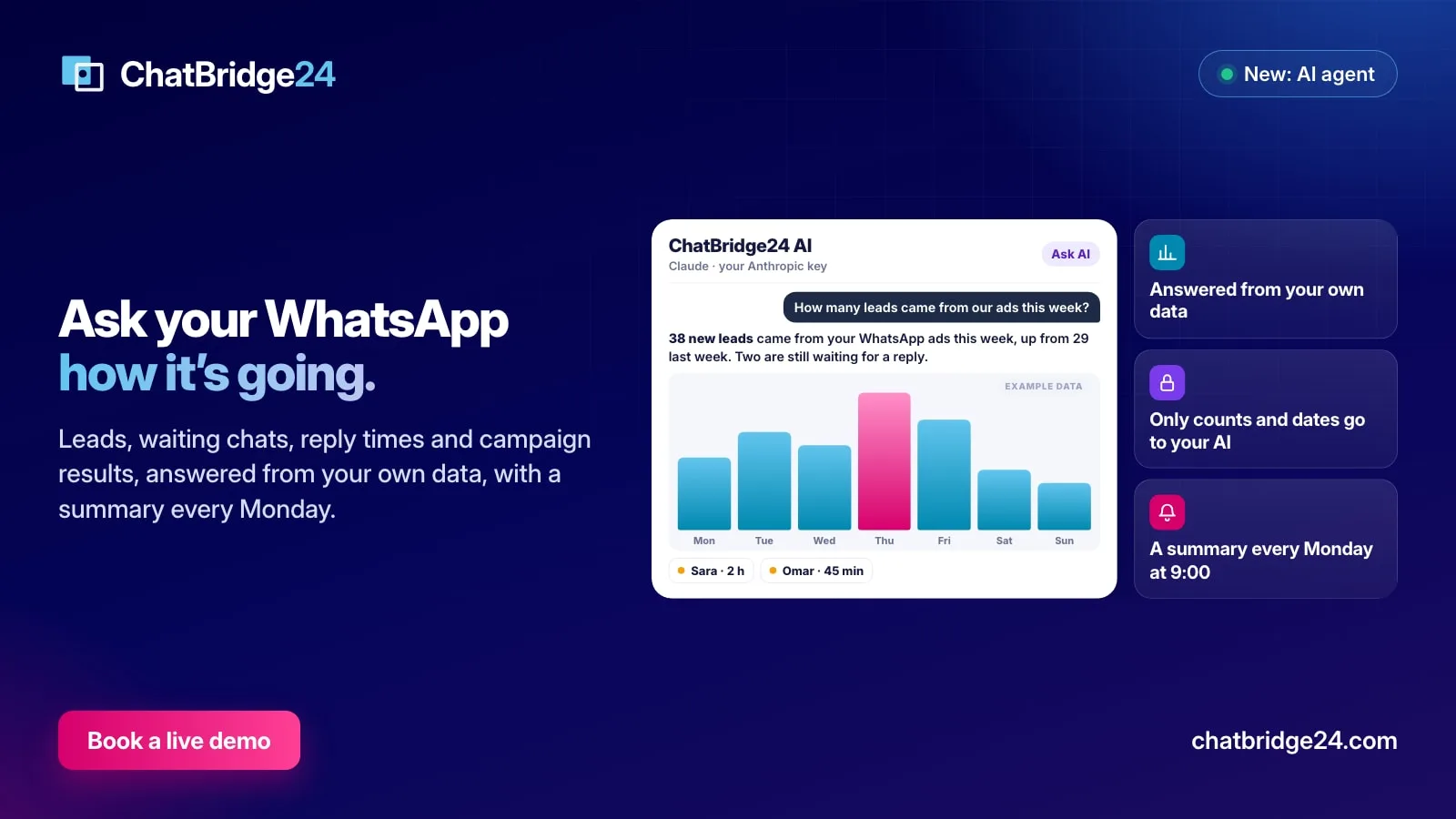
How many leads came from our ads this week?
The answer comes back in a sentence or two, with a chart when a chart helps: “38 new leads came from your WhatsApp ads this week, up from 29 last week. Two of them are still waiting for a reply.” Below it, the chats that are waiting appear as buttons with the customer’s first name and how long they have waited. One press opens the chat in the inbox.
What you can ask about
The assistant answers from seven kinds of figures, all read from your own account:
- Leads. New contacts in the period, and how many arrived from click-to-WhatsApp ads.
- Conversations. How many chats were active, how many messages customers sent and how many your team sent.
- Chats waiting now. Every chat where the customer wrote last and nobody has answered, oldest first.
- Reply time. How long your team took to send the first reply, as the typical figure for the period, and how many chats got none.
- Campaigns. For each campaign, how many it went to, how many were delivered, read and answered, and how many failed.
- The AI agent. How many customers it answered and how many chats it handed to your team.
- Labels. How many chats carried each label, such as Hot lead or Viewing booked.
Each can be asked for today, yesterday, this week or last week, the last 7 or 30 days, or this month or last month, and for one number or all of them. Periods are read in your own time zone, so “today” starts at your midnight, not the server’s.
Answers from your data, never guessed
An AI that guesses figures is worse than no AI, so the assistant is not allowed to. When you ask a question about numbers, it first chooses which of the seven queries answers it and for which period. ChatBridge24 runs that query on your account. Only then does the AI write the answer, and it is told to use only the figures that came back. If the period is empty, it says there was nothing in that period instead of inventing a trend.
What leaves your account is just as limited. For a figures question, your AI company receives the counts and dates that answer it, never a customer’s phone number or message. Our WhatsApp data protection page lists your AI company among the services that receive data.
A summary of the day’s chats
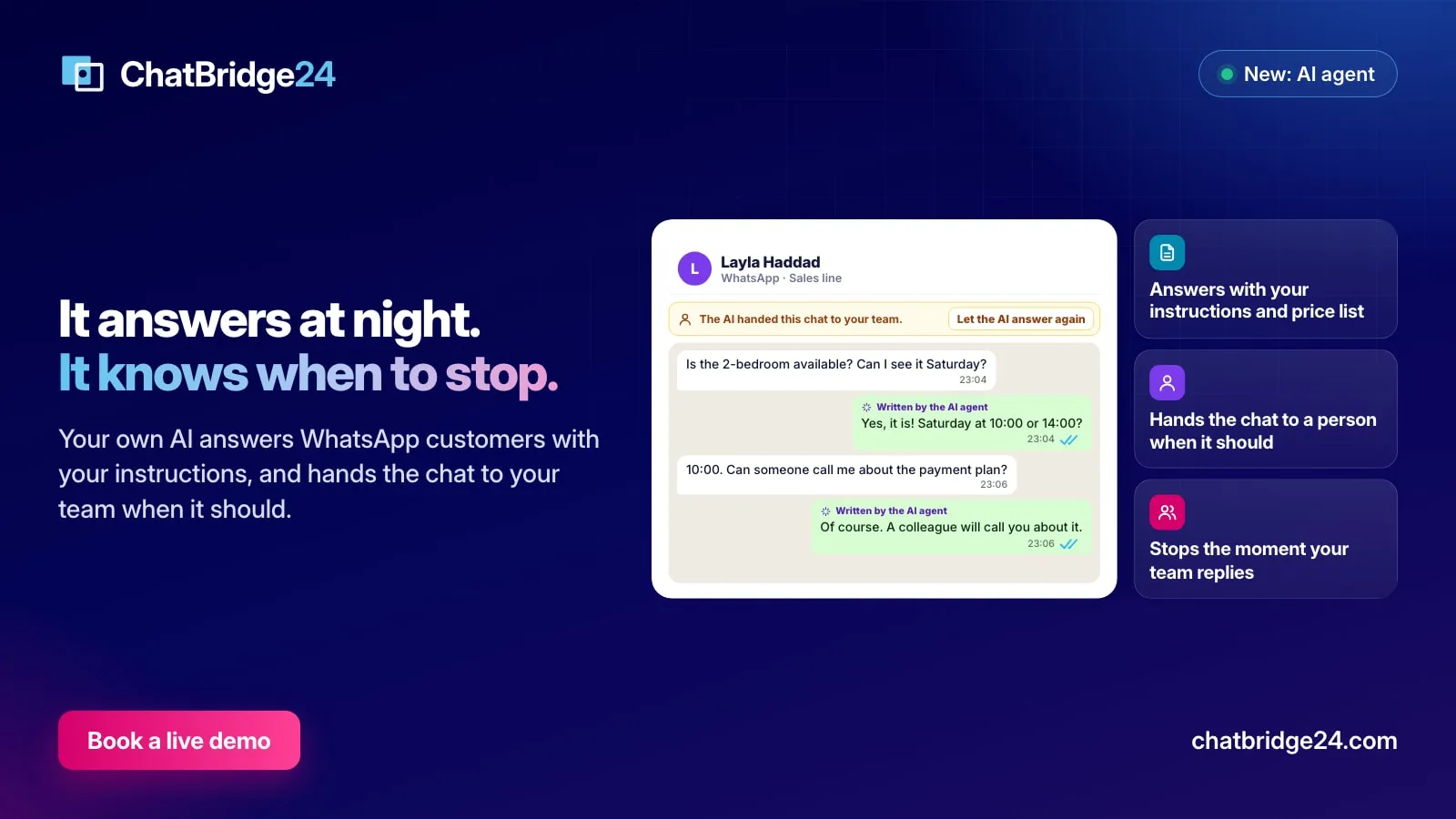
Sometimes the question is not a number but “what happened today?”. Ask the assistant to summarise today’s chats and it reads the day’s conversations and writes three to six lines: the main topics, what customers asked for, anything urgent, and which customers are still waiting, by first name. For a summary, the conversations are sent with every phone number removed, and each customer is named by their first name only.
It is the quickest way to start a morning meeting or to catch up after a day off, and it works per number too: “Summarise yesterday’s chats on the leasing line.”
The Monday summary
Read my data and give insights has one more switch under it: Send the weekly summary to the administrators. When it is on, every Monday at 9:00 in your time zone, the assistant writes a short summary of the previous week: new leads and how many came from ads, conversations, your typical reply time, chats still waiting, campaign results and what the AI agent did, with one or two suggestions for the week ahead.
The summary arrives in your administrators’ notification bell. If you use the Bitrix24 WhatsApp integration, it also arrives in Bitrix24’s own notifications, so it is there when you open your CRM on Monday morning. In the standalone WhatsApp workspace, it waits in the bell. The full text is kept under What the AI did in the AI agent settings.
The summary is sent once a week. If your AI company is briefly unreachable at nine, ChatBridge24 tries again later that morning, and it never sends the same week twice.
Where it fits
The figures behind these answers are the same ones your WhatsApp shared inbox and your WhatsApp marketing campaigns reports already show. The assistant does not replace those screens; it saves you the trip through them when all you need is one number, and it turns the numbers into a sentence your whole team understands.
Each question counts one or two AI actions against the monthly limit you set, and each one is listed under What the AI did.
ChatBridge24 is built by Saabsoft, an official Bitrix24 Dubai partner. Its Bitrix24 UAE team can help you decide which figures matter for your team, or you can book a live demo and ask the assistant your own questions.
Common questions
What can I ask?
New leads and how many came from ads, conversations and messages, the chats waiting for a reply right now, your team's first reply time, campaign results, what the AI agent did, and chats by label, for today, yesterday, this or last week, the last 7 or 30 days, or this or last month.
Is the answer guessed?
No. Each question runs a fixed query on your own account, and the AI is told to use only the figures that come back. If there is nothing in that period, it says so.
What is sent to the AI company?
For a question about figures, only the counts and dates that answer it. For a summary of chats, their text with phone numbers removed and customers named by first name only.
Who receives the Monday summary?
Your administrators, in the notification bell and, when you use the Bitrix24 app, in Bitrix24's own notifications. It is sent at 9:00 on Monday in your time zone, and you can switch it off.