Connect your own AI to WhatsApp: Claude, ChatGPT, Gemini or Mistral
ChatBridge24 now works with the AI account you already have. Connect Claude, ChatGPT, Gemini or Mistral with your own key, choose what the AI may do, and keep every decision in your hands.
On this page
Most teams that use WhatsApp for sales and support already know AI could help. The questions come after: which AI, who pays for it, what it gets to read, and what stops it from saying something you would never say. Those questions usually end the project before it starts.
ChatBridge24 now answers them with one screen. Under Settings, AI agent, you connect the AI account you already have, with Claude, ChatGPT, Gemini or Mistral, and then switch on, one by one, the jobs you want it to do. Nothing is on until you turn it on, and the AI never acts behind your back.
Four AI companies, one place to connect them
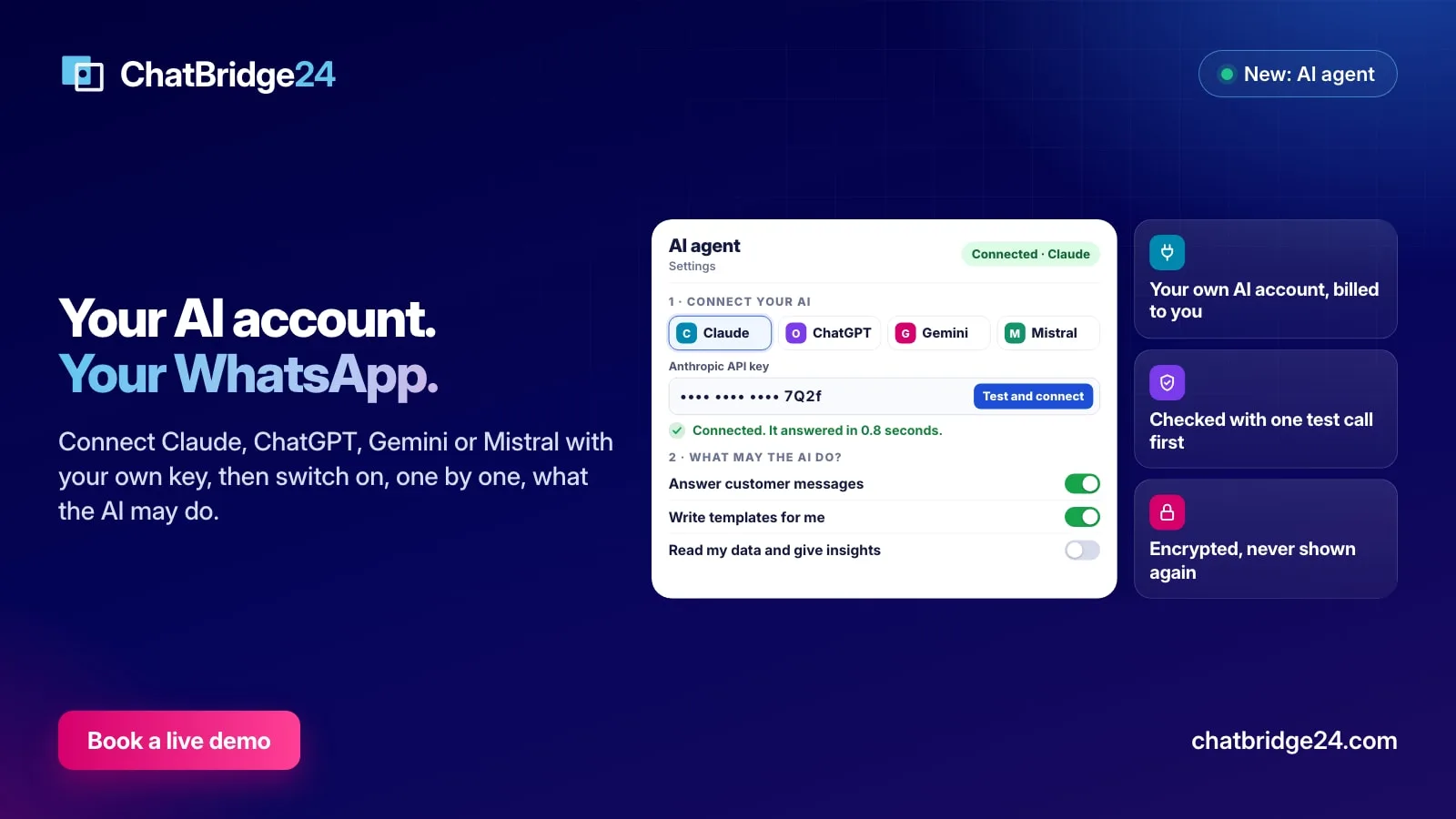
The page shows four companies side by side: Claude from Anthropic, ChatGPT from OpenAI, Gemini from Google and Mistral AI. You pick one, paste the API key from that company’s console, and press Test and connect.
Before anything is saved, ChatBridge24 reads the list of models your account can use and sends one tiny test request. If the company refuses the key, you see why in plain words and the key is not stored. If it answers, the page says how many seconds it took, and you are connected.
The model is chosen for you from your own account’s list: a recommended one, a faster and cheaper one, and the most capable one. Most teams never need to change it. Because the list is read from your account, a new model your AI company releases appears here without anyone waiting for an update.
Your key, your bill, your limit
The AI works under your own agreement with the company you chose, which bills you directly for what it uses. ChatBridge24 does not resell AI and does not add a charge for connecting it.
Your key is treated like the WhatsApp credentials it sits next to. It is stored encrypted, it is never shown again, and the page only ever displays its last four characters so you can tell which key is in use. Press Disconnect and the key is erased at once, and every AI job stops with it.
To keep the bill predictable, you set a monthly limit of AI actions; the default is 2,000. Each call to the AI counts one action, and it is counted before the call is made, so a slow answer can never slip past the limit. When the month’s actions are used up, the AI stops until the next month and the page says so, instead of failing quietly.
Five jobs, each switched on by you
Under What may the AI do, five switches decide everything the AI is allowed to touch:
- Answer customer messages. Replies to your customers on the numbers you pick, with your instructions, and passes the chat to a person when it should.
- Write templates for me. Turns a sentence into a WhatsApp message template draft, with Meta’s category and example values.
- Create campaigns. Plans a WhatsApp marketing campaign: the audience, the template and the time.
- Manage my WhatsApp setup. Proposes labels, quick replies, working hours, bot scenarios and business profile changes when you ask.
- Read my data and give insights. Answers questions about chats, leads, campaigns and reply times, and sends a summary every Monday morning.
Each switch says, right under it, what the AI asks before it acts: it asks before a template goes to Meta, before anything is sent, and before a setting changes.
Ask it from any page
Once one of the last four jobs is on, an administrator sees an Ask AI button at the top of every page. It opens a panel where you write what you want in your own words, in any language: “How many leads came from our ads this week?”, “Write a template announcing our new branch”, “Set up quick replies for our most common questions”.
The AI answers, or it shows exactly what it proposes to do. A proposal changes nothing until you press its button, and after you press it you can undo it. A template opens in the template editor, where Submit is still the only way it reaches Meta; a campaign opens in Marketing, where nothing is sent until you press Start.
What the AI sees, and what it never does
The AI only receives what a job needs. To answer a customer, it reads the recent messages of that one conversation, your instructions and the documents you added, such as a price list. To answer a question about your figures, it receives counts and dates, never your customers’ details. A summary of chats sends their text with phone numbers removed and customers named by their first name only. Nothing at all is sent to an AI company for an account that has not connected one.
It is also worth knowing what the AI never does. It never changes a setting without your press, never submits a template, never starts a campaign, and never answers a chat a person has already taken. Everything it did is listed under What the AI did, kept for a year. The full detail is on our WhatsApp data protection page and in the privacy policy.
In Bitrix24 and in the standalone workspace
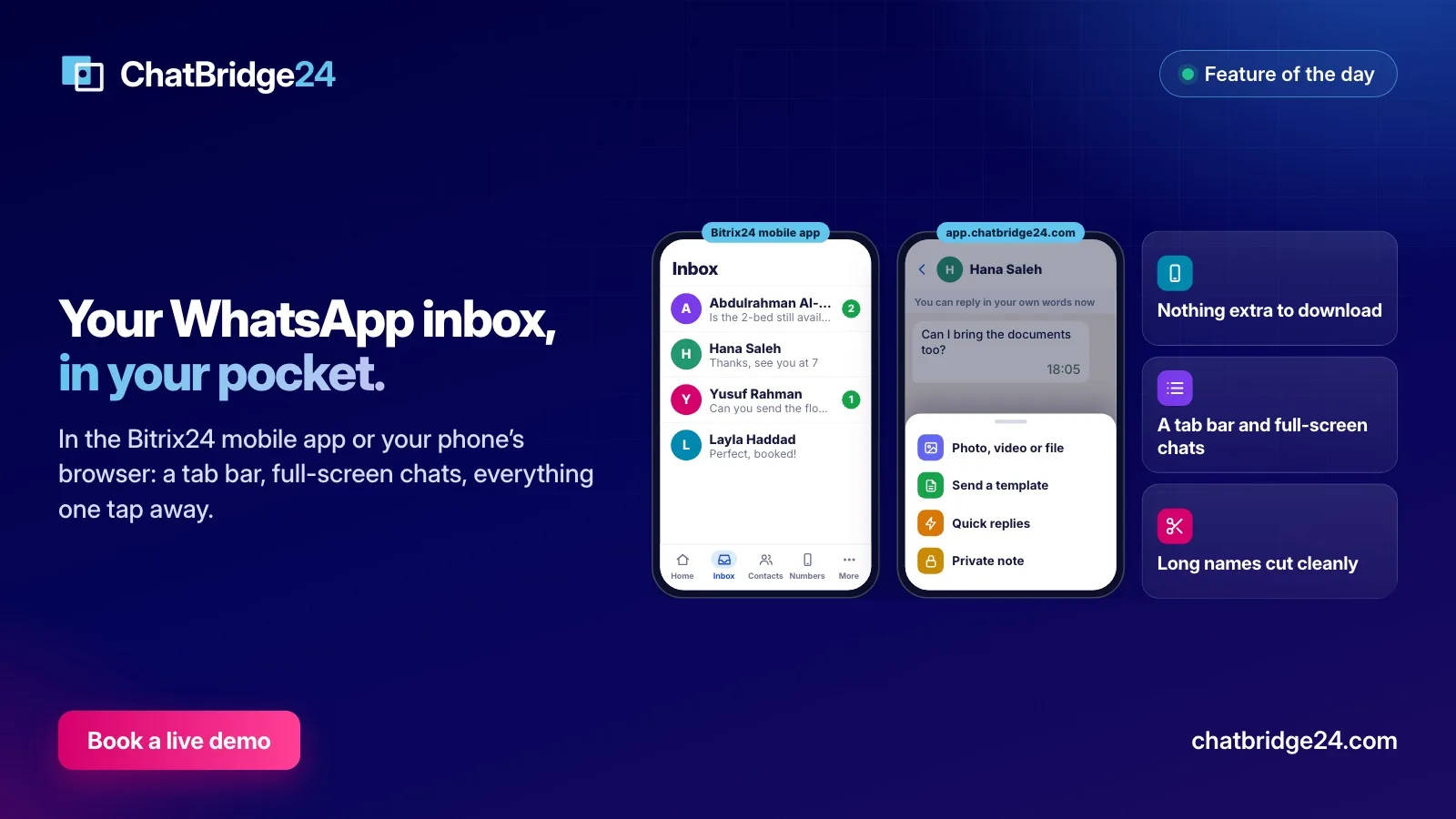
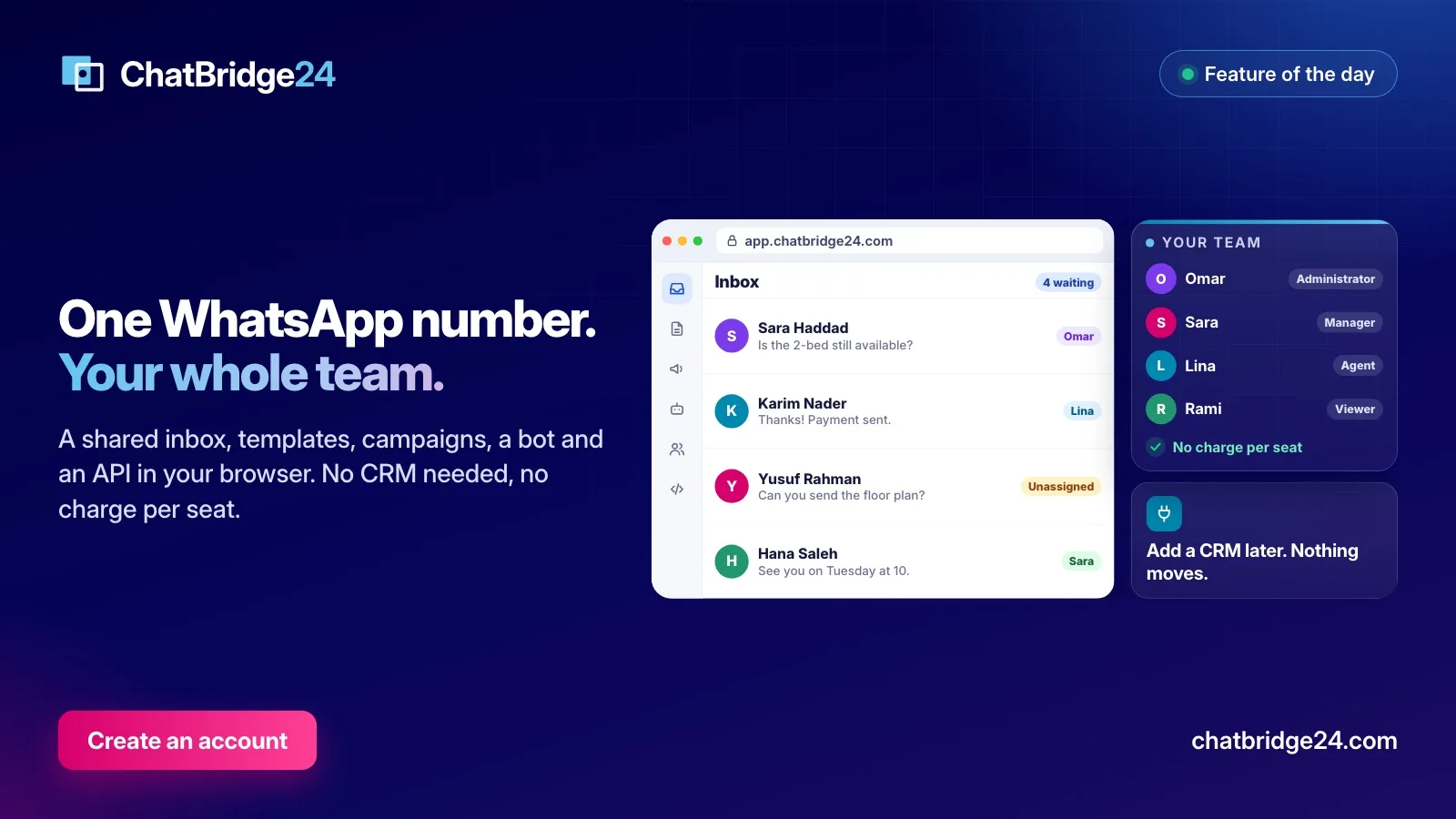
The AI agent works the same way wherever you use ChatBridge24. In the Bitrix24 WhatsApp integration, installed from the Bitrix24 Marketplace, it sits under Settings in the app, and its notices also reach your team in Bitrix24’s own notifications. In the standalone WhatsApp workspace at app.chatbridge24.com, it is the same screen and the same rules, for teams that work without a CRM.
Getting started in five minutes
- Create an API key in your AI company’s console. Use a key for this purpose only, so you can revoke it on its own if you ever need to.
- In ChatBridge24, open Settings, AI agent, pick the company, paste the key and press Test and connect.
- Set a monthly limit that matches your budget.
- Switch on one job, try it, and switch on the next one when you are happy. Answer customer messages has a test chat, so you can see its answers before a customer does.
ChatBridge24 is built by Saabsoft, an official Bitrix24 Dubai partner. If you would like help choosing an AI company or writing the instructions for your team, its Bitrix24 UAE team can set it up with you, or you can book a live demo and see it working on a real account.
Common questions
Do I pay ChatBridge24 for the AI?
No. The AI runs on your own account with the AI company you choose, and that company bills you directly for what it uses. A monthly limit you set in ChatBridge24 stops the AI before your bill grows.
Is my API key safe?
It is tested with one tiny request before it is saved, stored encrypted, and never shown again; the page shows only its last four characters. Disconnecting erases it at once.
Which numbers can the AI answer on?
The WhatsApp Business API numbers you pick in Settings, AI agent. It never answers a chat that a person on your team has already taken.
What does the AI company receive?
Only what each task needs. For an answer, the recent messages of that conversation with your instructions and documents; for a question about your figures, counts and dates. Nothing is sent before you connect.