One WhatsApp number for your whole team, without a CRM
Plenty of businesses run on WhatsApp long before they need a CRM. What the ChatBridge24 workspace gives a team on day one, how signing up works, and what happens if you add a CRM later.
On this page
Many businesses do serious work on WhatsApp long before they need a CRM. A clinic confirms appointments there. A property agency answers viewing requests. A shop takes orders and sends delivery updates. Often it all runs on one phone, held by one person, and it works until that person is busy, on holiday or simply asleep when a customer writes.
The usual advice is to buy a CRM first. But a CRM brings pipelines, deals and fields that a small team may not need yet, and a long setup before anyone answers a single message faster. The standalone WhatsApp workspace takes the other route: it puts the number in front of the whole team, with nothing else required.
What you get on the first day
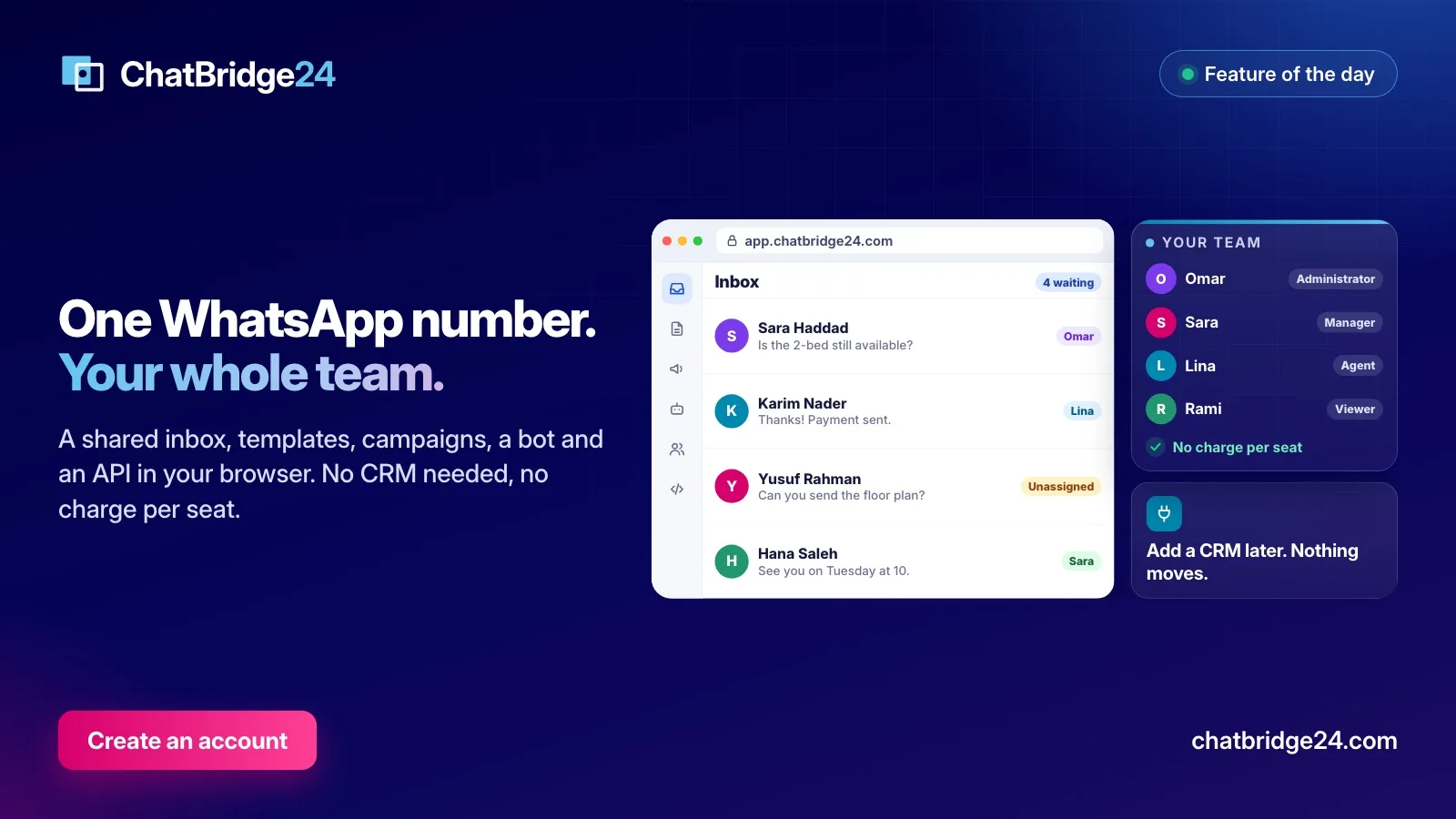
The workspace lives at app.chatbridge24.com and runs in any browser. With one connected number your team has:
- A WhatsApp shared inbox. Every colleague works the same number, with assignment, internal notes, saved replies, labels and views, and delivery and read ticks on every message you send.
- WhatsApp message templates. Build them, submit them to Meta, follow the review and send them with your own values, including images, buttons and carousels.
- Contacts and audiences. Everyone who has written to your number is a contact, with filters to find the people you need. Our page on audience segmentation describes them.
- An advanced WABA bot on the Professional and Enterprise plans: scenarios you draw in blocks, with buttons, questions that check the answer, business hours and a hand-off to your team.
- WhatsApp marketing campaigns on the Enterprise plan: an approved template to an audience you built, at a pace you set, with a result for every recipient.
- The WhatsApp REST API with scoped keys and signed webhooks, so your own systems can read your numbers, templates and messages, and on the Enterprise plan send approved templates.
None of it reads a CRM record, so none of it waits for one.
How signing up works
- Create the account. Sign up with an email address, a password and your WhatsApp number, and confirm the email address.
- Sign in with two steps. A password alone never opens a session. Each sign-in also asks for a code sent on WhatsApp or one from an authenticator app, and recovery codes cover the day a phone is lost.
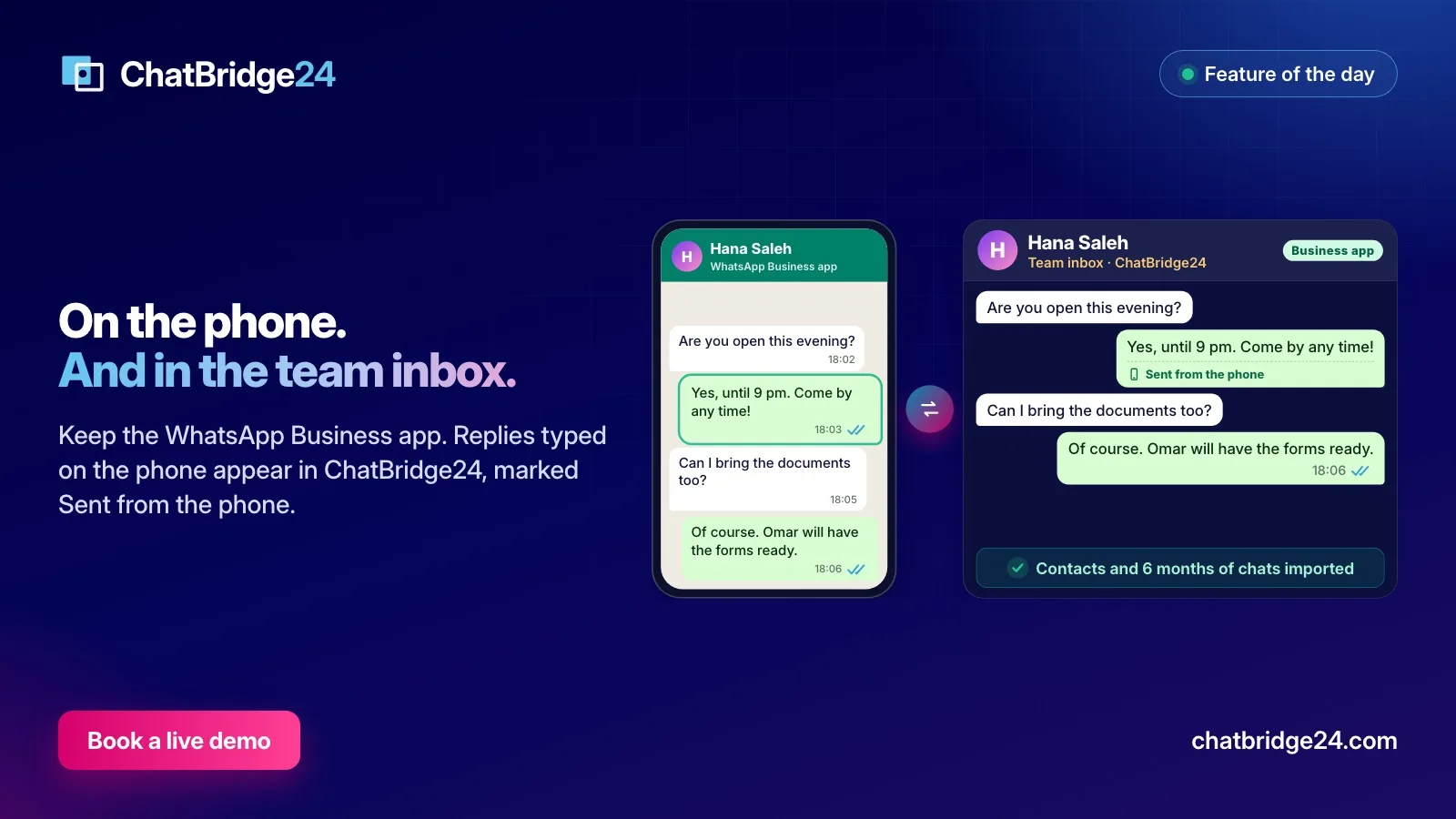
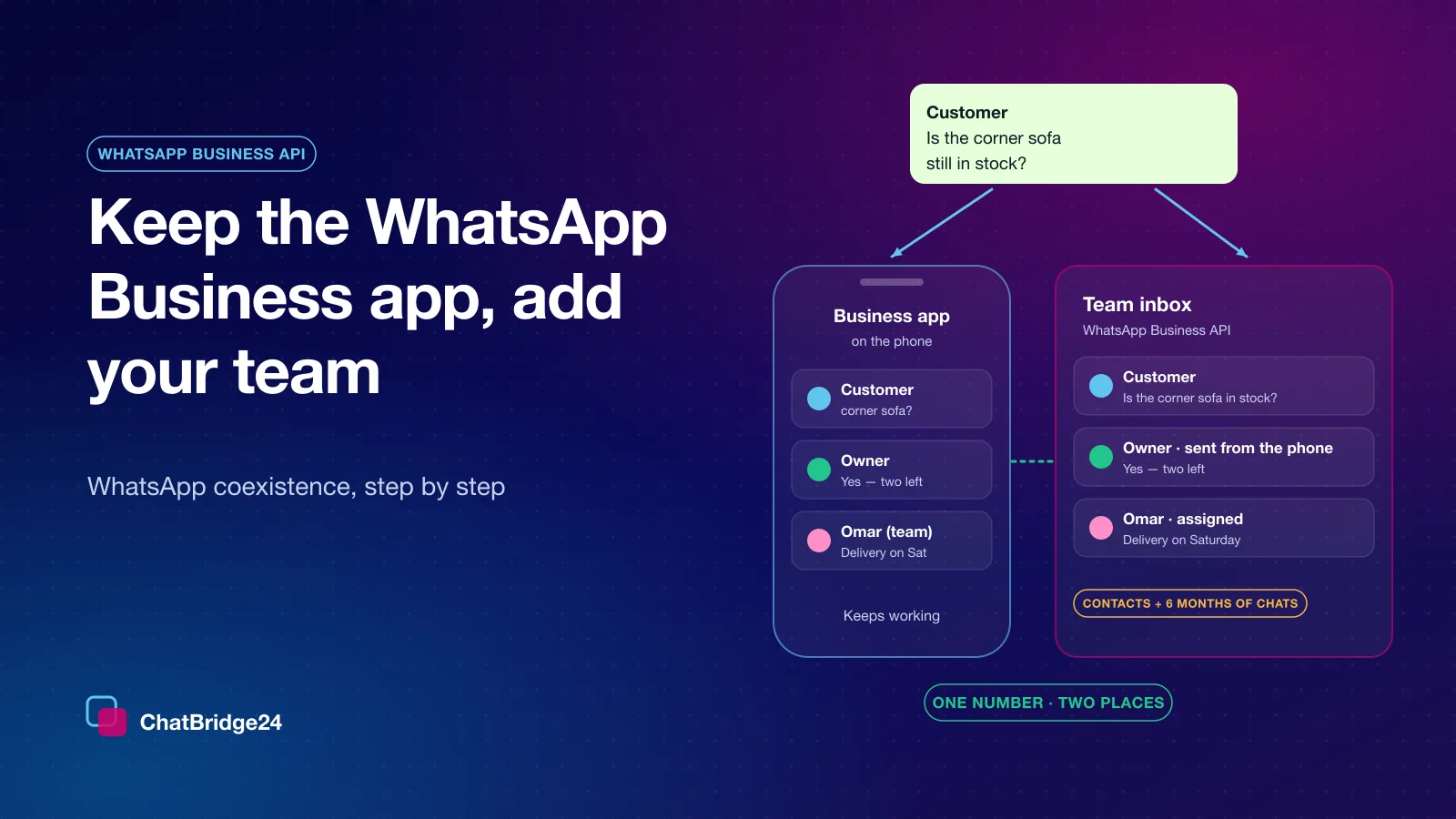
- Connect a number. You sign in to Meta in its own window and choose your business portfolio and number. The WhatsApp Business Account and the number stay yours, on your own portfolio. If the number is already on the WhatsApp Business app, WhatsApp coexistence lets it stay on the phone as well.
- Invite the people who answer it. Each colleague gets a role, administrator, manager, agent or viewer, and their own sign-in. There is no seat charge, so nobody shares a password to save money.
An account can start one free trial before any card is entered, so you can connect a number and see your own conversations arrive before you pay.
A first week that works
- Day 1. Connect the number and invite everyone who answers it.
- Day 2. Agree who picks up unassigned conversations, and write the ten replies your team gives most often as saved replies.
- Day 3. Create a few labels and a view for “unassigned and waiting”.
- Day 4. Submit two or three templates for the messages you send outside the 24-hour window: a follow-up, a reminder, a confirmation.
- Day 5. Look at the conversations that waited longest, and adjust who covers what.
By the end of the week the number no longer depends on one person, and every colleague can see what has already been said to each customer.
What the workspace is not
Being clear about this saves disappointment:
- It is not a CRM. There are no deals, pipelines or invoices. If you need those, connect the CRM you choose, or use ChatBridge24 inside Bitrix24 as a full app on the Bitrix24 Marketplace.
- Conversations stay on WhatsApp. The product sends email only about the account itself: confirming your address, resetting a password, team invitations and notices.
- It does not own your WhatsApp account. The business account and the number are yours, and they leave with you.
If you add a CRM later
Connecting a CRM afterwards adds to what you have and moves nothing. Your number, conversations and contacts stay in the workspace. The CRM starts receiving new messages as signed webhooks, each one carrying the conversation it belongs to and, on a customer’s first message, where they came from. On the Enterprise plan the CRM can also send approved templates back through the API. Our guide to WhatsApp for any CRM sets out each step.
That is why starting without a CRM is not a dead end. You can answer customers properly today and decide about a CRM when the business, not the software, asks for one.
What it costs
You pay per connected number, with your whole team included, from $50 a month on Starter. Meta charges for messages separately, directly to your WhatsApp Business Account, at its own rates. The full list is on ChatBridge24 pricing.
If you later choose Bitrix24 as your CRM, ChatBridge24 is built by Saabsoft, an official Bitrix24 Dubai partner, and its Bitrix24 UAE team can move your WhatsApp work into it when you are ready.
Common questions
Do I need a CRM to use ChatBridge24?
No. The workspace at app.chatbridge24.com runs on its own, with the shared inbox, templates, campaigns, the bot, contacts and audiences, and the API. The price is the same with or without a CRM.
How do my colleagues sign in?
You invite them, and each one signs in with their own email address and password, plus a second step: a code sent on WhatsApp or one from an authenticator app.
Do you charge per user?
No. You pay per connected WhatsApp number, with your whole team included, so adding the colleague who covers Fridays costs nothing.
What happens to our chats if we connect a CRM later?
Nothing moves. Your number, conversations and contacts stay in the workspace, and the CRM starts receiving new messages through signed webhooks.