WhatsApp coexistence, the day after: what your team sees in the inbox
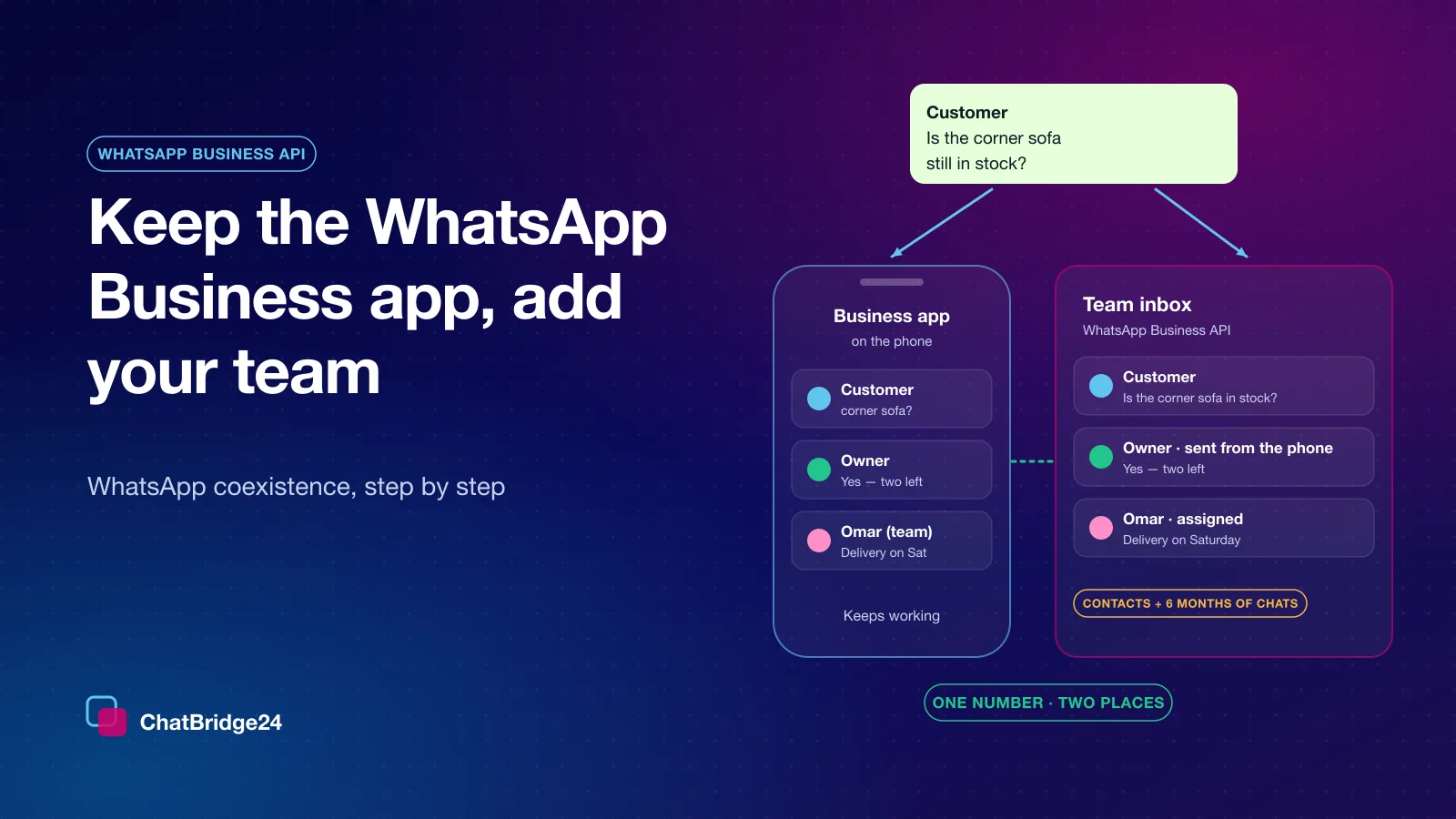
Your WhatsApp Business app number is now in the team inbox as well as on the phone. What the import shows, how replies typed on the phone appear, what stays on the phone, and the house rules that keep one number tidy.
On this page
Connecting a WhatsApp Business app number to the platform takes about ten minutes, and our guide to keeping the Business app and giving your team the same number walks through every step. This article is about what comes after: the first morning your colleagues open the inbox and find the conversations that used to live only on one phone.
WhatsApp coexistence changes very little for your customers. They write to the same number and see the same name. For your team, though, a few things on the screen are new, and knowing what they mean saves a lot of “is this a bug?” messages.
The number now carries a mark
On the WhatsApp Business API page in ChatBridge24, the number’s card carries a small Business app label. Hover over it and it explains itself: the number is also used in the WhatsApp Business app on the phone, and messages sent from the phone appear in the inbox too.
The label is useful for more than information. It tells everyone that this number has two places to answer from, which is the reason for the house rules at the end of this article.
The first 24 hours: what the import shows
Meta allows the history to be shared once, within 24 hours of connecting, and ChatBridge24 asks for it straight away. While it runs, hovering over the same label shows the progress: how many messages and contacts have been imported so far, and then the final totals.
Three outcomes are possible, and each says so in plain words:
- Imported. Contacts and up to six months of one-to-one chats are in the inbox.
- Sharing was turned off. If history sharing was declined in the app, earlier chats are not imported. New messages arrive normally from the moment of connection.
- The import failed. Earlier chats could not be brought across, and the number still works normally for everything new.
The import is quiet by design. Imported conversations arrive as history, not as a wave of unread messages, so nobody’s badge jumps into the hundreds on the first morning, and nothing is pushed into a CRM as new traffic. If you work in Bitrix24, new customer messages reach your Open Channels exactly as they do for any other connected number.
Old photos and files
Meta sends the files themselves only for the last 14 days of history. A photo or document from before that shows a short note instead: it was sent before the number was connected, and it is in the WhatsApp Business app on the phone. Recent files can take a little while to appear after the text, because Meta sends them separately.
Replies typed on the phone
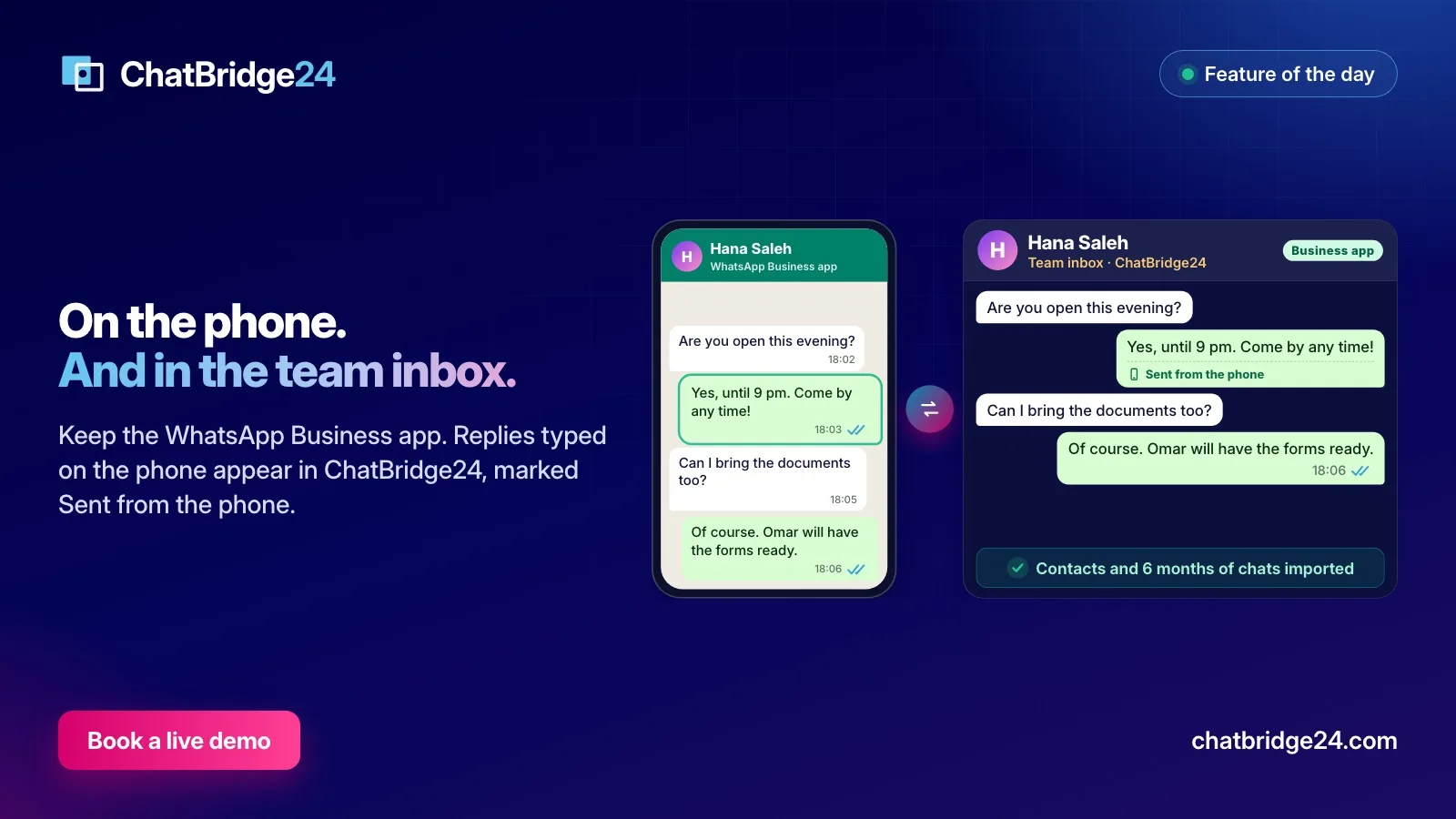
This is the part that makes coexistence work for a team. When the owner answers a customer from the WhatsApp Business app, the reply appears in the same conversation in the shared inbox, marked Sent from the phone, as soon as it is sent.
Two consequences are worth knowing:
- It does not count as unread. A reply from your side never raises a badge.
- It is visible to everyone who can open the conversation. A colleague about to answer can see that the owner already did.
Replies sent from the inbox travel the other way and appear on the phone, so the owner’s view of each chat stays complete as well.
A message only the phone can show
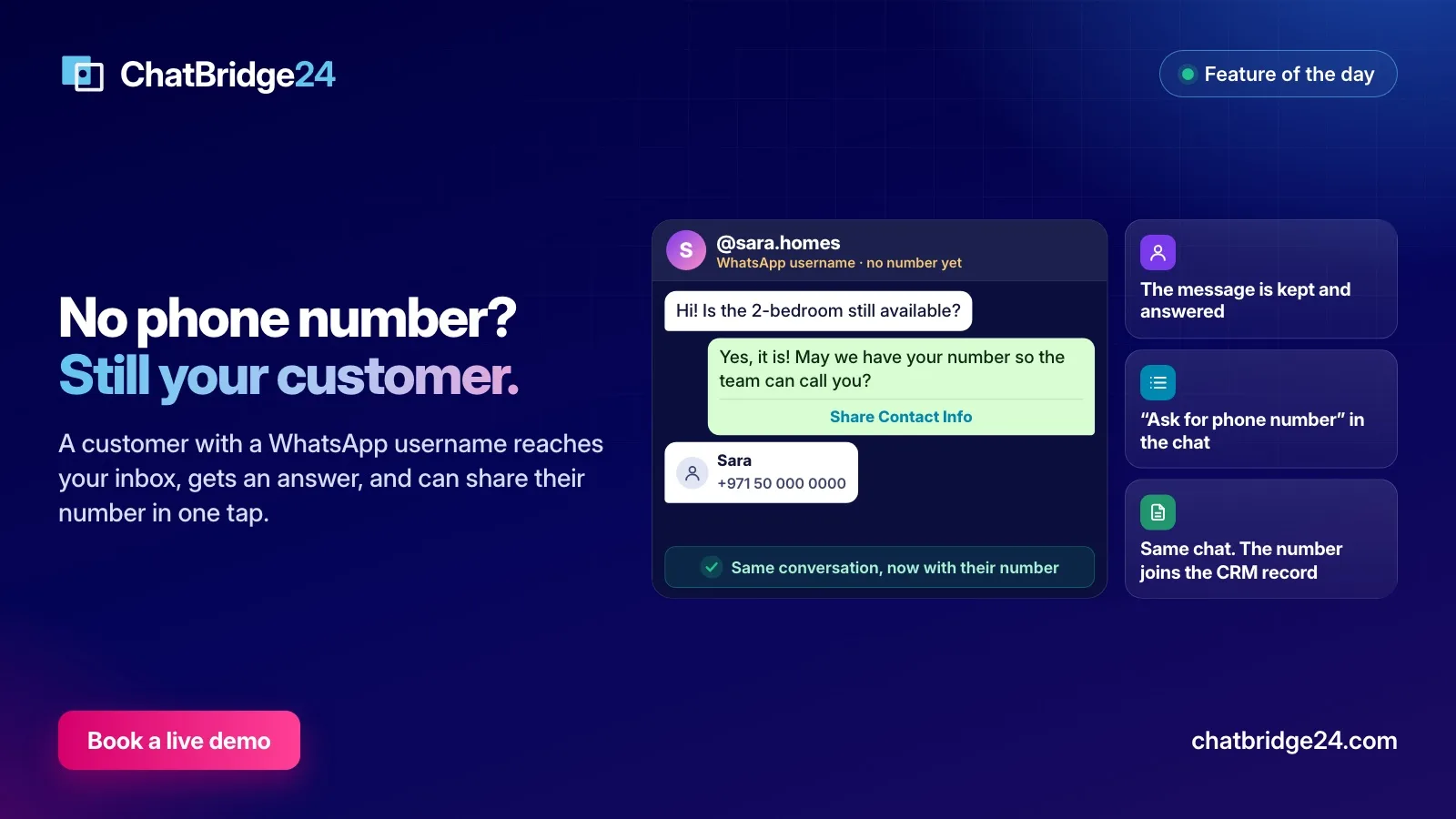
Now and then a customer sends something the WhatsApp Business API cannot carry. Rather than hide it, the inbox shows that a message arrived and that it can be read in the WhatsApp Business app on the phone. Whoever holds the phone can open it there.
What stays on the phone
Some things remain the app’s own, under Meta’s rules for a number used in both places:
- Calls. Voice and video calls stay on the phone.
- Broadcast lists can still be read but not created. Bulk sending moves to approved message templates and WhatsApp marketing campaigns, which are built for it and come with opt-outs and pacing.
- Disappearing messages, view-once messages and live location are turned off for one-to-one chats, because every message now has to exist in two places.
- Other devices where the number is open, such as WhatsApp Web, are signed out once when the number connects. They can be signed in again, except WhatsApp for Windows and WearOS, which Meta does not support for a number used both ways.
Keep the phone in use
Coexistence depends on the WhatsApp Business app staying active. If the app has not been opened for about 14 days, Meta disconnects the number from the platform. ChatBridge24 does not let that pass silently: the label changes to Business app disconnected, its tooltip gives the reason, and connecting the number again restores sending from the inbox.
The simplest protection is a habit: whoever holds the phone opens the app every few days, even if the team is answering everything.
House rules for one number and two places
Two places to answer from means two chances to answer the same question. Five rules keep it calm:
- Assign before you answer. If the owner picks up a conversation on the phone, they assign it to themselves in the inbox, so a colleague does not start typing a minute later.
- Coordinate in notes, not in the chat. Internal notes in the inbox are where the team says “I’ve called them” or “price approved”. The customer never sees them.
- Agree who covers evenings and weekends. Either the phone or the inbox, not both by accident.
- Move bulk sending to templates. Broadcast lists are read-only now; approved templates reach people properly and respect opt-outs.
- Keep the 20-a-second limit in mind. Meta fixes a coexistence number’s throughput at 20 messages a second. That is plenty for a team inbox, but large campaigns are better served by a number on the platform alone.
What it costs
What you type in the WhatsApp Business app stays free. Messages sent from the inbox go through the platform, and Meta charges for them per message, as set out on WhatsApp Business API pricing. On our side the number is billed like any other connected number, with your whole team included; see ChatBridge24 pricing.
If your coexistence number feeds a Bitrix24 portal and you want the Open Channels routing and CRM fields set up around it, Saabsoft, the official Bitrix24 Dubai partner that builds ChatBridge24, can help its Bitrix24 UAE customers do it.
Common questions
Will imported chats show up as new unread messages?
No. Imported conversations arrive as history. They do not raise unread badges, and nothing is pushed into a CRM as new traffic.
How does the team know the owner already answered from the phone?
A reply typed in the WhatsApp Business app appears in the same conversation in the inbox, marked "Sent from the phone", as soon as it is sent.
Why does an old photo show a note instead of the picture?
Meta sends the files themselves only for the last 14 days of history. Older photos and files stay on the phone, and the inbox says so rather than showing an empty attachment.
What happens if nobody opens the app for two weeks?
Meta disconnects the number from the platform after about 14 days without the app being used. The number is marked "Business app disconnected" in ChatBridge24, and connecting it again restores sending.