When a customer replies STOP: the WhatsApp do-not-contact list, from the reply to every send
A STOP reply only protects your number if every sender honours it. What ChatBridge24 counts as an opt-out, where the do-not-contact list applies, and how your team manages it.
On this page
Every business that sends WhatsApp messages will one day receive a one-word reply: STOP. What happens next matters more than the message that caused it. If the same person receives another promotion next week, they are likely to block or report the number, and reports are what lower a number’s quality rating with WhatsApp. Handled properly, the reply costs you one recipient. Handled badly, it can cost you the number’s reach.
The difficulty is that a business rarely sends from one place. There are campaigns, automation rules, a bot, the team inbox and perhaps an integration of your own. An opt-out that only one of them knows about is not an opt-out. This article explains how the do-not-contact list in ChatBridge24 works, from the moment the reply arrives to every send that follows.
What counts as an opt-out
A request to stop has to be recognised reliably, without catching ordinary conversation by mistake. ChatBridge24 treats a message as an opt-out when the whole message is the request:
- English: STOP, STOP ALL, UNSUBSCRIBE, OPT OUT, REMOVE ME, DELETE ME, “do not contact me”, “do not message me”, “no more messages”.
- Arabic: the common ways of saying stop, unsubscribe, remove me and “do not message me”, including the usual spelling variations.
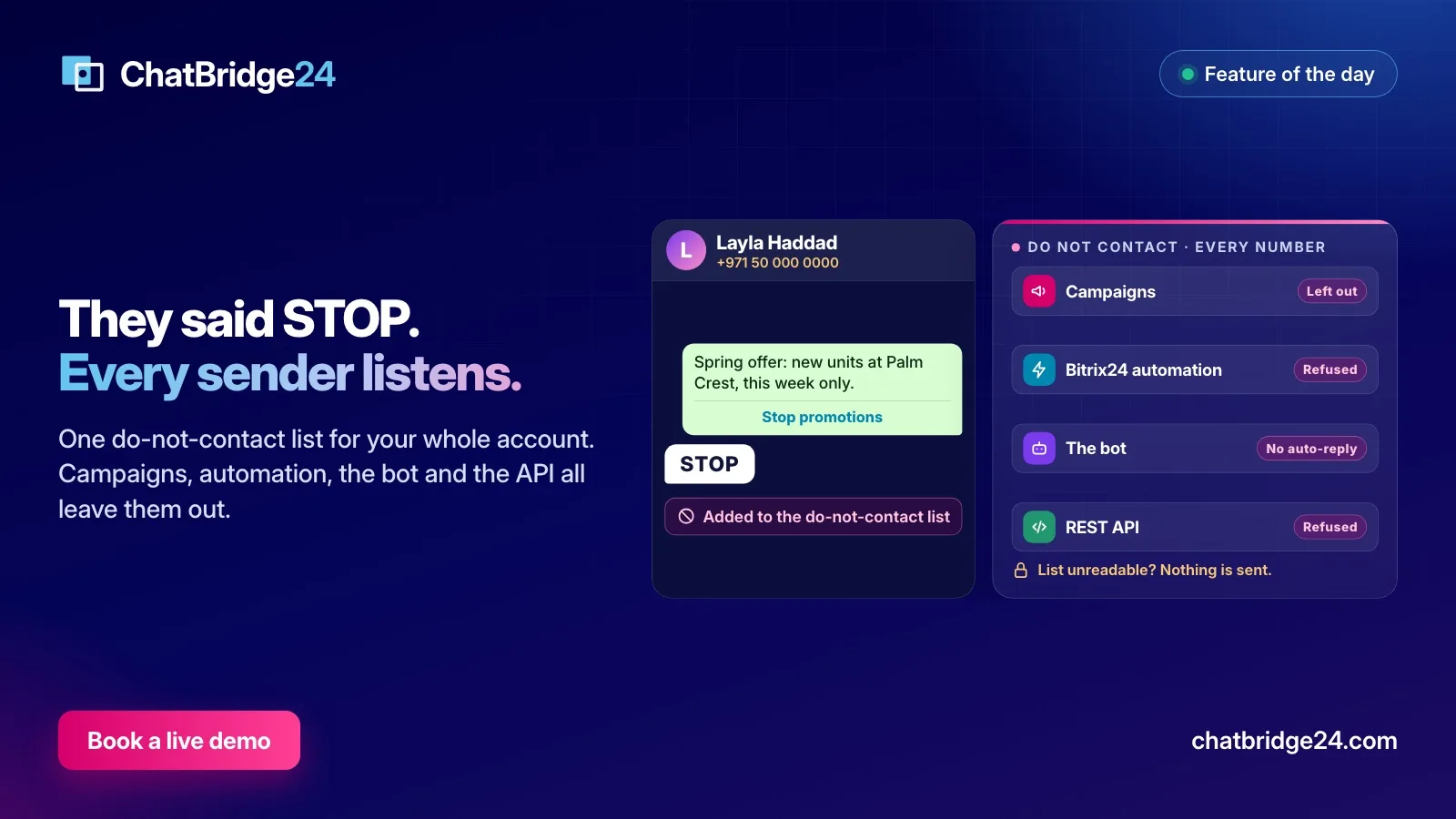
- A button tap: “Stop promotions”, the quick-reply button you can add to a marketing template. A tap arrives as a message with the button’s label, so it counts in exactly the same way.
Capitals, punctuation and emoji make no difference. What does make a difference is the rest of the sentence. “Please stop by the shop tomorrow” is a customer talking about a visit, not a request to be removed, and treating it as one would quietly end a relationship over a figure of speech.
One word is deliberately missing from the list: CANCEL. In a business that takes bookings, orders and viewings, a one-word “cancel” almost always means the appointment, not the subscription. Reading it as an opt-out would stop you from messaging a customer who is in the middle of a transaction with you.
What happens the moment it arrives
The opt-out is written to the do-not-contact list as the message is received, before any automatic reply is considered. That order matters: your WhatsApp chatbot checks the list first, so it does not answer the STOP itself with a charged message. If a scenario was waiting for that customer, for example to send a reminder, it ends instead of sending.
The list keeps the evidence. The first entry for a person records the reason, their own words and the date, and a later entry never overwrites it. If a customer asks months later why they stopped hearing from you, the answer is there.
The list belongs to the account, not to one number. Someone who says STOP to your sales number is also left out of a campaign sent from your support number.
Where the list applies
An opt-out means something only if every unattended sender honours it. In ChatBridge24 these all do:
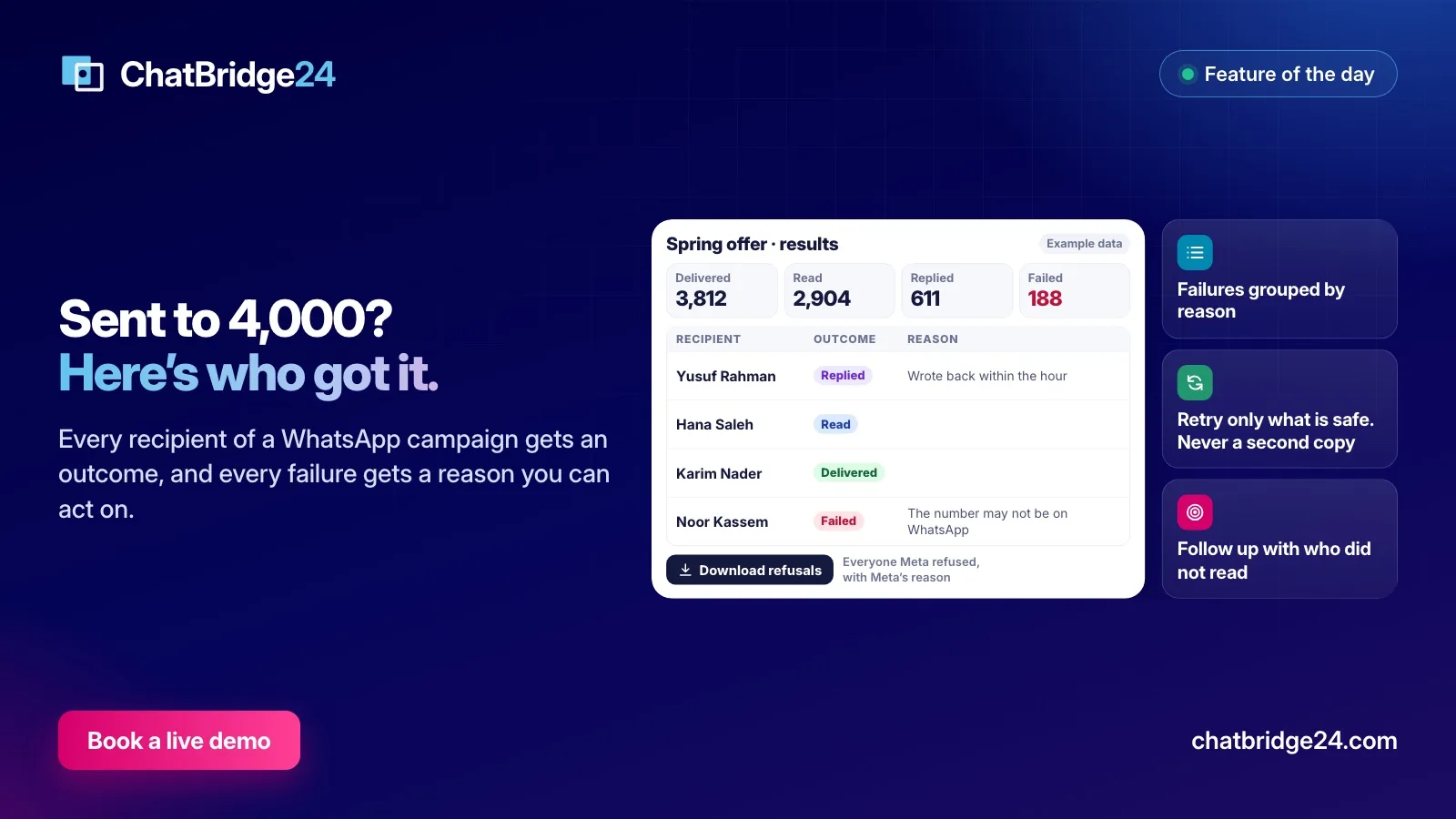
- WhatsApp marketing campaigns. A campaign checks the list when it is created, whichever source its contacts came from: your CRM, a spreadsheet, a pasted list or a saved audience. Everyone on it is left out and counted. Someone who opts out while a campaign is running leaves the queue before their turn, and the report counts them under “Asked not to be contacted”.
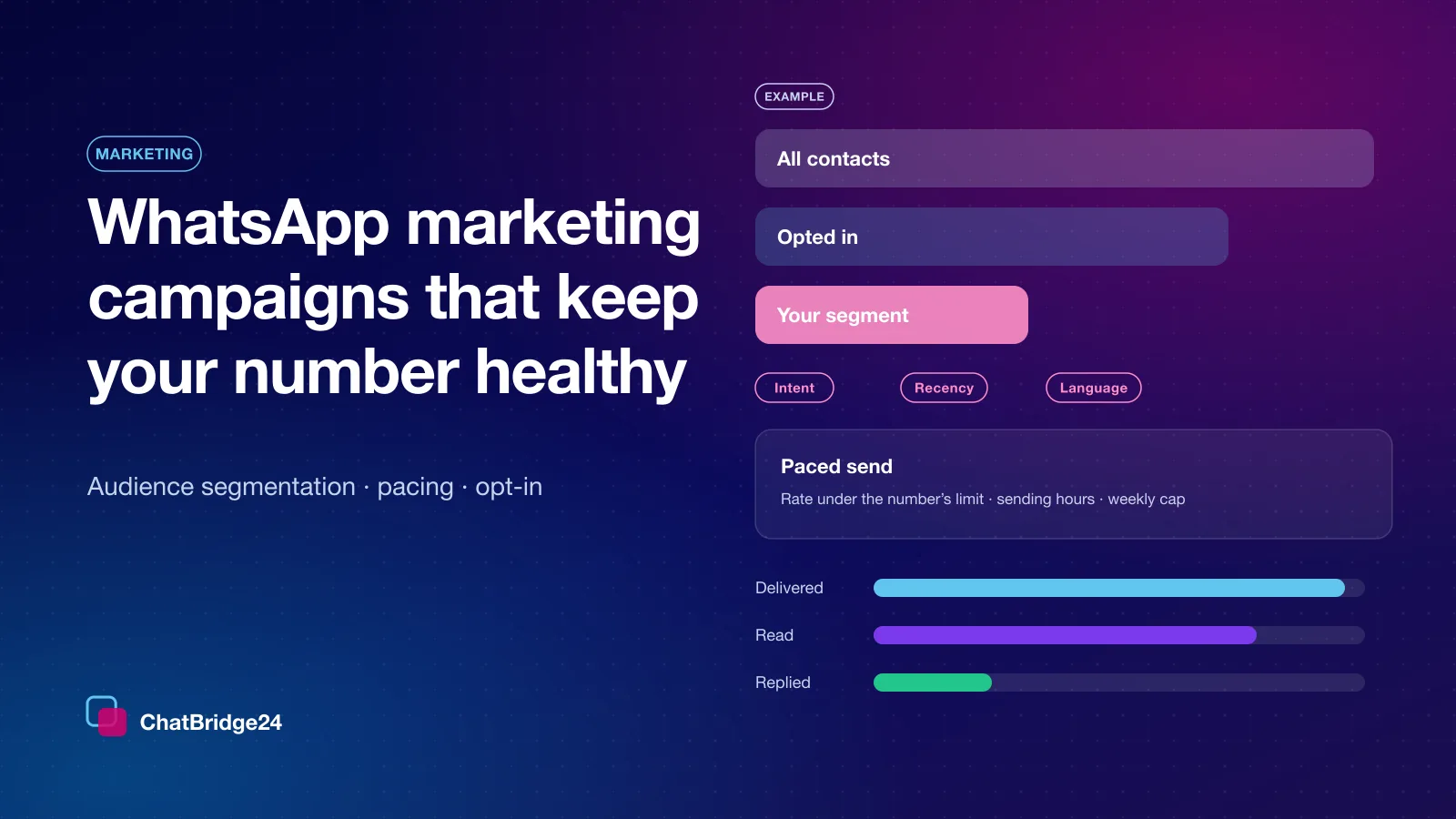
- Audiences. An audience build leaves them out as well, and because the campaign checks again, someone who opted out after an audience was saved is still left out. Our page on audience segmentation covers the rest of the build.
- The automation step in Bitrix24. A step in a Bitrix24 WhatsApp automation rule will not send any template to someone on the list. It is released with the reason, written on the record’s timeline, so the rule never hangs.
- Your own systems. A template sent through the REST API to someone on the list is refused.
- The bot. It does not answer someone on the list automatically.
There is also one rule for the team inbox, where a person is in charge. An agent cannot send a marketing template to someone on the list. They can still send a utility template, such as an order update or a booking confirmation, and if the customer writes to you, the team can answer them as normal. An opt-out from promotions is not a request to be ignored.
When the list cannot be read
Every system has an off moment, and this is where a do-not-contact list is most often undermined. If the list cannot be read at the moment a campaign or an audience is being built, ChatBridge24 builds nothing. The automation step, the API and a marketing template from the inbox refuse in the same situation, and nothing is charged. A short delay can be fixed by trying again. A message to somebody who asked to be left alone cannot be taken back.
Managing the list
The list lives on the Marketing page, under Settings, in the Do not contact section. It is available on every plan, including Starter.
- Add numbers by hand when a customer asks by phone or email: one per line, in full international format, with an optional note. You can also import a CSV.
- Search and filter by reason, to see who asked to stop and who was added by a colleague.
- Remove a number if it was added by mistake. That is the only way back, so it exists, and the person can receive campaigns again straight away.
- Export the list when you need it elsewhere.
Agents can add and remove numbers, not only administrators, because the colleague who takes the call is the one who hears the request.
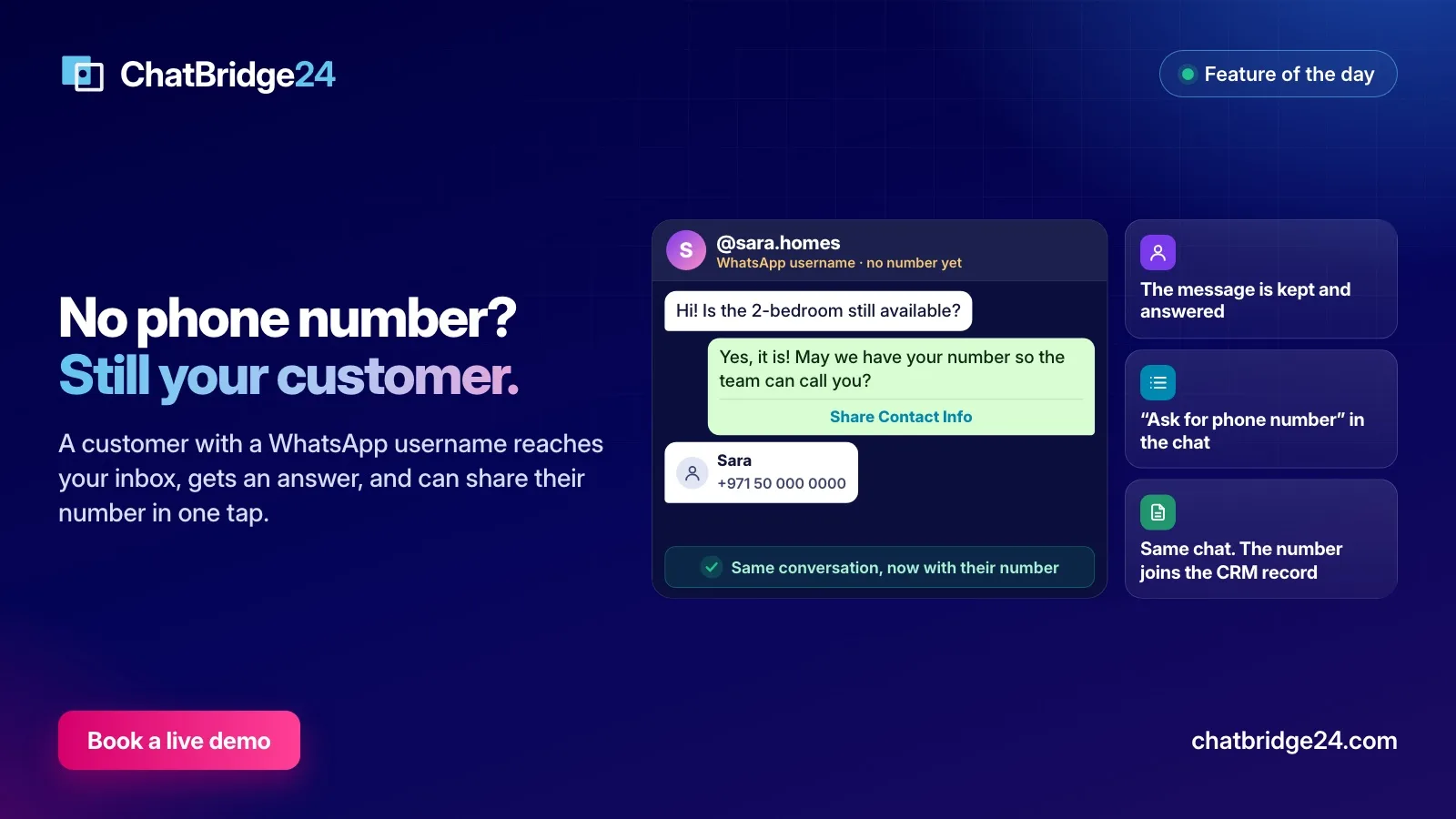
A customer who writes to you with a WhatsApp username and no visible phone number can opt out too. Their request is recorded against the identifier WhatsApp gives them, and it is honoured in the same way.
Make opting out easy
It sounds backwards, but making it easy to leave protects your number. Someone who can tap “Stop promotions” has no reason to report you. A few habits help:
- Add a “Stop promotions” quick-reply button to every marketing template. It is the easiest way out you can offer, and our page on WhatsApp message templates shows where buttons go.
- Tell the team that a STOP is handled automatically, and that they should add requests made by phone or email by hand.
- Look at the opt-outs after each campaign. A sudden rise is the clearest sign that the audience or the message was wrong.
- Never import an old list over the top of the opt-outs. A spreadsheet from last year has no idea who has since asked to stop.
For the wider picture, from consent to pacing, read our guide to WhatsApp marketing campaigns that keep your number healthy. The do-not-contact list is in every plan, and campaigns are in the Enterprise plan; see ChatBridge24 pricing.
If you work in Bitrix24 and want help setting up consent fields and segments in your CRM, ChatBridge24 is built by Saabsoft, an official Bitrix24 Dubai partner, and its Bitrix24 UAE team can help.
Common questions
Which replies count as an opt-out?
A message that is only a request to stop, such as STOP, UNSUBSCRIBE, OPT OUT, REMOVE ME or "do not contact me", in English or Arabic, and a tap on a "Stop promotions" button. The word stop inside a longer sentence is not an opt-out.
Can my team still answer someone who opted out?
Yes. If they write to you, your team can reply in the 24-hour window, and a person can send them a utility template such as an order update. Marketing templates, campaigns, the bot, the automation step and the API leave them out.
Does the list cover all of our numbers?
Yes. The list belongs to the account, so someone who says STOP to one of your numbers is left out of campaigns on every number.
Which plan includes the do-not-contact list?
Every plan, including Starter. Campaigns themselves are in the Enterprise plan.