
Everything we have written about Guides
Step-by-step walkthroughs written from the product, not from a brochure.
 Guides
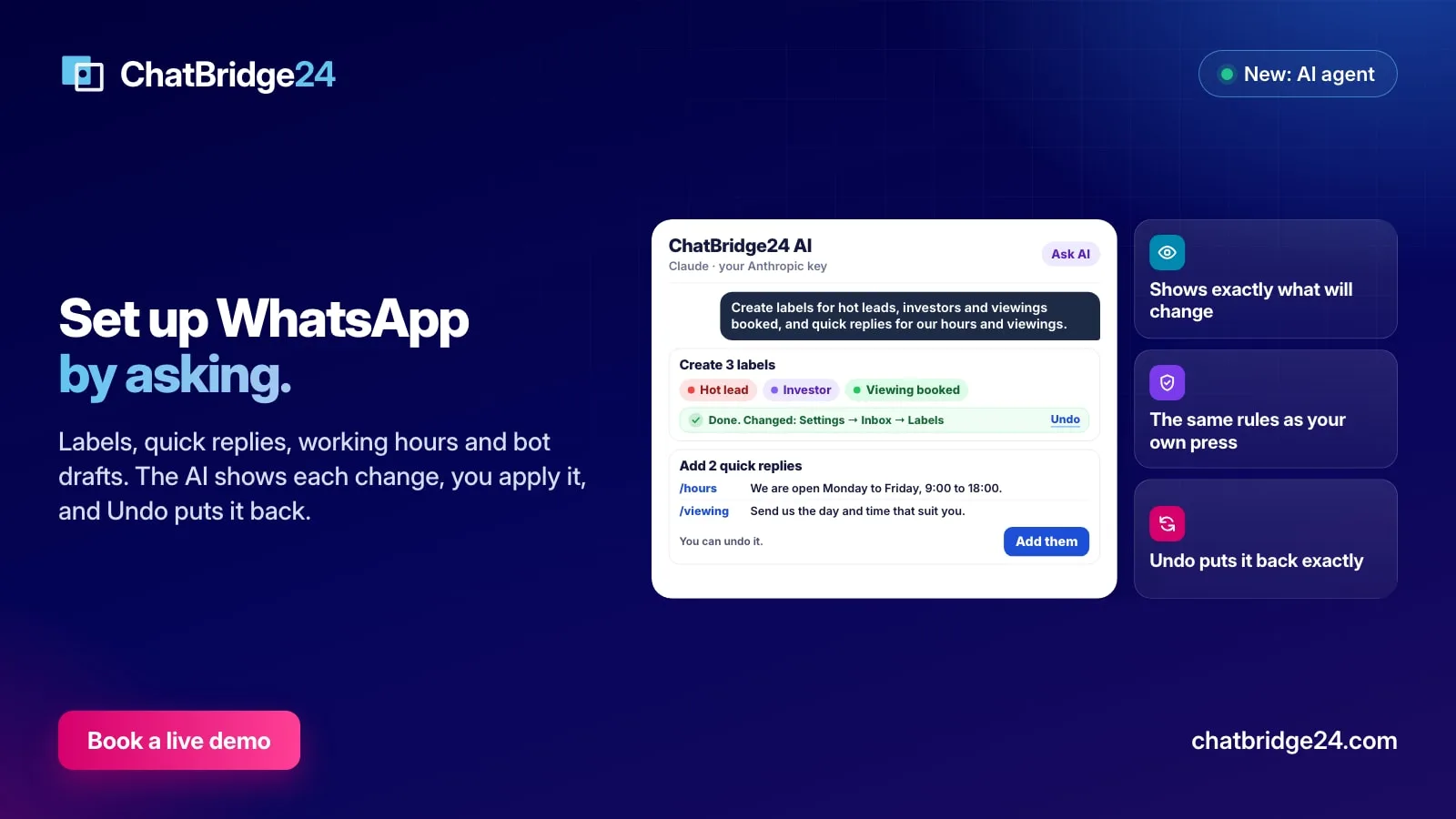
Ask AI to set up your WhatsApp: labels, quick replies, hours and more
Ask the AI to create labels and quick replies, set your working hours, add ready-made bot scenarios, update your WhatsApp business profile or change when it answers. It shows exactly what will change, you confirm, and you can undo.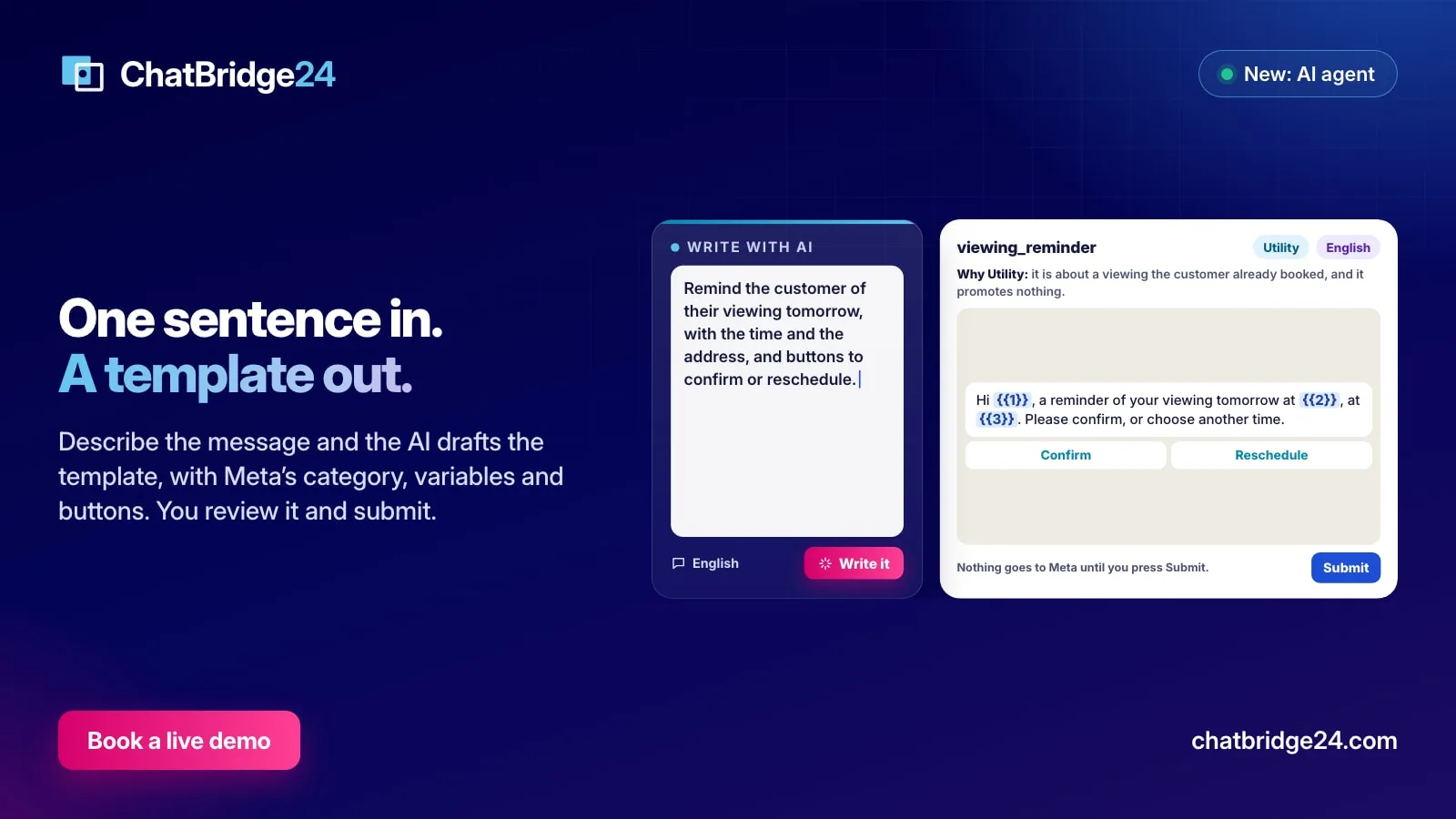 Guides
Write WhatsApp message templates with AI, and still approve every word
Describe the message in a sentence and the AI drafts the WhatsApp template for you, with Meta's category, numbered variables, example values and buttons. You review it in the editor and decide when it goes to Meta.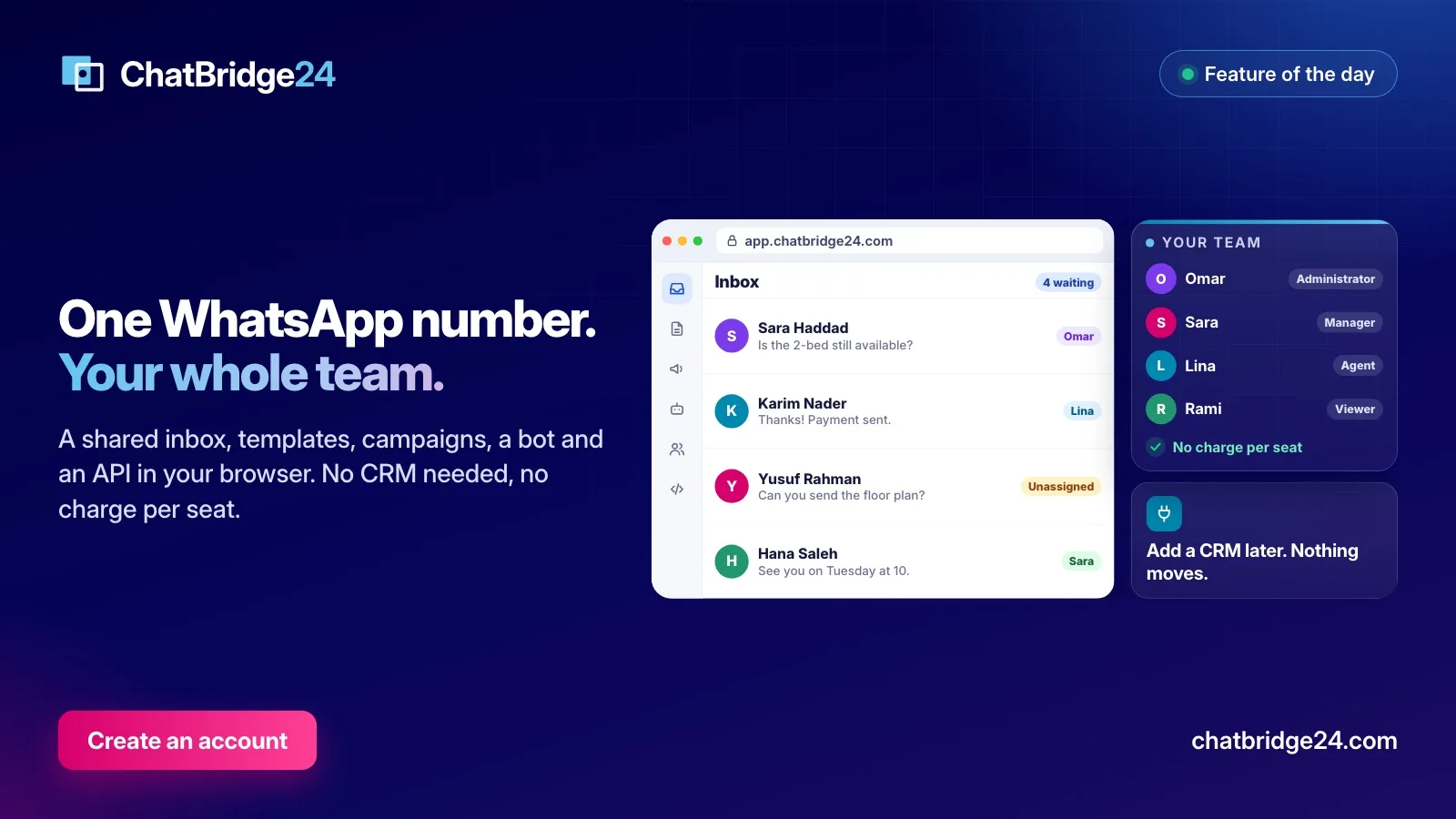 Guides
One WhatsApp number for your whole team, without a CRM
Plenty of businesses run on WhatsApp long before they need a CRM. What the ChatBridge24 workspace gives a team on day one, how signing up works, and what happens if you add a CRM later.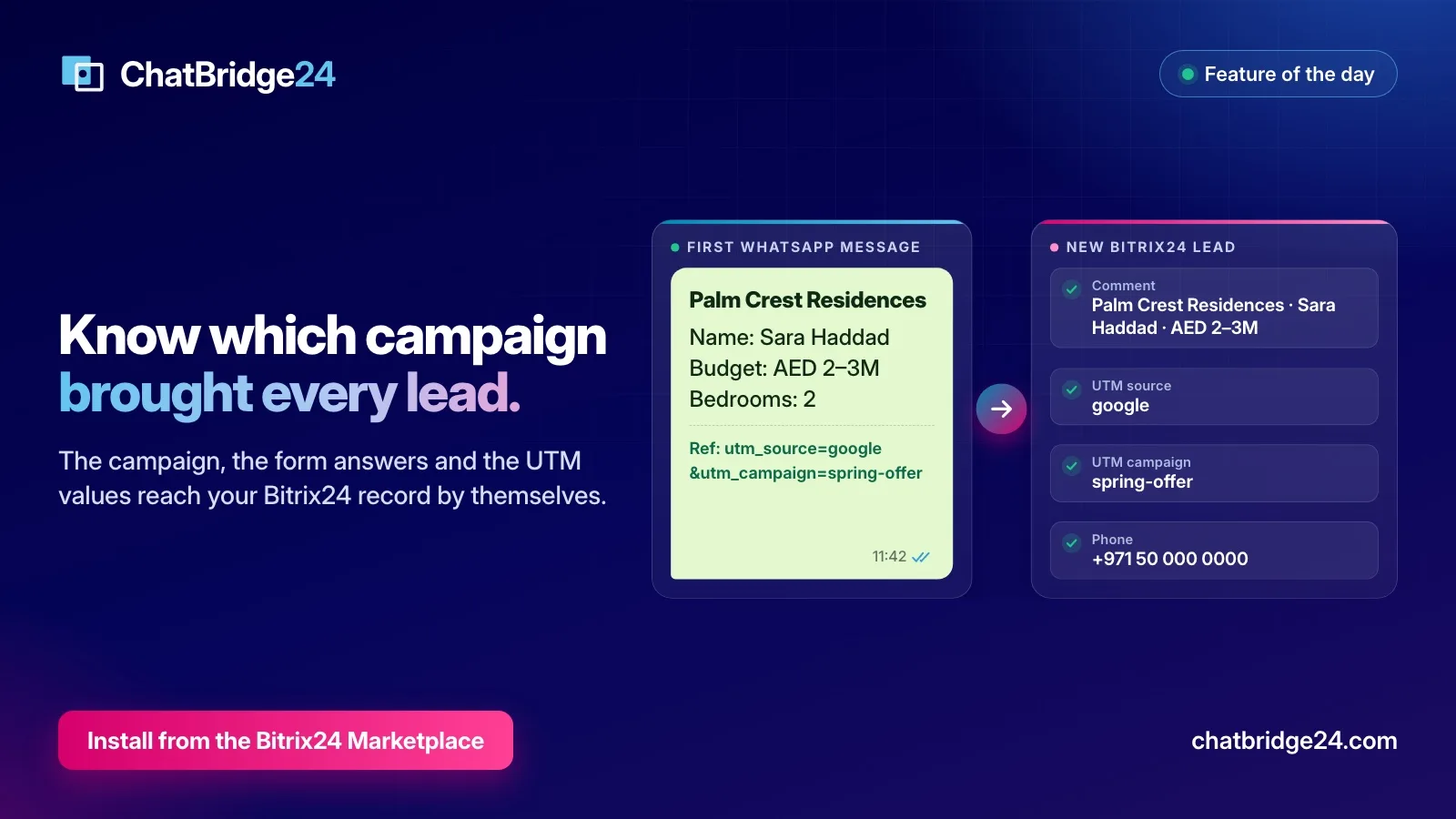 Guides
WhatsApp lead source tracking: how the campaign and form answers reach your CRM
A WhatsApp lead usually arrives with no source. Here is how ChatBridge24 reads the campaign, the form answers and the UTM values from the first message and writes them onto the Bitrix24 record.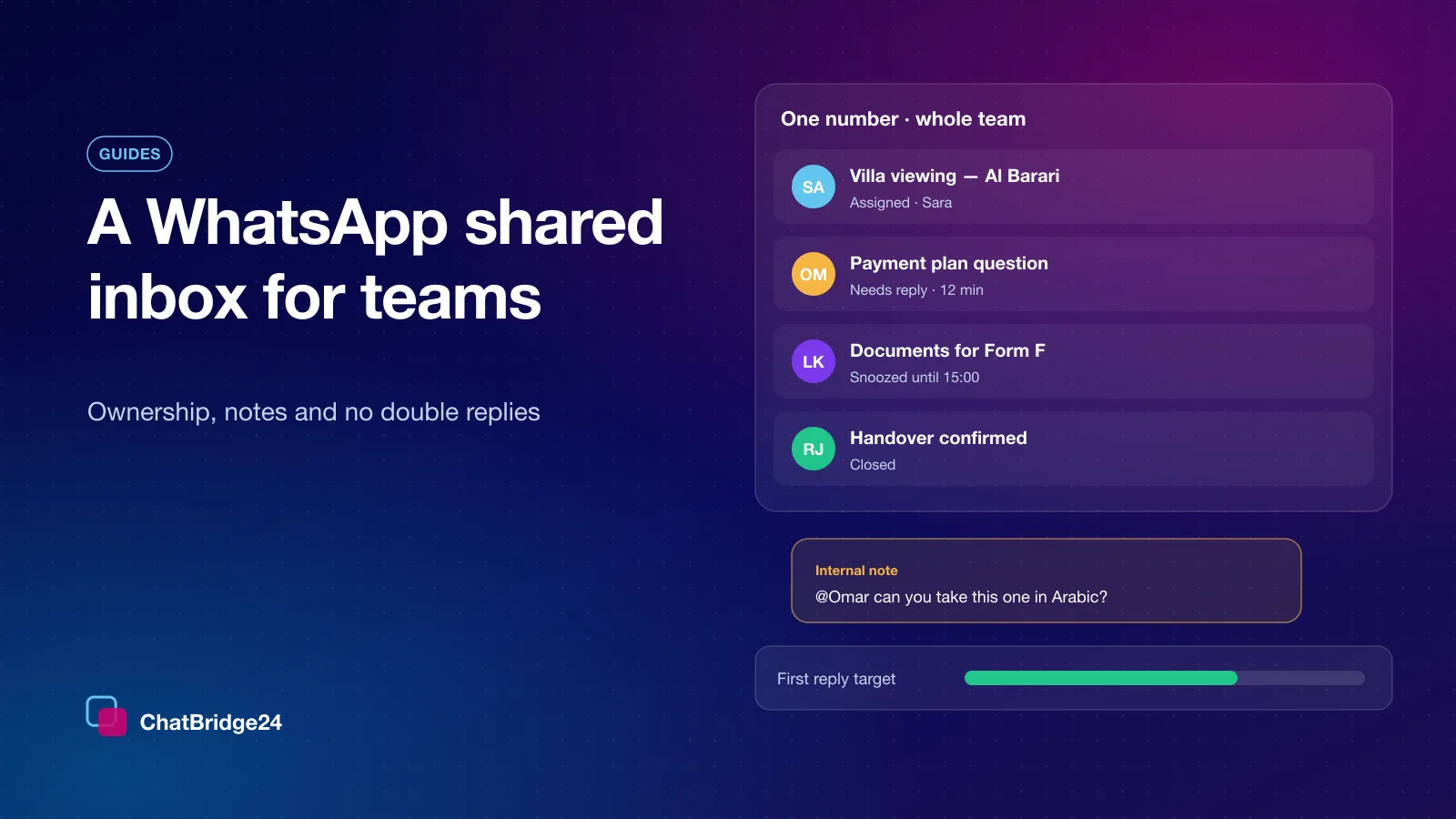 Guides
WhatsApp shared inbox: how a team answers one number without double replies
One number answered by one phone works until the day it does not. The rules that make a team inbox work: ownership, internal notes, saved replies, response-time targets and the 24-hour window.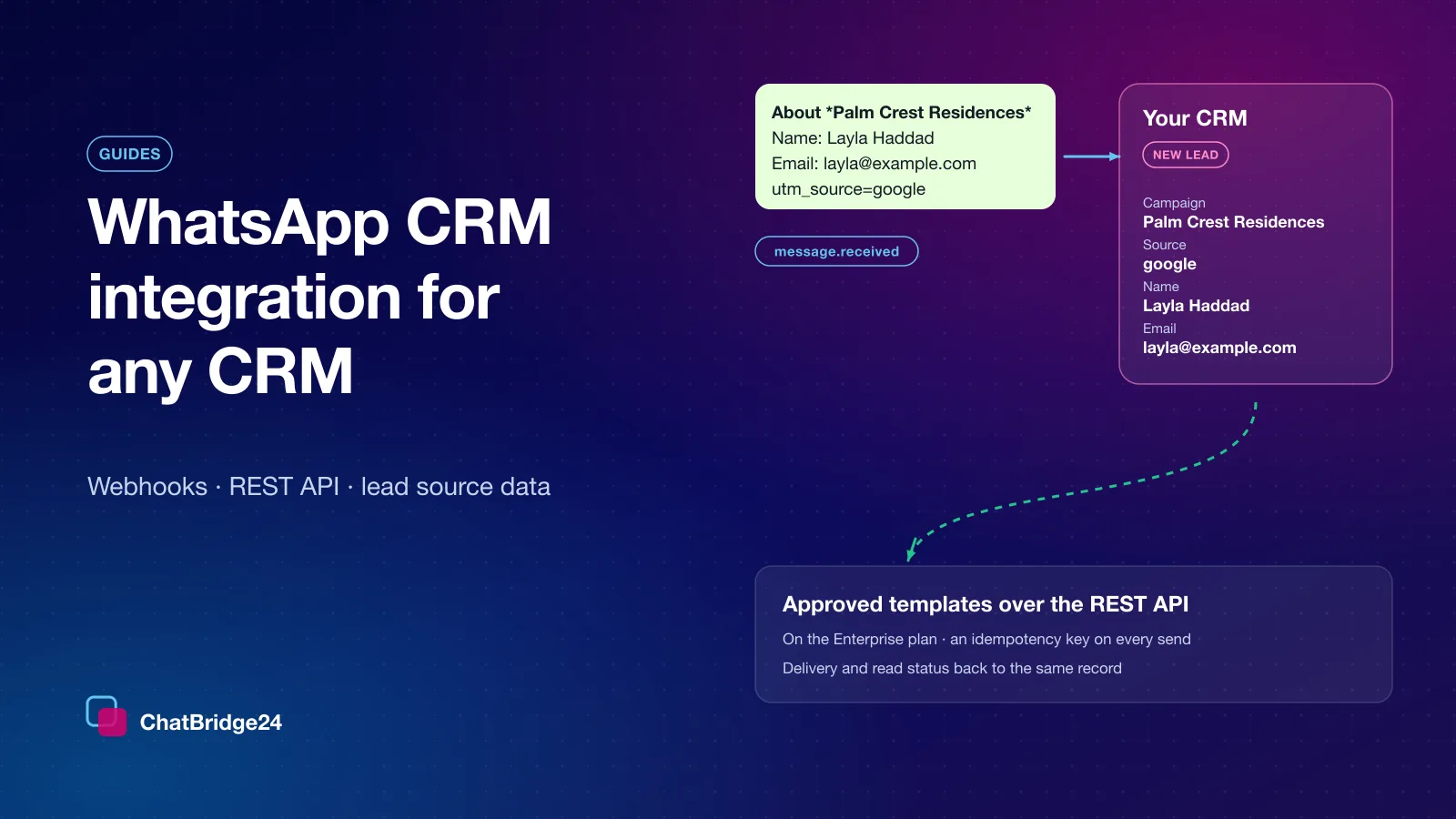 Guides