WhatsApp lead source tracking: how the campaign and form answers reach your CRM
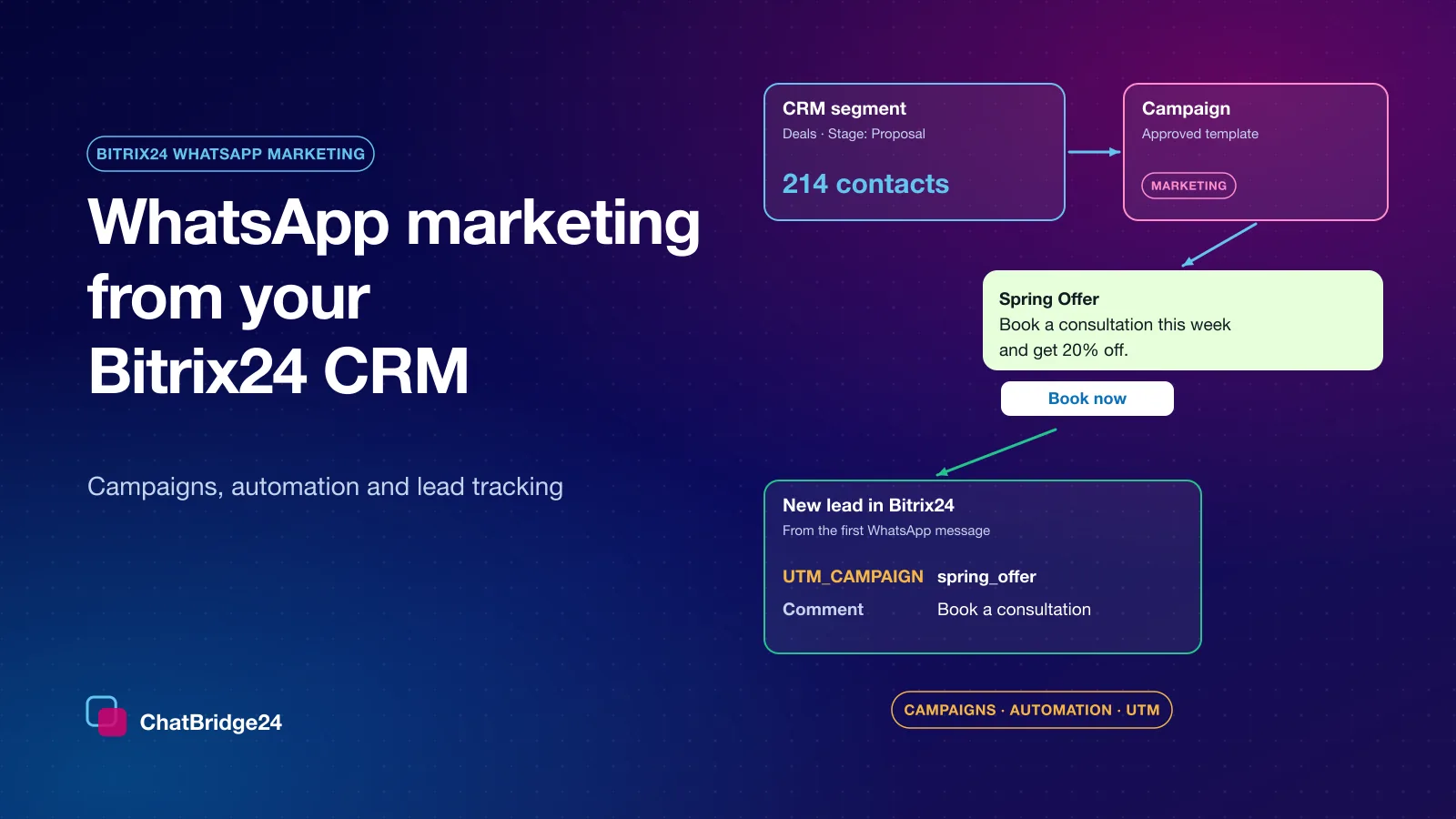
A WhatsApp lead usually arrives with no source. Here is how ChatBridge24 reads the campaign, the form answers and the UTM values from the first message and writes them onto the Bitrix24 record.
On this page
You pay for the click, the visitor taps “Chat on WhatsApp”, and a new lead appears in your CRM. What usually does not appear is where that lead came from. Which campaign was it? Which project? What did they fill in on the form? Without those answers, a lead from your best campaign looks exactly like a lead from your worst one.
ChatBridge24 closes that gap. It reads the first WhatsApp message a customer sends and writes what it finds onto the CRM record, before anyone on your team opens the chat. This article explains where the information comes from, where it lands in Bitrix24, and the one change to make on your landing page to get the full benefit.
Why a WhatsApp lead arrives without a source
A web form can pass hidden fields to your CRM. A wa.me link cannot. All it carries is the pre-written message: no referrer, no cookie, no click id. Once WhatsApp opens, your website’s tracking can no longer see that visitor.
So the only place a landing page can put the campaign details is the message text itself. That sounds like a limitation, but it is also the solution, because whatever the page writes into that message reaches your CRM.
What ChatBridge24 reads from the first message
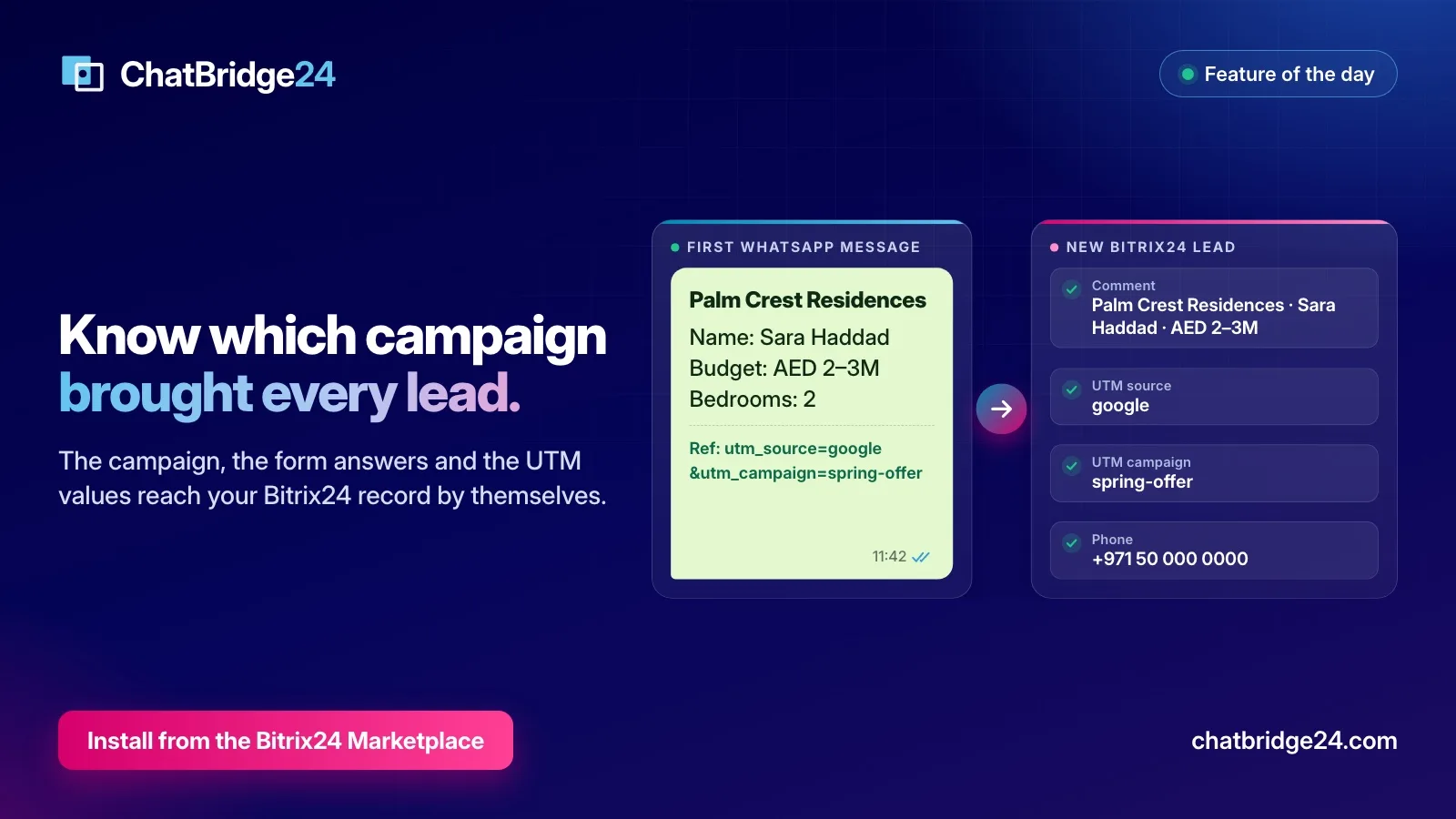
Here is a first message from a typical property landing page. The project and the person are invented.
*Palm Crest Residences*
Name: Sara Haddad
Budget: AED 2–3M
Bedrooms: 2
Ref: utm_source=google&utm_campaign=spring-offer
From that one message, ChatBridge24 picks out three things:
- The campaign or project. The first name in bold, here Palm Crest Residences.
- The form answers. Each line with a label and a value, such as the name, the budget and the number of bedrooms.
- The tracking values.
utm_source,utm_medium,utm_campaign,utm_contentandutm_term, along with click ids such asgclidandfbclid.
A customer who arrives from a Click-to-WhatsApp ad on Facebook or Instagram brings a fourth: on the WhatsApp Business API, Meta attaches a referral to the first message, with the ad’s id, its headline and its destination.
Where it lands in Bitrix24
In the Bitrix24 WhatsApp integration you choose, under Settings, what a first message creates: a lead, a contact or a Smart Process item. The details then go into fields your team and your reports already use:
- Comment. The whole first message, word for word, in the record’s own Comment field, where a salesperson looks first. They can see the budget before they say hello.
- Source information. A short summary of the enquiry, in the record’s Source information field.
- UTM fields.
UTM_SOURCE,UTM_MEDIUM,UTM_CAMPAIGN,UTM_CONTENTandUTM_TERMare standard Bitrix24 fields, and the values fill them with no mapping to set up. When a message carries noutm_campaign, the project name stands in for it, so a page that only names its project can still be reported on. - Fields you choose. Under Settings, Lead source, an administrator can map the details of a Click-to-WhatsApp ad to the CRM fields of their choice. What an administrator maps always wins over the automatic values.
On a record that already exists, the details are added to the Comment field below what is already there, so a salesperson’s own notes are never overwritten. The automatic Comment and UTM values apply to leads and contacts. A Smart Process names its fields differently on every portal, so there the values follow the mapping you set.
The one change to make on your landing page
Open the link behind the “Chat on WhatsApp” button on your landing page. On many pages the pre-written text is fixed, so a visitor from Google and a visitor from Instagram send exactly the same words, and nothing can tell them apart afterwards.
The cure is a few lines on the page, not a change in your CRM. This script copies the tracking values from the page’s address into the message on every WhatsApp link:
<script>
(function () {
  var keys = ['utm_source', 'utm_medium', 'utm_campaign', 'utm_content', 'utm_term', 'gclid', 'fbclid'];
  var params = new URLSearchParams(location.search);
  var found = keys.filter(function (k) { return params.get(k); })
                  .map(function (k) { return k + '=' + params.get(k); });
  if (!found.length) return;
  document.querySelectorAll('a[href*="wa.me/"], a[href*="api.whatsapp.com/send"]').forEach(function (a) {
    var link = new URL(a.href);
    link.searchParams.set('text', (link.searchParams.get('text') || '') + '\nRef: ' + found.join('&'));
    a.href = link.toString();
  });
})();
</script>
Place it just before the closing </body> tag. Your ads need to carry UTM values in their links for it to have anything to copy.
Check that it works
- Open your landing page with test values in the address, for example
?utm_source=test&utm_campaign=launch-check. - Tap the WhatsApp button and send the message from a phone that has not written to you before.
- Open the new record in Bitrix24. The message should be in the Comment field and
launch-checkin the UTM campaign field. - In your Bitrix24 reports, group the leads by UTM campaign.
What your team does with it
- Marketing can compare WhatsApp marketing campaigns and paid ads by the leads they really bring, in the reports they already run.
- Sales starts the conversation, in the shared inbox or in Open Channels, knowing the project, the budget and the questions already answered, instead of asking again.
- A bot can use it as well. A scenario’s Condition block can check whether a contact came from an ad, so a Bitrix24 WhatsApp bot can greet those customers differently.
Not using Bitrix24?
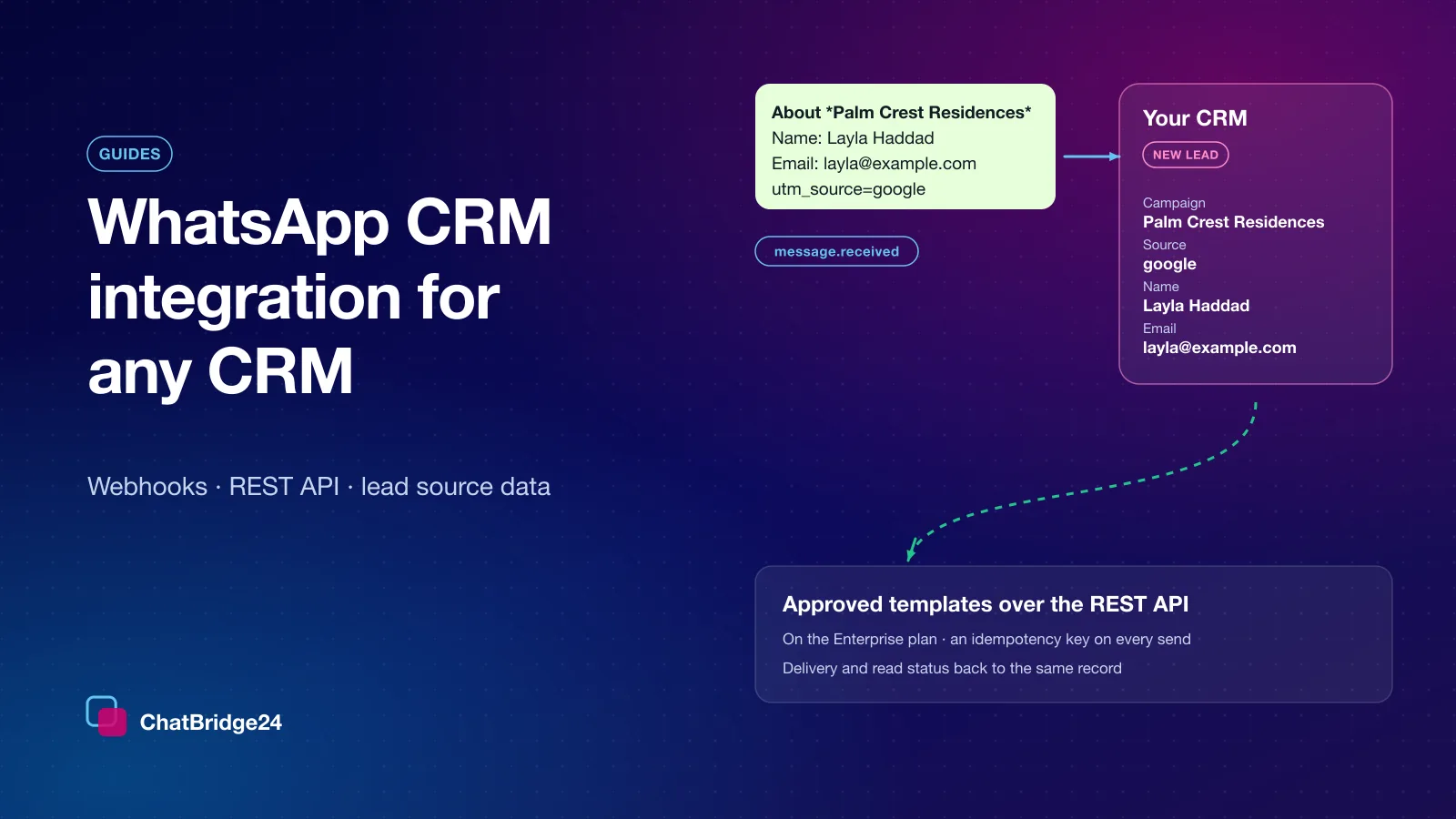
The same details are available to any system. On the first message, the message.received event of our webhooks carries a lead block with the campaign, the form answers, the tracking values and the ad. Our guide to WhatsApp for any CRM shows how to use it.
ChatBridge24 is available on the Bitrix24 Marketplace, and the lead source works from the first message after you connect a number.
ChatBridge24 is built by Saabsoft, an official Bitrix24 Dubai partner specialising in CRM implementation. If you would like your pipeline and its reports set up along with the lead source, Saabsoft’s Bitrix24 UAE team can do both together.
Common questions
Do I need to map fields for UTM values?
No. On leads and contacts, UTM values go into Bitrix24's own UTM fields by themselves. A mapping is only for extra details, such as the fields of a Click-to-WhatsApp ad, and anything an administrator maps takes priority.
Why does my WhatsApp lead have no UTM values?
Usually because the pre-written message does not carry them. A wa.me link carries nothing but its text, so the landing page has to add the values to that text. A few lines of script on the page do it.
Does WhatsApp tell me the name of the ad?
No. Meta sends the ad's id and its headline, not its name. ChatBridge24 saves the id, so names can be added later under Settings, Lead source.
Will this overwrite my sales team's notes?
No. On a record that already exists, the details are added to the Comment field below what is there.