WhatsApp shared inbox: how a team answers one number without double replies
One number answered by one phone works until the day it does not. The rules that make a team inbox work: ownership, internal notes, saved replies, response-time targets and the 24-hour window.
On this page
- Start with ownership, not with everyone
- The double reply, and how to prevent it
- Internal notes are where the team talks
- Saved replies, labels and views
- Response times you can actually see
- The 24-hour window changes what you can send
- Read receipts in both directions
- Let a bot take the first minute
- One price for the whole team
- A one-week rollout
One WhatsApp number answered by one phone works until the day it does not. The person holding the phone goes on leave, two colleagues reply to the same customer with different prices, a message that arrived at 18:05 is found at 10:30 the next morning, and nobody can say whether the customer ever read the answer.
A WhatsApp shared inbox fixes those problems by putting one number in front of the whole team, with rules about who answers what. This guide is about the rules — the habits that make a team inbox work — more than the software.
Start with ownership, not with everyone
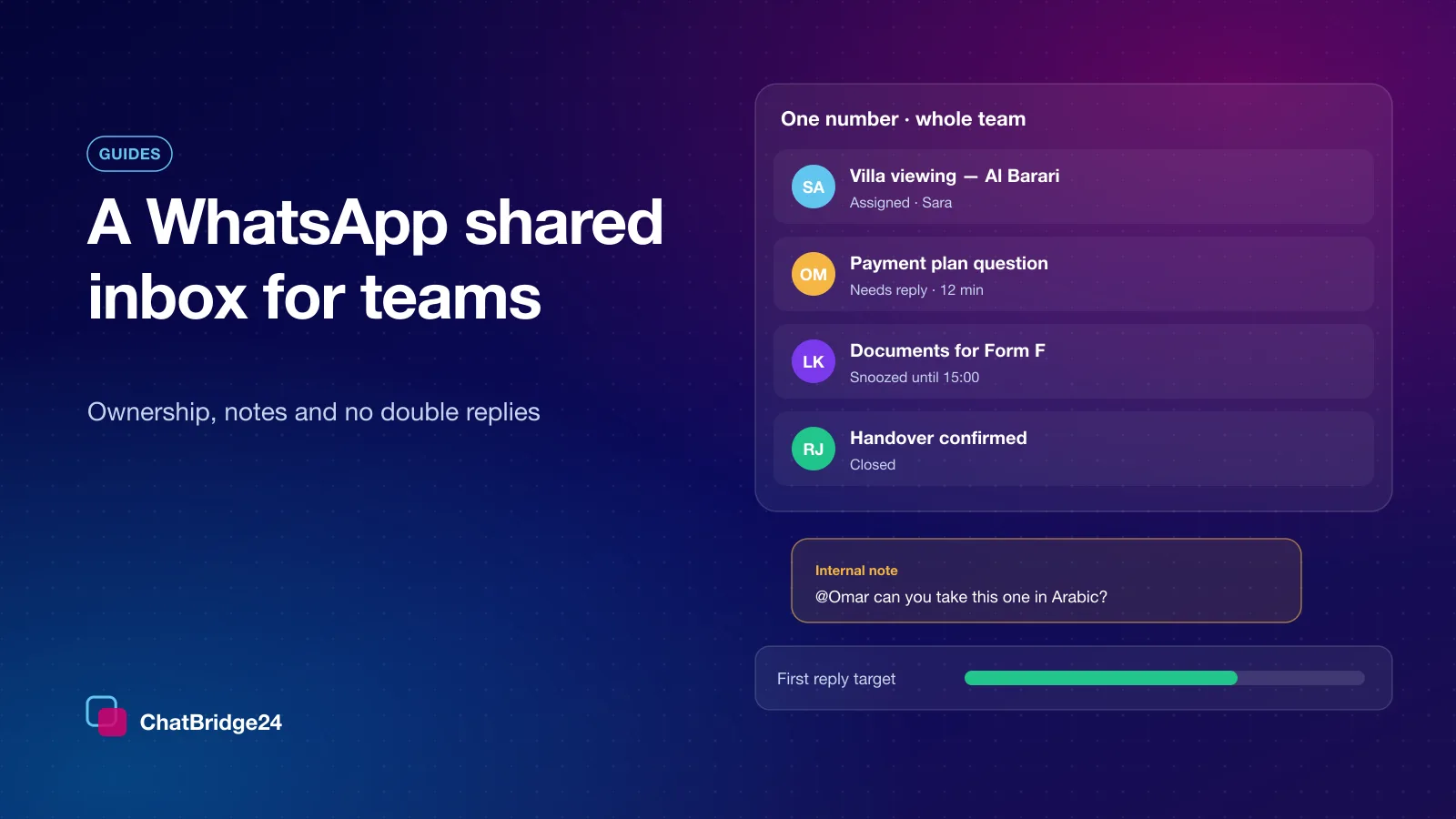
The most common failure of a shared inbox is that it is shared by everybody and owned by nobody. Every thread should have exactly one of three states, and the whole team should be able to see which:
- Assigned to one person, who is expected to answer it.
- Unassigned and waiting, at the top of a “needs reply” view, for whoever is on duty.
- Closed, because the conversation is finished — not merely quiet.
Assignment does not stop a colleague from helping. It tells them whose customer it is, so help arrives as an internal note rather than as a second reply.
The double reply, and how to prevent it
Two people answering the same customer is the defining embarrassment of a shared number. Assignment reduces it; it cannot eliminate it, because the second person may simply not have looked. So the composer checks before your message leaves: if a colleague has replied since you opened the conversation, you are asked first.
It asks rather than blocks, because sometimes two replies really are wanted — a specialist adding a detail, a manager stepping in. What matters is that the second reply is a decision, not an accident.
Internal notes are where the team talks
A customer should never read your team’s coordination. Notes live inside the thread, visible to colleagues and never sent: “price approved by Sara”, “called them, waiting for documents”, “@Omar can you take this one in Arabic?”. A mention notifies the colleague you named, so the note does not depend on them happening to open the thread.
Saved replies, labels and views
The answers your team gives twenty times a day — opening hours, location, documents required, payment details — belong in saved replies, with their attachments, so they are consistent and fast. Labels describe what a conversation is about (viewing request, complaint, VIP), and saved views turn a label and a state into a list somebody works through: “unassigned and needs reply”, “my threads waiting more than an hour”, “complaints this week”.
Built-in views cover the states every team needs — needs reply, snoozed, closed, failed and blocked — so nobody has to build those from scratch.
Response times you can actually see
You cannot improve what you do not measure, and in a shared inbox the measure that matters is how long a customer waited for a first human reply. Set a response-time target, and the inbox shows which threads are approaching it and which have passed it. A target nobody can see is a wish.
Snoozing is the honest way to say “not now”: the thread leaves the active view and returns at the time you chose, instead of sitting unanswered in the middle of everyone’s list. Auto-close is the tidy way to say “finished”: a conversation that has gone quiet for the period you set is closed for you — but never one whose last message failed to send, never one that is snoozed, and never a group.
The 24-hour window changes what you can send
WhatsApp allows a free-text reply only within 24 hours of the customer’s last message. After that, the only thing you may send is an approved template, and your own messages do not reopen the window. A good team inbox shows the window’s state before you type, and when it has closed the composer offers an approved template and fills its values in place.
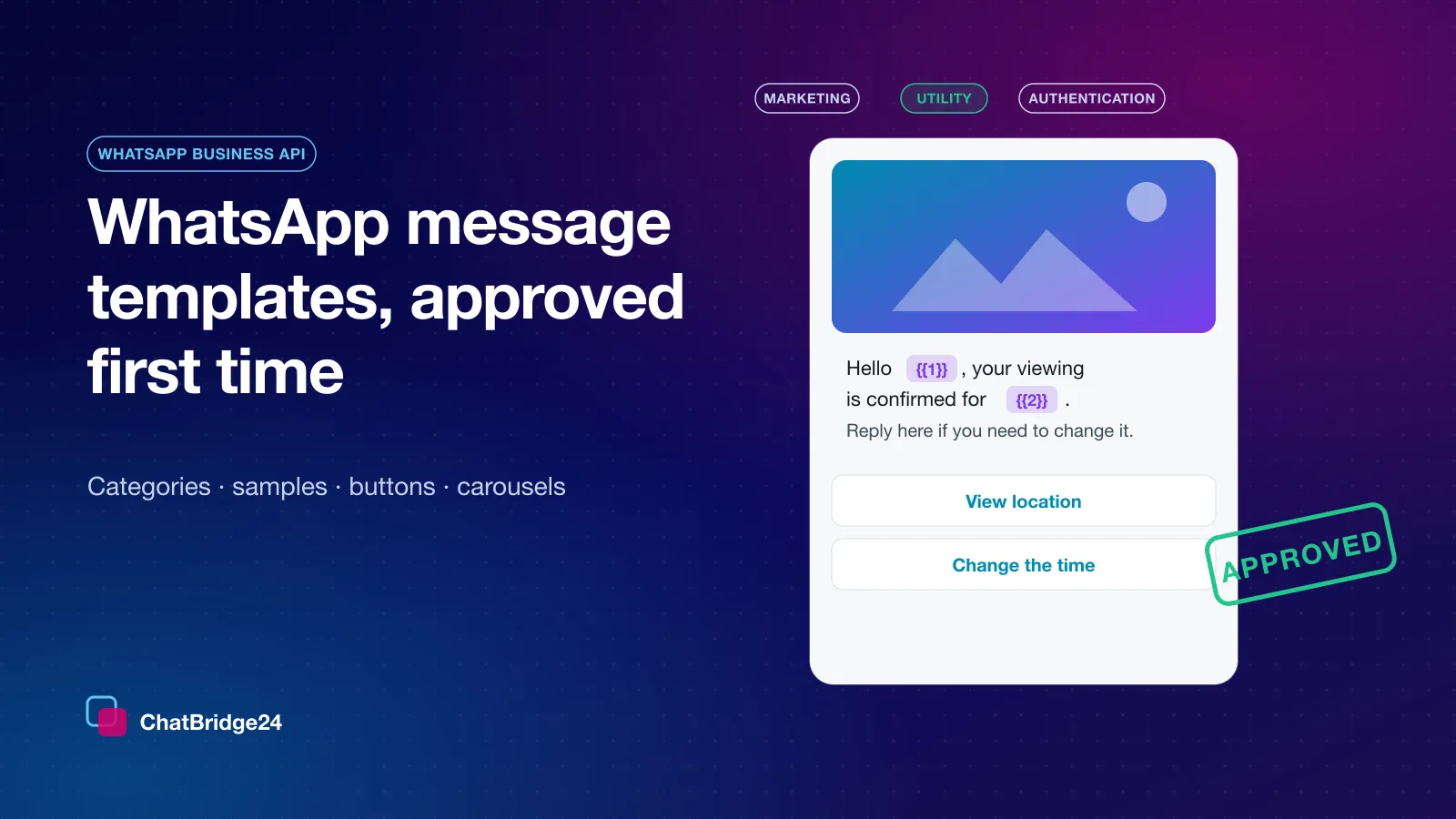
If your team often needs to reopen old conversations, build a small set of WhatsApp message templates for exactly that — a gentle follow-up, a document reminder, an appointment confirmation — and get them approved before you need them, not on the afternoon you do.
Read receipts in both directions
Two things a team needs to know at a glance: did the customer read our reply, and has somebody on our side read the customer’s message? The second is easy to forget. If a colleague reads a message on their own handset, the inbox should know, or the thread sits “unread” for everyone else and gets answered twice.
Let a bot take the first minute
A WhatsApp chatbot is a good colleague for the repeated first question and the out-of-hours message, provided it hands the conversation to a person and never comes back into a thread a person is handling. Draw the hand-off first, and the inbox stays the place where people do the work.
One price for the whole team
A shared inbox should not charge per seat. Adding the colleague who covers Fridays should cost nothing, or the team will share a login instead — and a shared login is the end of ownership, notes and accountability. Our plans are priced per connected number, with your whole team included; the figures are on ChatBridge24 pricing.
A one-week rollout
- Day 1. Connect the number and invite everyone who answers it.
- Day 2. Write the pick-up rule and the ten most common saved replies.
- Day 3. Create four labels and two saved views; set a response-time target.
- Day 4. Get the follow-up templates approved.
- Day 5. Review the week’s threads that waited longest, and adjust.
You do not need a CRM to run any of this — the standalone WhatsApp workspace is the inbox on its own — and if you already have one, the same conversations can attach to its records as well.
Common questions
How many people can work one WhatsApp number?
As many as answer it. Plans are priced per connected number with the whole team included, so adding a colleague costs nothing.
How do we stop two people answering the same customer?
Assign threads, and rely on the composer’s check: if a colleague has replied since you opened the conversation, you are asked before your message is sent.
Can we reply to a customer after 24 hours?
Only with an approved template. Free-text replies are allowed within 24 hours of the customer’s last message, and your own messages do not reopen that window.