Write WhatsApp message templates with AI, and still approve every word
Describe the message in a sentence and the AI drafts the WhatsApp template for you, with Meta's category, numbered variables, example values and buttons. You review it in the editor and decide when it goes to Meta.
On this page
Every WhatsApp Business API account runs on approved templates. They are the only way to message a customer who has not written to you in the last 24 hours, and every campaign, reminder and follow-up depends on them. Yet writing one is fiddly: the right category, numbered variables in the right places, an example for each, a footer for promotional messages, buttons that fit in 25 characters. One mistake and Meta rejects it or files it in a more expensive category, and Meta charges each category at its own rate under its per-message pricing.
ChatBridge24 now writes the first draft for you. You still approve every word.
Describe it in a sentence
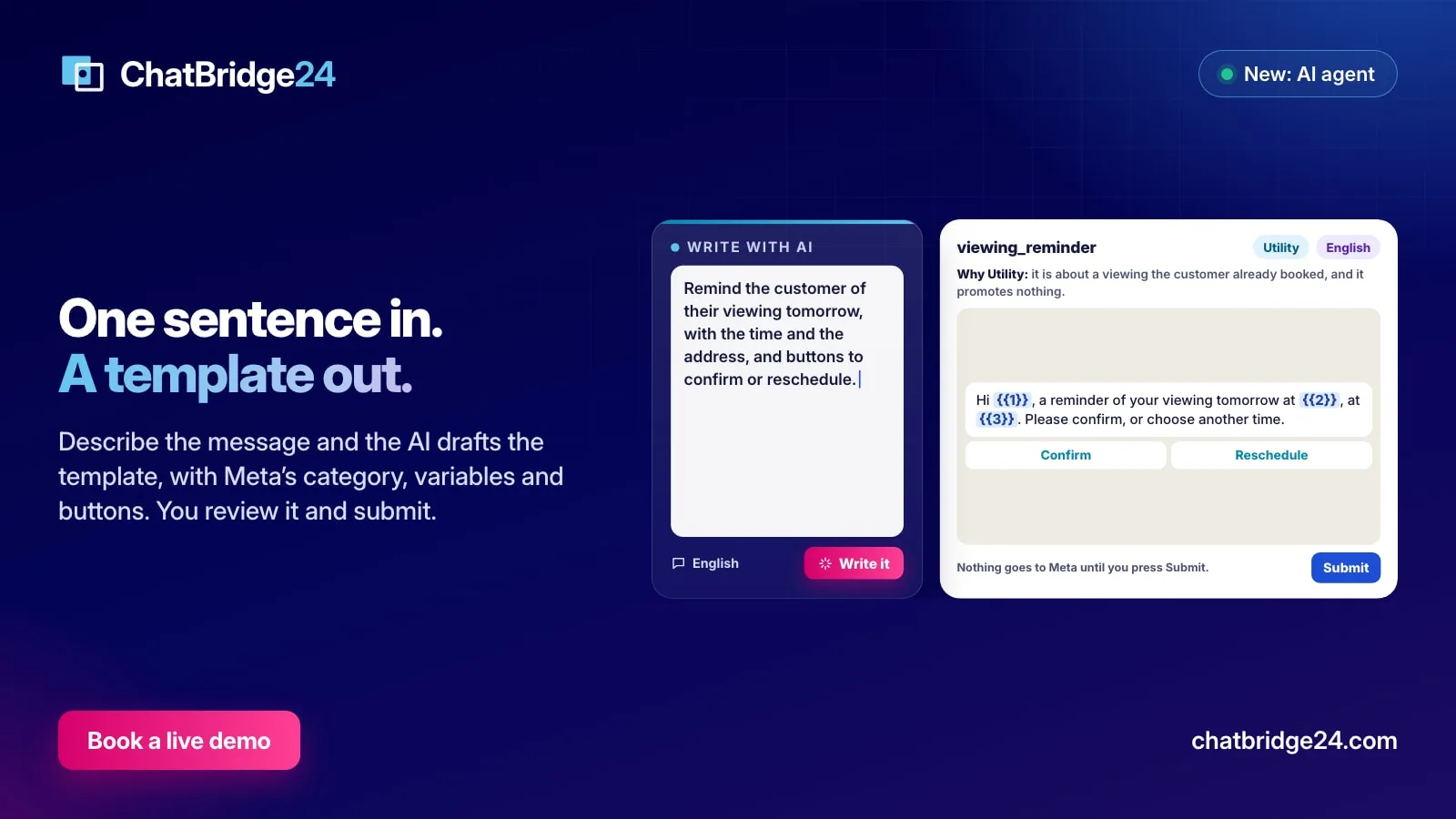
On the Templates tab of a WhatsApp Business API number, Write with AI opens a box. You describe what the message must do, the way you would brief a colleague:
Remind the customer of their viewing tomorrow, with the time and the address, and buttons to confirm or reschedule.
Choose the language, press Write, and a few seconds later the template editor opens with a complete draft. The same request works from the Ask AI button at the top of any page: “Write a template announcing our new branch in Arabic” opens the same editor for the number you name.
What the draft contains
The draft is a normal new template, in the shape Meta expects:
- A name, in lowercase with underscores, describing the message, such as viewing_reminder.
- A category, with a reason. Utility or Marketing, and one sentence telling you why it chose it.
- A body of up to 900 characters, with the personal or changing details as numbered variables: {{1}} for the name, {{2}} for the time.
- An example value for each variable, which Meta needs to review the template. The examples are invented, never a real customer’s name or number.
- A header and a footer when they help, each up to 60 characters. A promotional message gets a footer telling the customer how to stop receiving them.
- Up to three buttons. Quick replies such as Confirm or Reschedule it writes itself.
It follows Meta’s rules, so the draft is approvable
Most rejected templates break one of a handful of rules. The AI is given those rules every time it writes:
- A variable never starts or ends the body, and two variables never sit side by side.
- Utility is only for a message about something the customer already started: a booking, an order, an account, a payment, an appointment. It must not promote, persuade or offer anything. Anything else is Marketing.
- A link button is added only when you gave it the web address, and a call button only when you gave it the phone number. Otherwise it writes the detail as a variable or leaves the button out.
- It never invents a price, a date or a promise that your request and your business information do not give.
That last rule matters more than it looks. The AI also reads What it may tell customers from your AI agent settings, so a template about your opening hours uses the hours you wrote there instead of guessing.
You review it in the editor
The draft opens in the same WhatsApp message templates editor you already use, as a new template. Nothing has gone anywhere yet. You can change the name, rewrite a sentence, swap a button, add a header image, or throw it away. The live preview shows exactly how it will look on a phone.
When you are happy, Submit sends it to Meta for review, exactly as if you had written it yourself. That press, and only that press, is what reaches Meta. If WhatsApp later moves the template to another category, the Templates tab tells you, as it does for every template.
Better results from a better brief
The AI writes from your sentence, so a richer sentence gives a better draft. Four habits help:
- Say who receives it and why. “Customers who booked a viewing” tells it the message is Utility; “everyone on our list” tells it it is Marketing.
- Name the details that change. “with the time and the address” becomes two variables instead of a vague line.
- Give the links and numbers you want as buttons. Paste the web address or the phone number in the request.
- Ask for one template per purpose. A reminder and a promotion are two templates; Meta reviews and prices them differently.
Where it fits
Templates are where most WhatsApp Business API work starts: a template opens every WhatsApp marketing campaign, every automated reminder and every follow-up after the 24-hour window closes. With the AI writing first drafts, a template that used to take half an hour and a rejection or two takes a minute and a review.
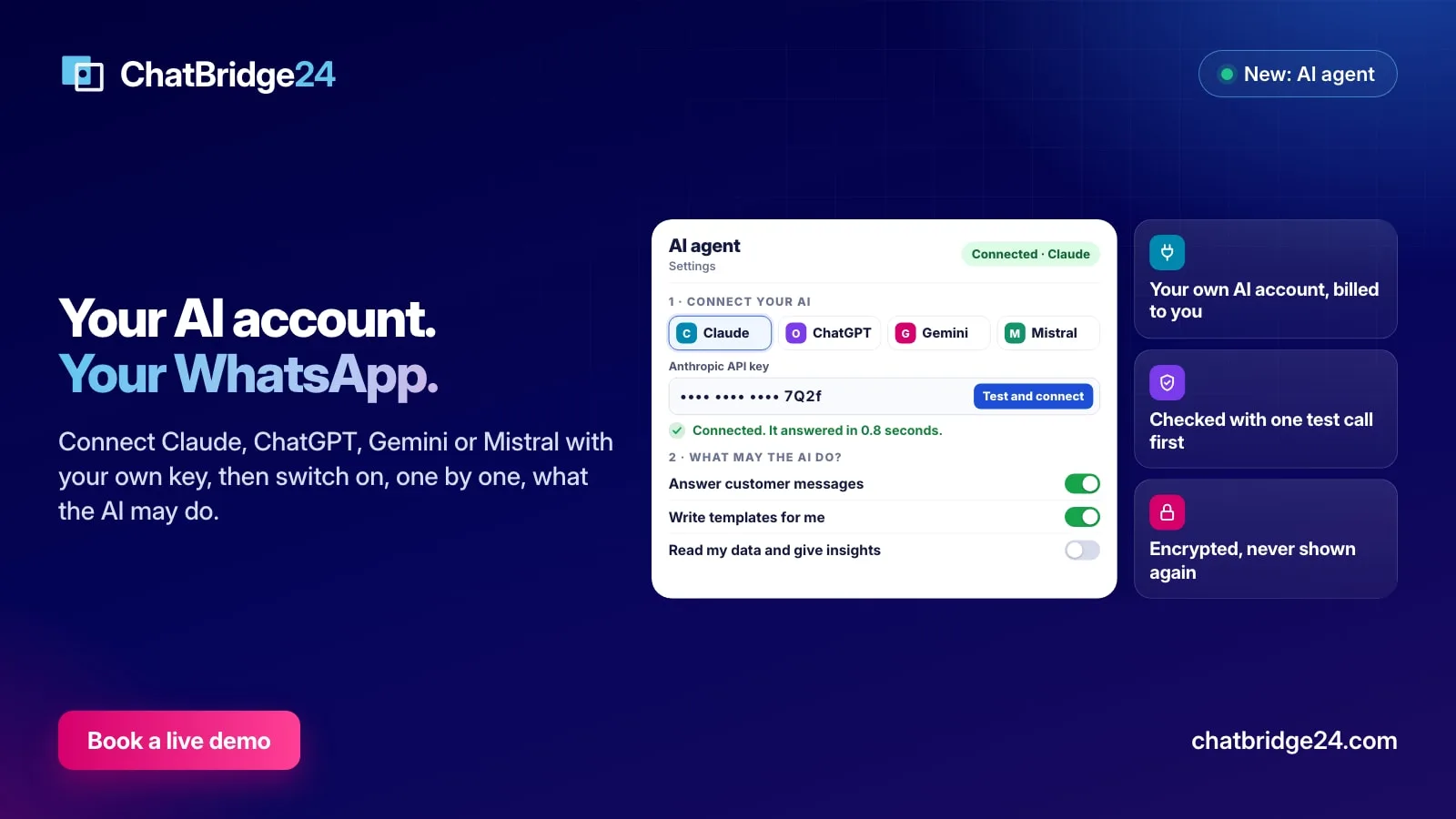
Write templates for me is one of the jobs you switch on under Settings, AI agent, using your own AI account. It works the same in the Bitrix24 WhatsApp integration and in the standalone WhatsApp workspace, and for this job your AI company receives only your sentence, your number’s business name and what you wrote under What it may tell customers; our WhatsApp data protection page lists it among the services that receive data. Each draft counts one action against the monthly limit you set, and every draft it wrote is listed under What the AI did.
ChatBridge24 is built by Saabsoft, an official Bitrix24 Dubai partner. Its Bitrix24 UAE team can review your first templates with you, or you can book a live demo and write one live.
Common questions
Does the AI submit the template to Meta?
No. The draft opens in the template editor as a new template. You can change any word, and Submit in the editor is the only way it reaches Meta for approval.
How does it choose between Utility and Marketing?
It follows Meta's own rule. Utility is only for a message about something the customer already started, such as a booking or an order, and it must not promote anything. Anything that promotes, invites or announces an offer is Marketing. It explains its choice in one sentence.
Can it add buttons and links?
Up to three buttons. Quick replies it can write itself; a link or a phone number button is added only when you gave it the address or the number, because it never invents one.
Which languages can it write in?
Any language your template uses. You pick the language when you ask, and you can ask again for each translation.