
The archive, page 2
Older articles on the WhatsApp Business API, Bitrix24 and automation. Page 2 of 3.
 WhatsApp Business API
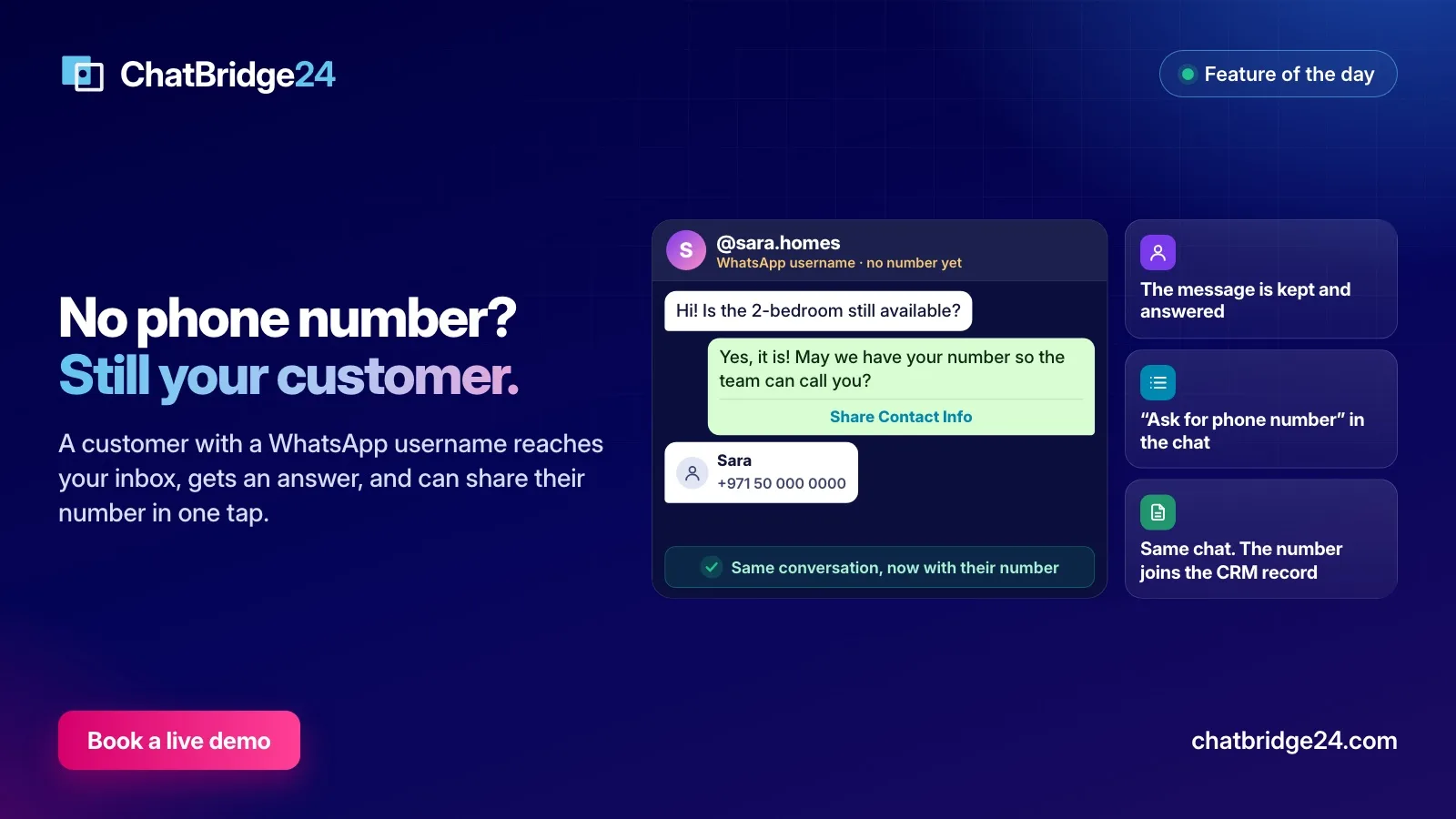
WhatsApp usernames: how to keep answering customers who hide their phone number
As WhatsApp usernames roll out, some customers reach you with no phone number at all. Here is what changes for a business, and how ChatBridge24 keeps, answers and identifies them.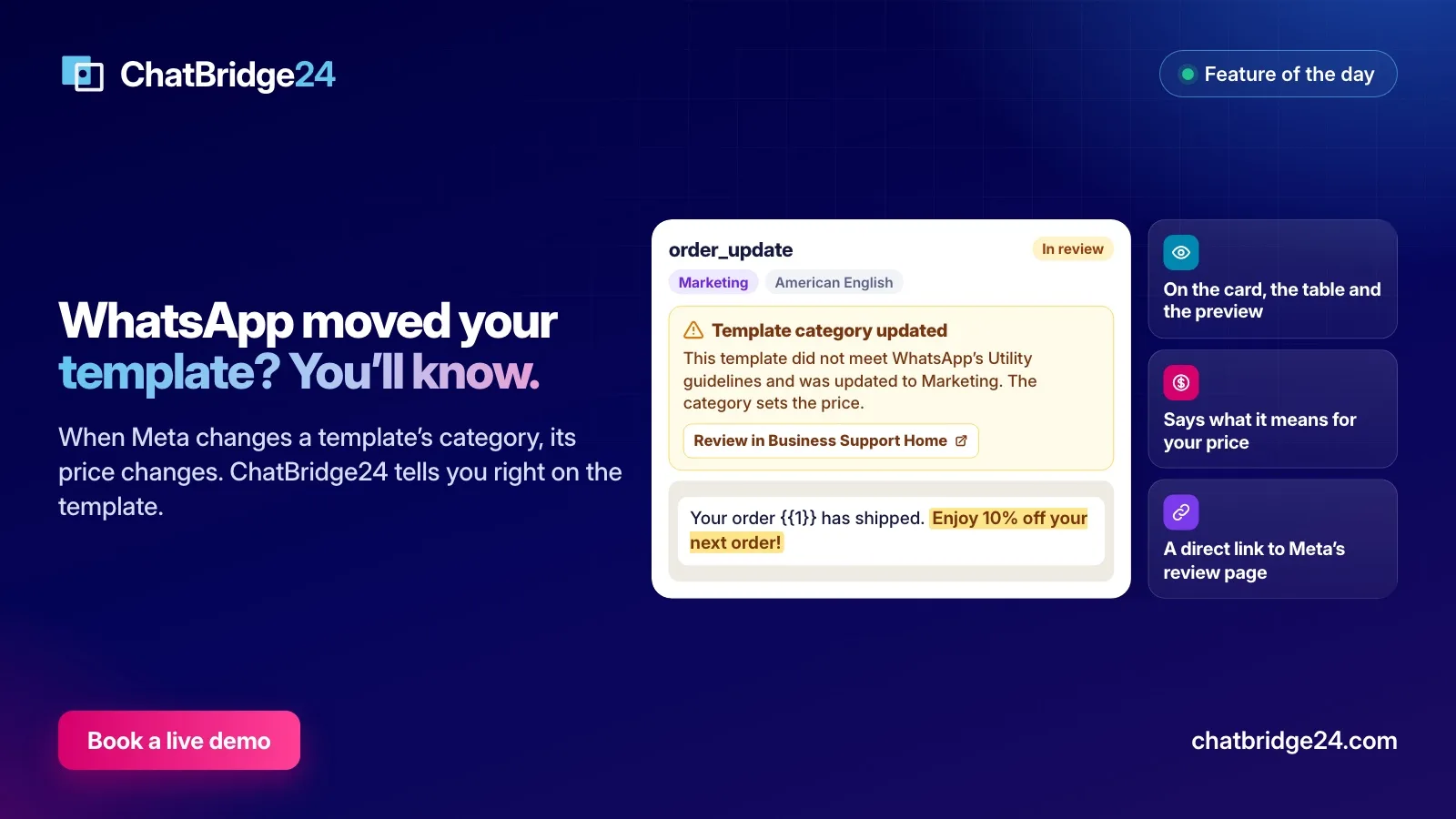 WhatsApp Business API
WhatsApp moved your template from Utility to Marketing: what it means and what to do
Meta can move a Utility template to Marketing, even while it is in review. Here is why it happens, what it does to your price, how ChatBridge24 shows it and how to ask for a review.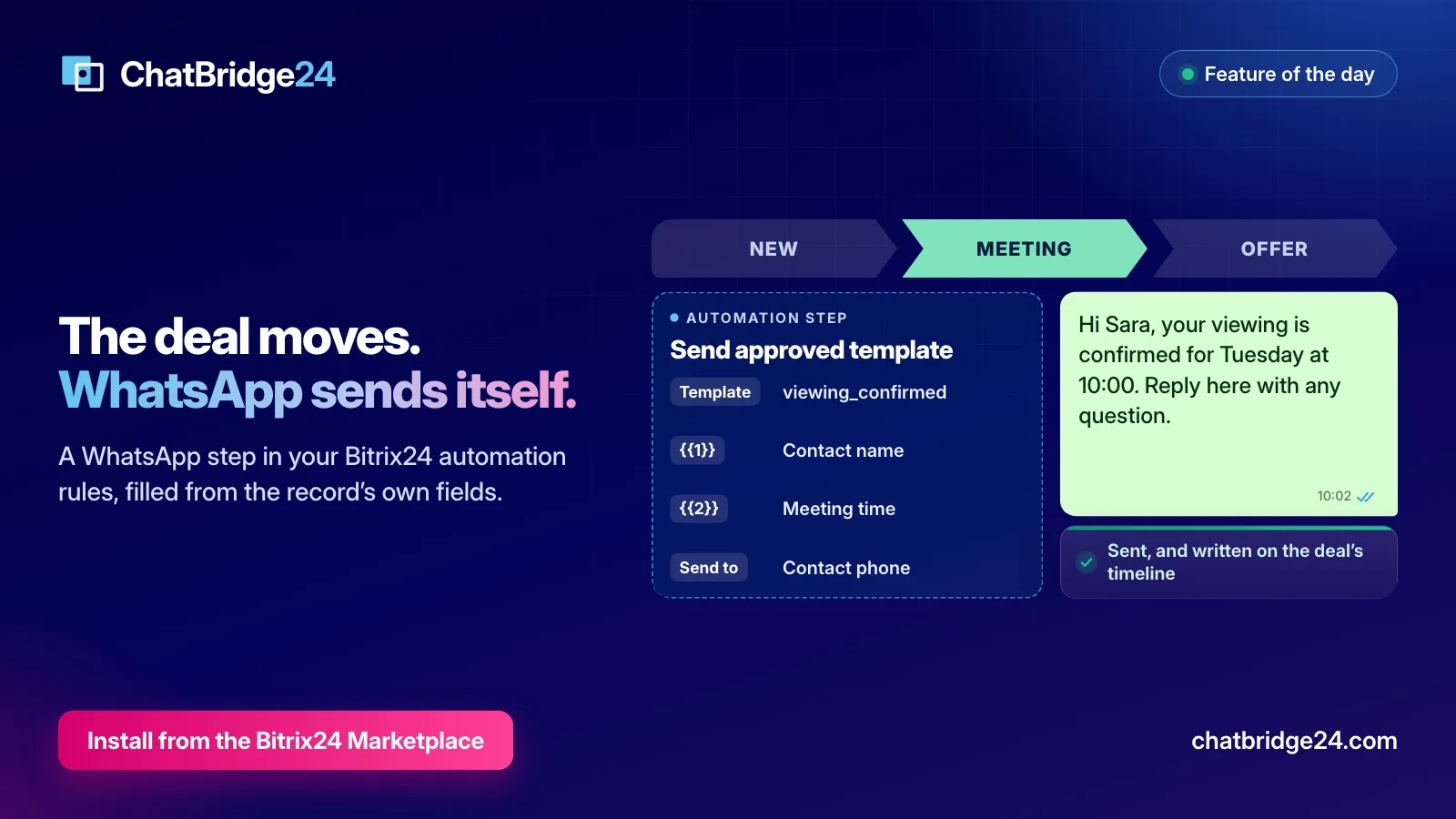 Automation
Send WhatsApp automatically when a Bitrix24 deal moves stage
Add a WhatsApp step to your Bitrix24 automation rules: an approved template, filled from the record's own fields and written on its timeline, every time a lead or deal moves.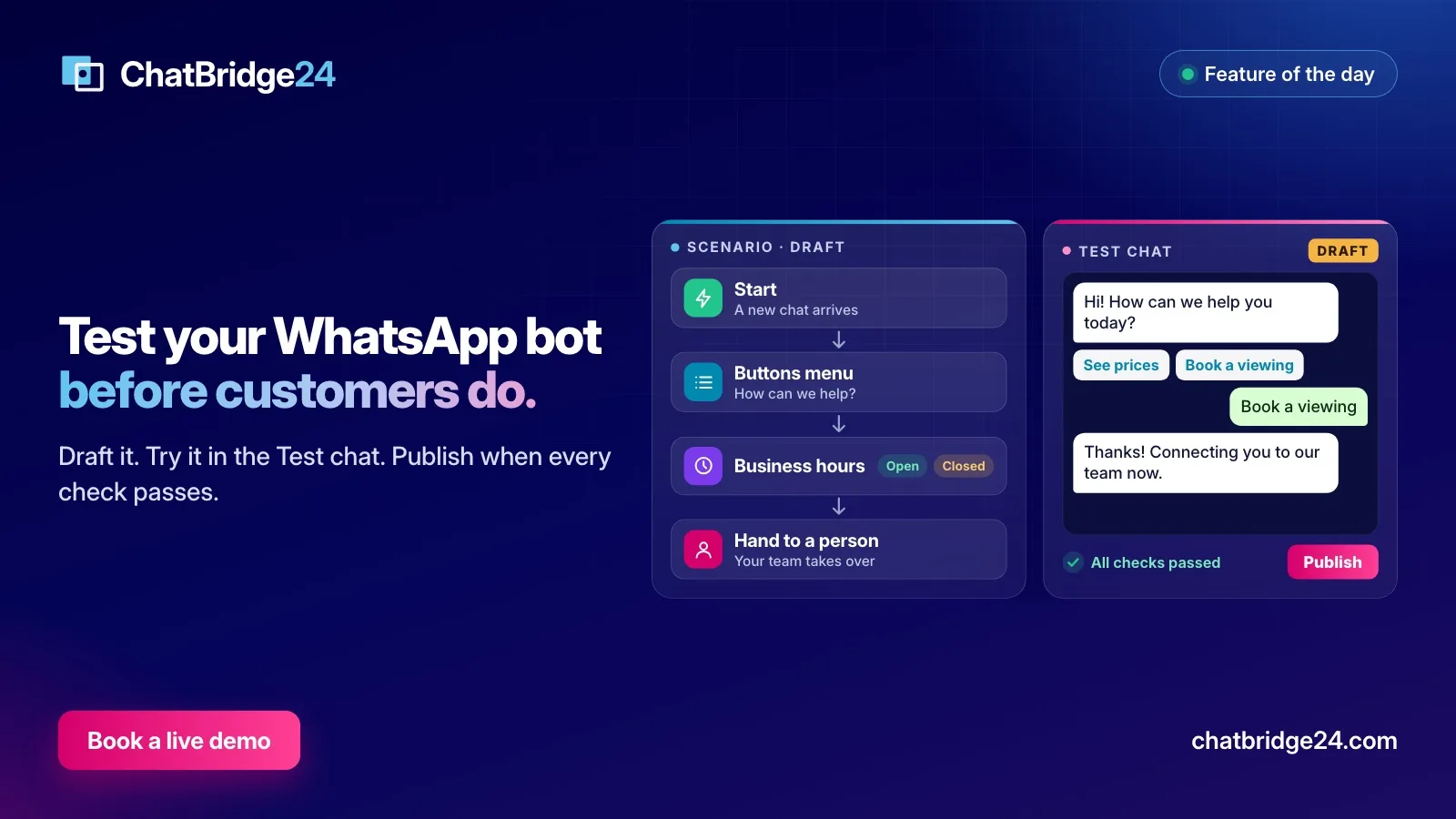 Automation
Test your WhatsApp bot before a customer sees it: draft, Test chat and publish
A bot that goes wrong goes wrong in front of customers. Here is how ChatBridge24 lets you build in a draft, try every path in the Test chat and publish only when the checks pass.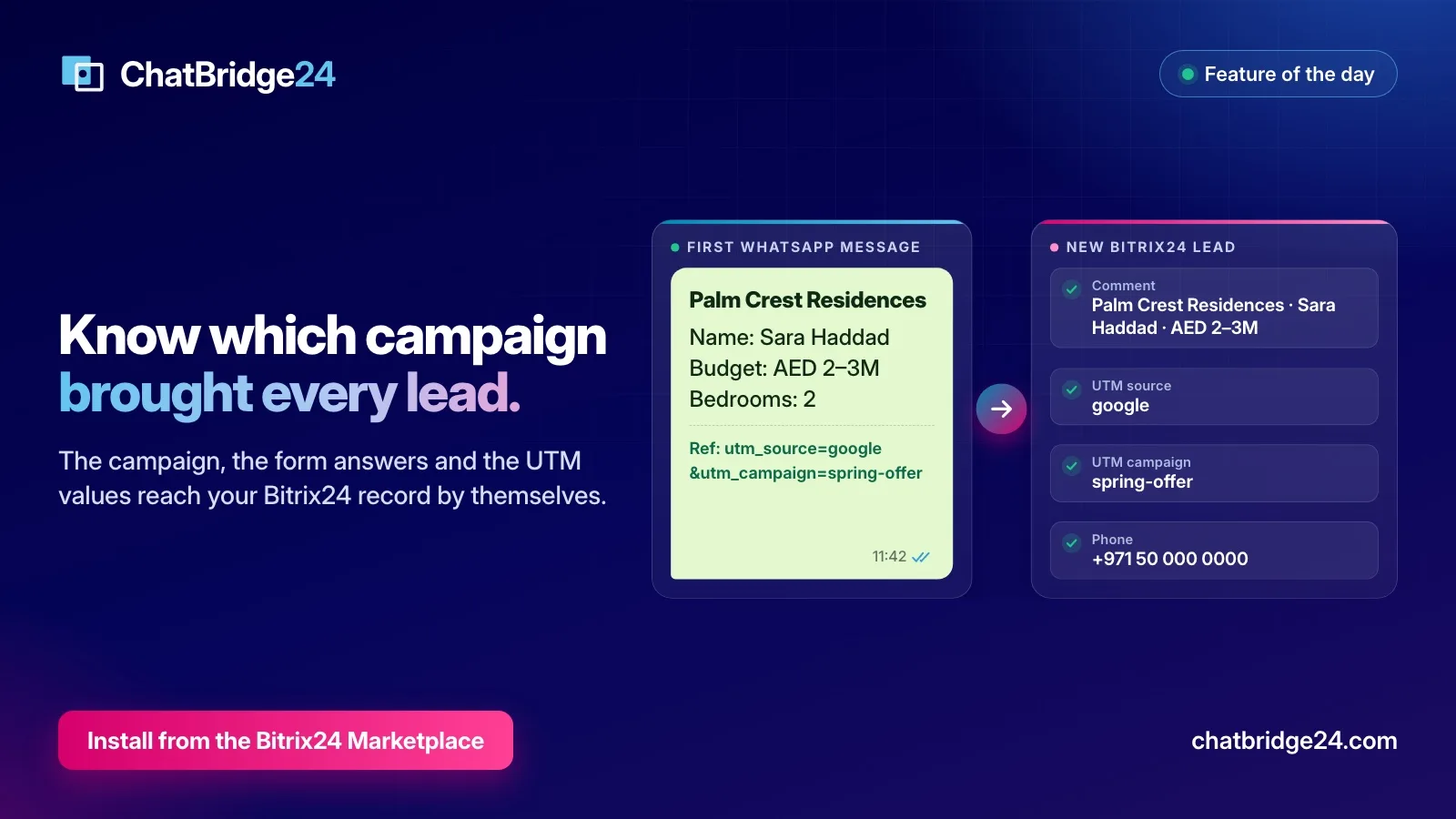 Guides
WhatsApp lead source tracking: how the campaign and form answers reach your CRM
A WhatsApp lead usually arrives with no source. Here is how ChatBridge24 reads the campaign, the form answers and the UTM values from the first message and writes them onto the Bitrix24 record.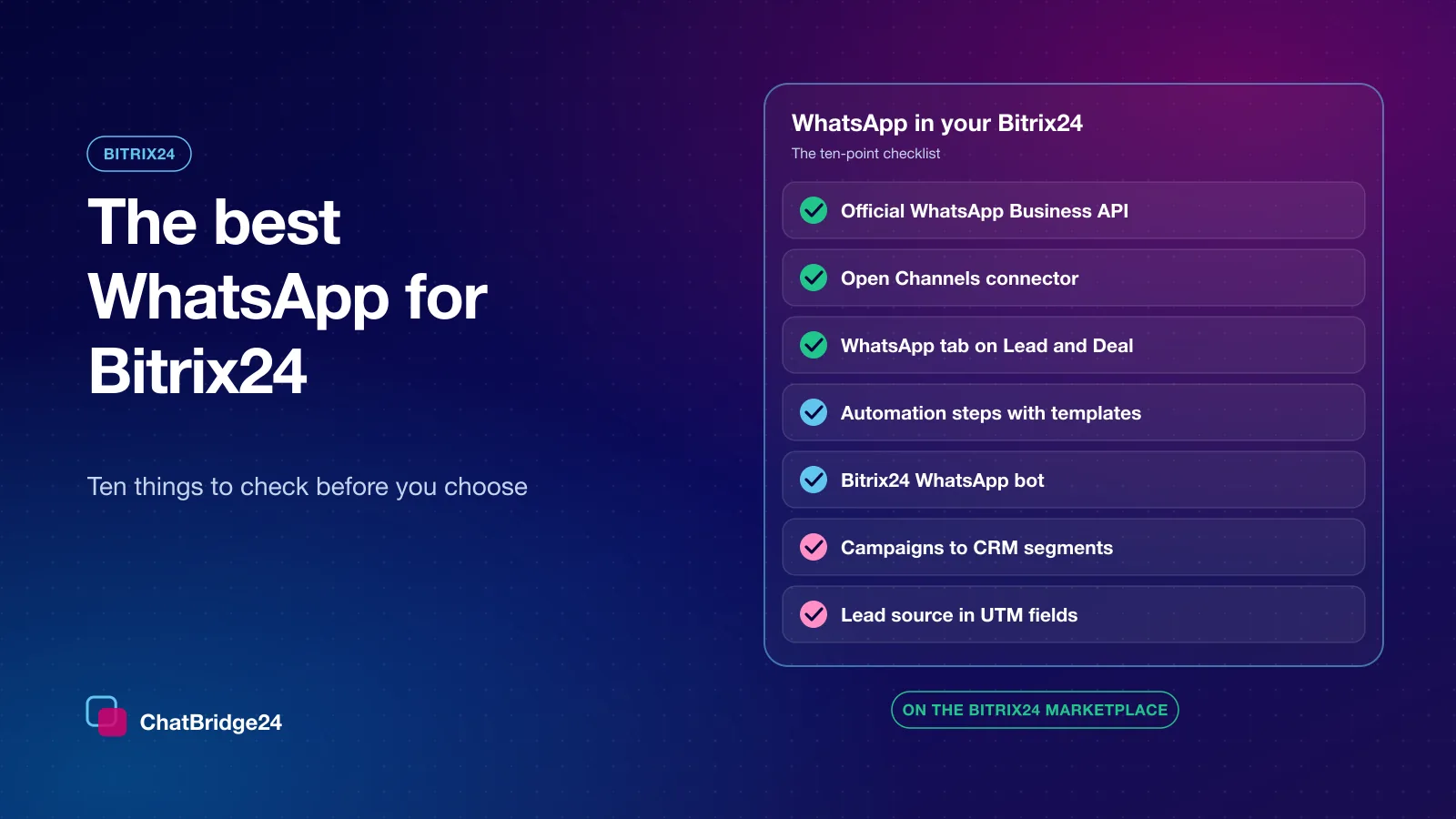 Bitrix24
The best WhatsApp for Bitrix24: 10 things to check before you choose
Open Channels, a WhatsApp tab on every CRM record, automation steps, a bot, campaigns to CRM segments and lead tracking: the ten questions to ask of any WhatsApp setup for Bitrix24, and how ChatBridge24 answers each one.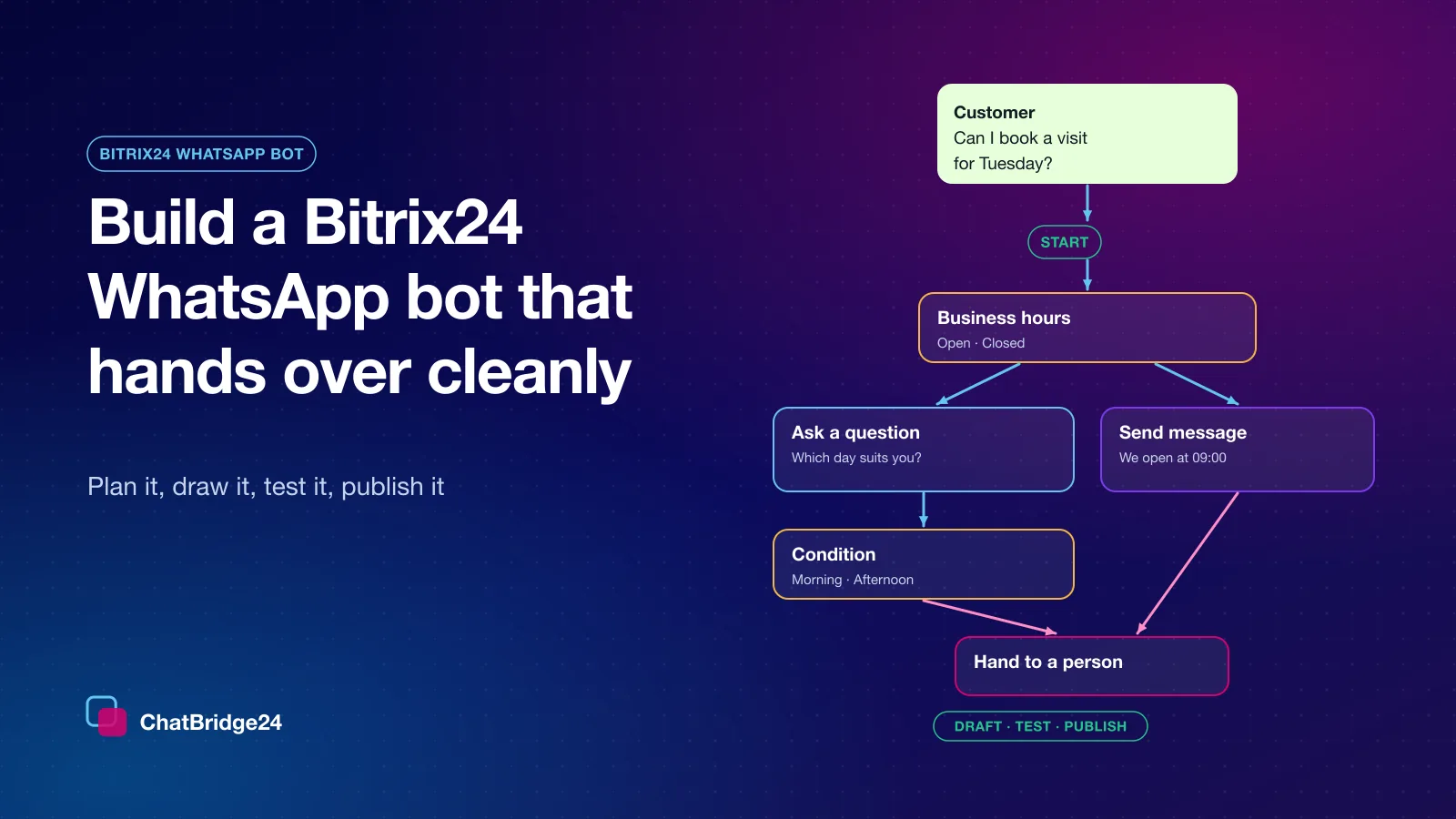 Bitrix24
 WhatsApp bot: build one that qualifies leads and hands over
A step-by-step guide to the Bitrix24 WhatsApp bot: plan the conversation, the blocks you will use, a complete worked example, the hand-off to your Open Channels team, WhatsApp's rules and a launch checklist.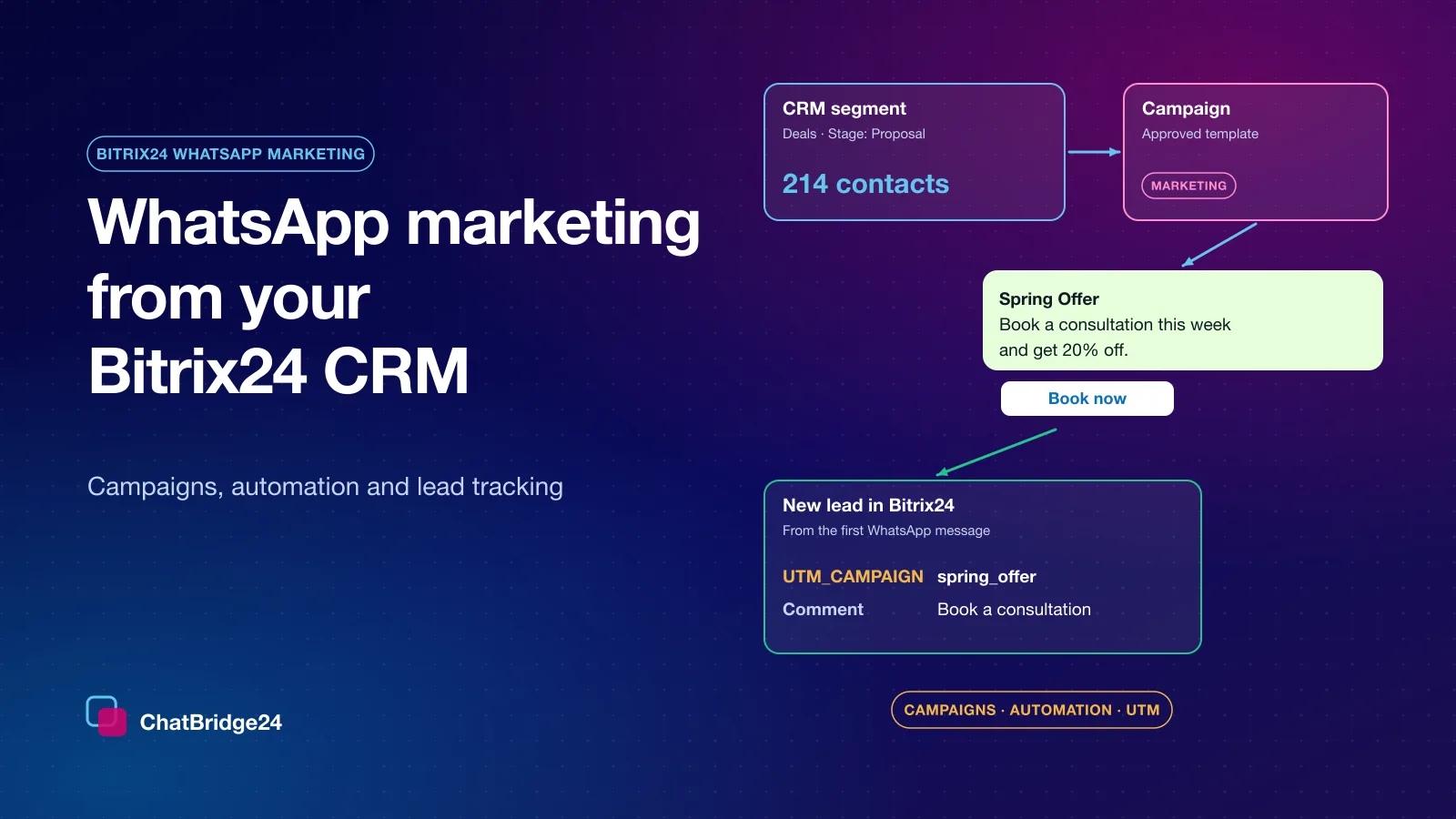 Marketing
Bitrix24 WhatsApp marketing: campaigns, automation and lead tracking
How to run WhatsApp marketing from Bitrix24: approved templates, campaign audiences built from your CRM, automation steps by deal stage, a bot for the replies and UTM lead tracking — with a first-month plan.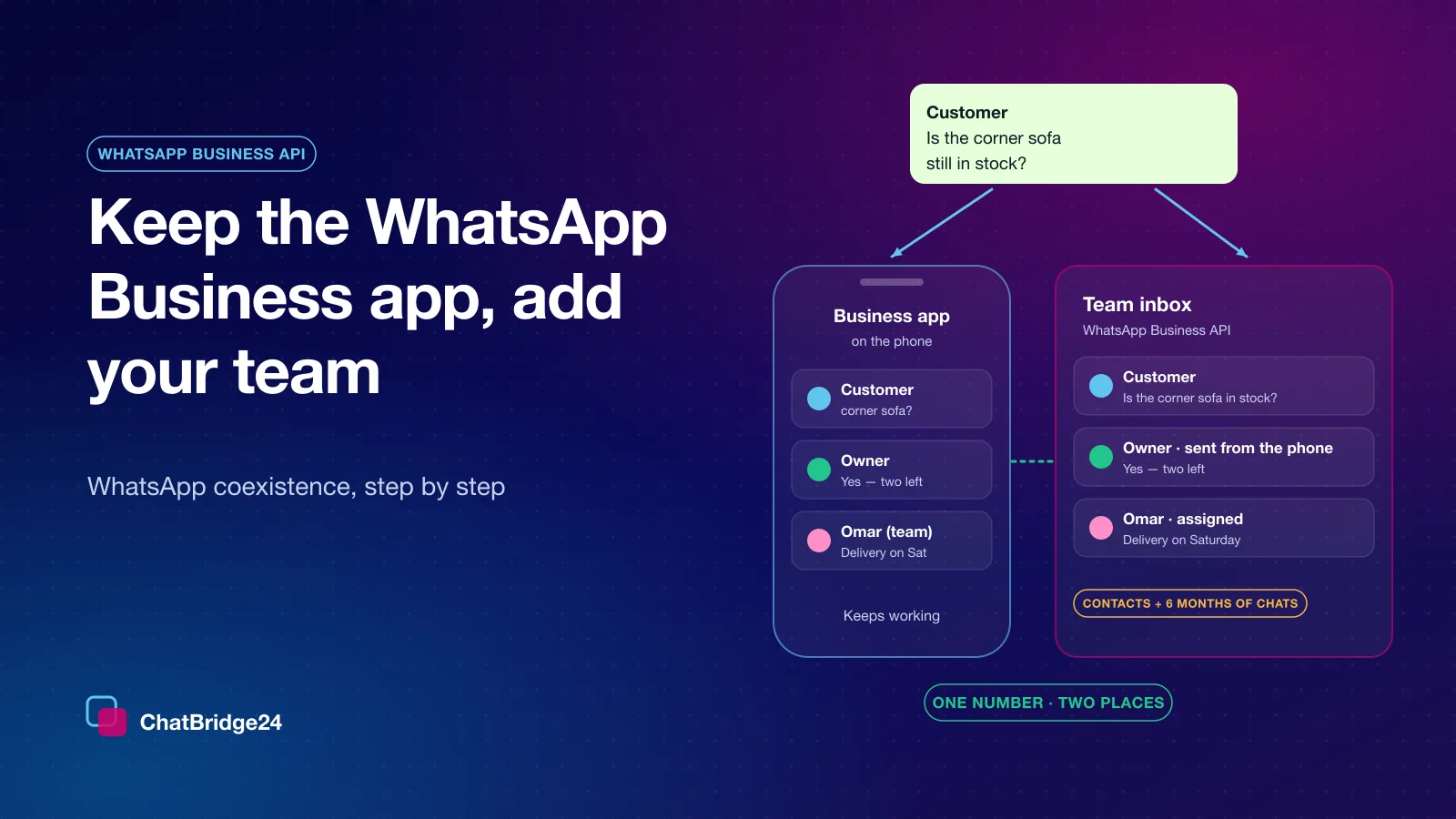 WhatsApp Business API
WhatsApp coexistence: keep the Business app and give your team the same number
Your number no longer has to choose between the WhatsApp Business app and the platform. How to connect it in about ten minutes, what arrives in the first 24 hours, what changes on the phone and the limits Meta sets.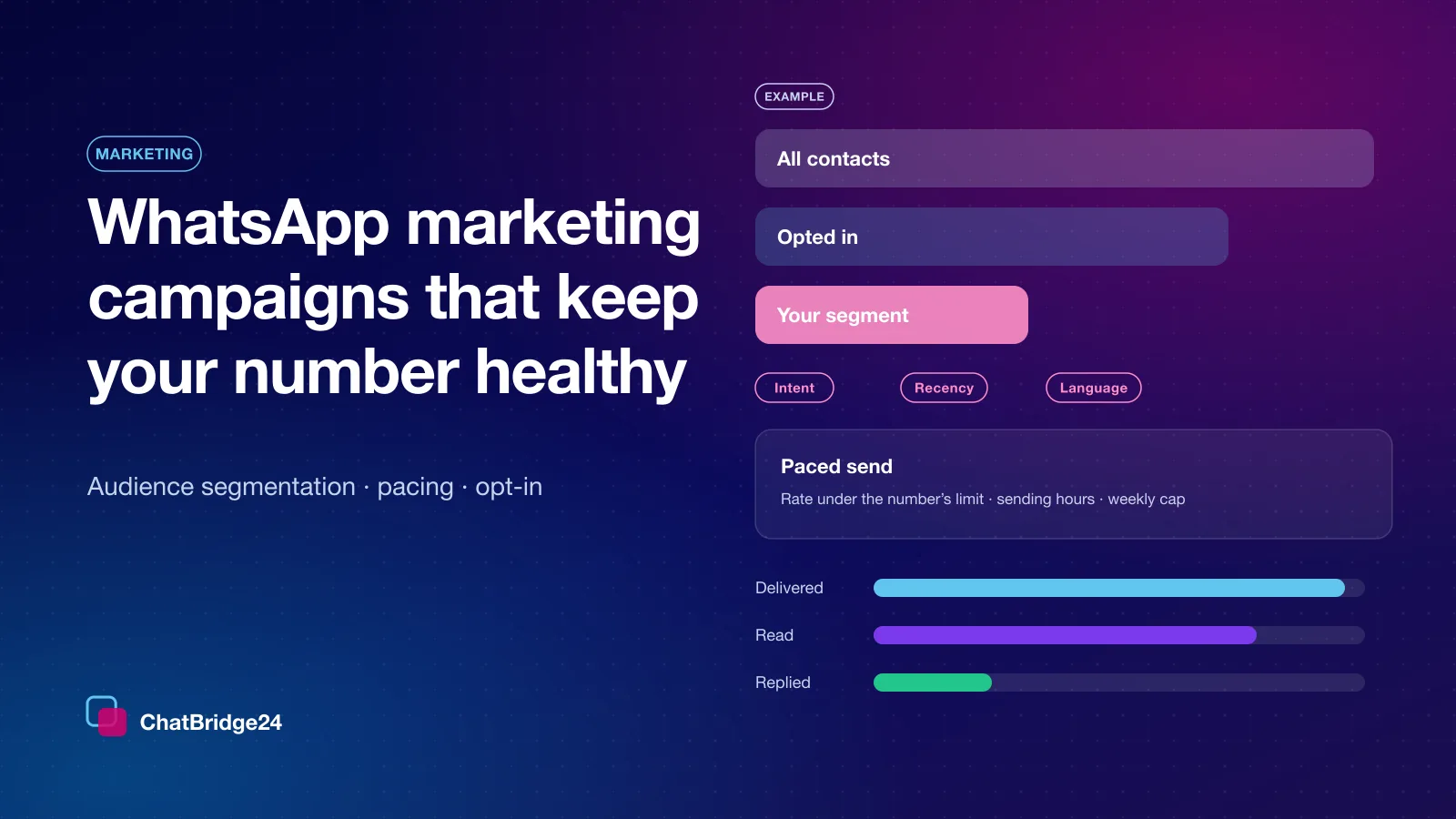 Marketing
WhatsApp marketing campaigns that keep your number healthy: consent, audience segmentation and pacing
WhatsApp is the best-read marketing channel most businesses have, and the easiest to damage. Consent, audience segmentation and pacing are what keep campaigns working for months, not one launch.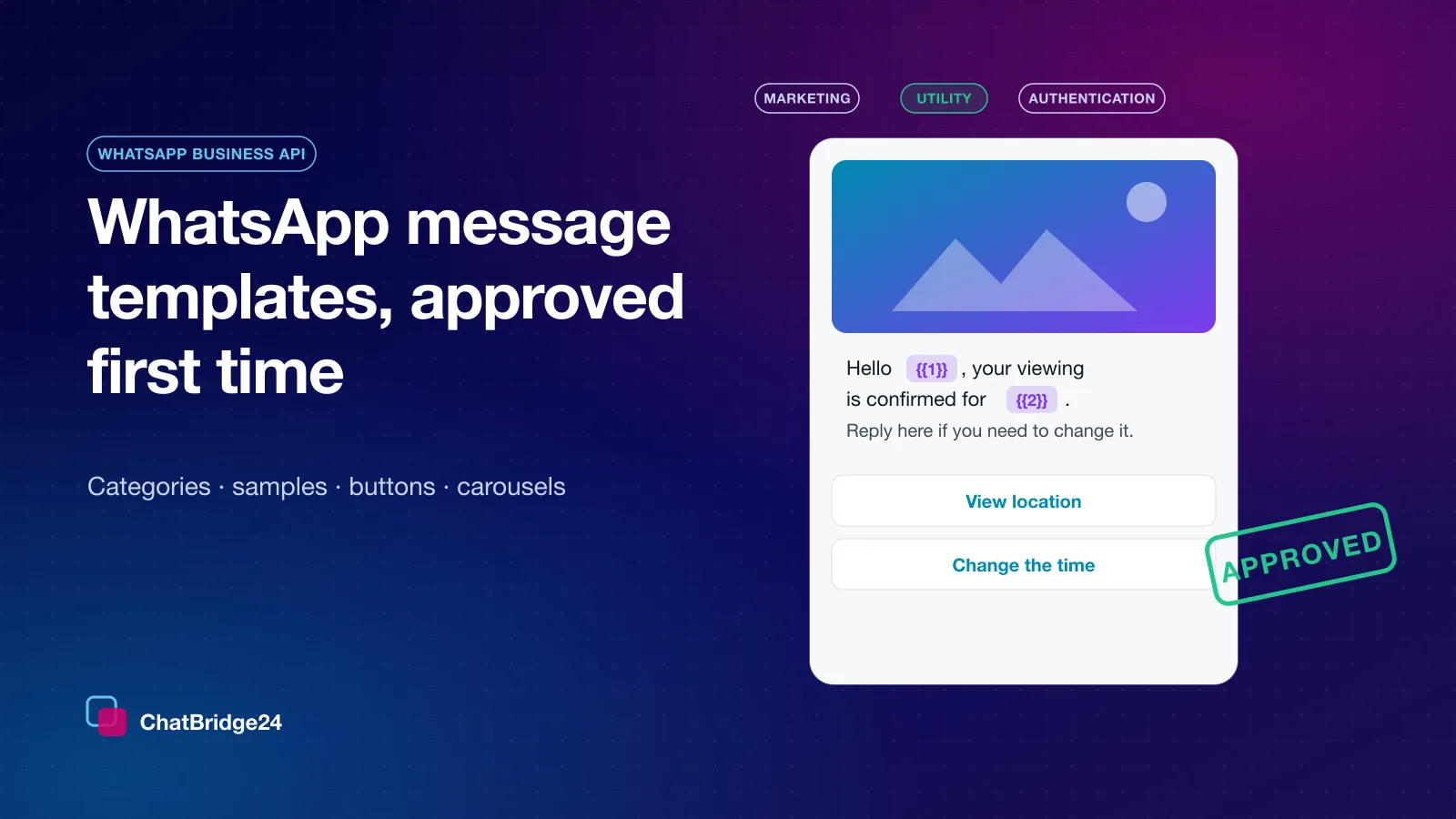 WhatsApp Business API
WhatsApp message templates: how to get them approved the first time
Outside the 24-hour window, an approved template is the only way to reach a customer. The three categories, the rejection reasons that cost the most time, and the formats that pass review. Guides